Start a task
Begin from an issue, a workflow or a question, in one draft that turns into a session when you press Start.
How do you want to start?
The New session draft has three tabs: Pick up a task, Run a workflow and Ask an agent. Discard draft throws it away. The draft becomes a session only when you press Start, so empty sessions do not pile up.
Pick up a task, with a drafted brief
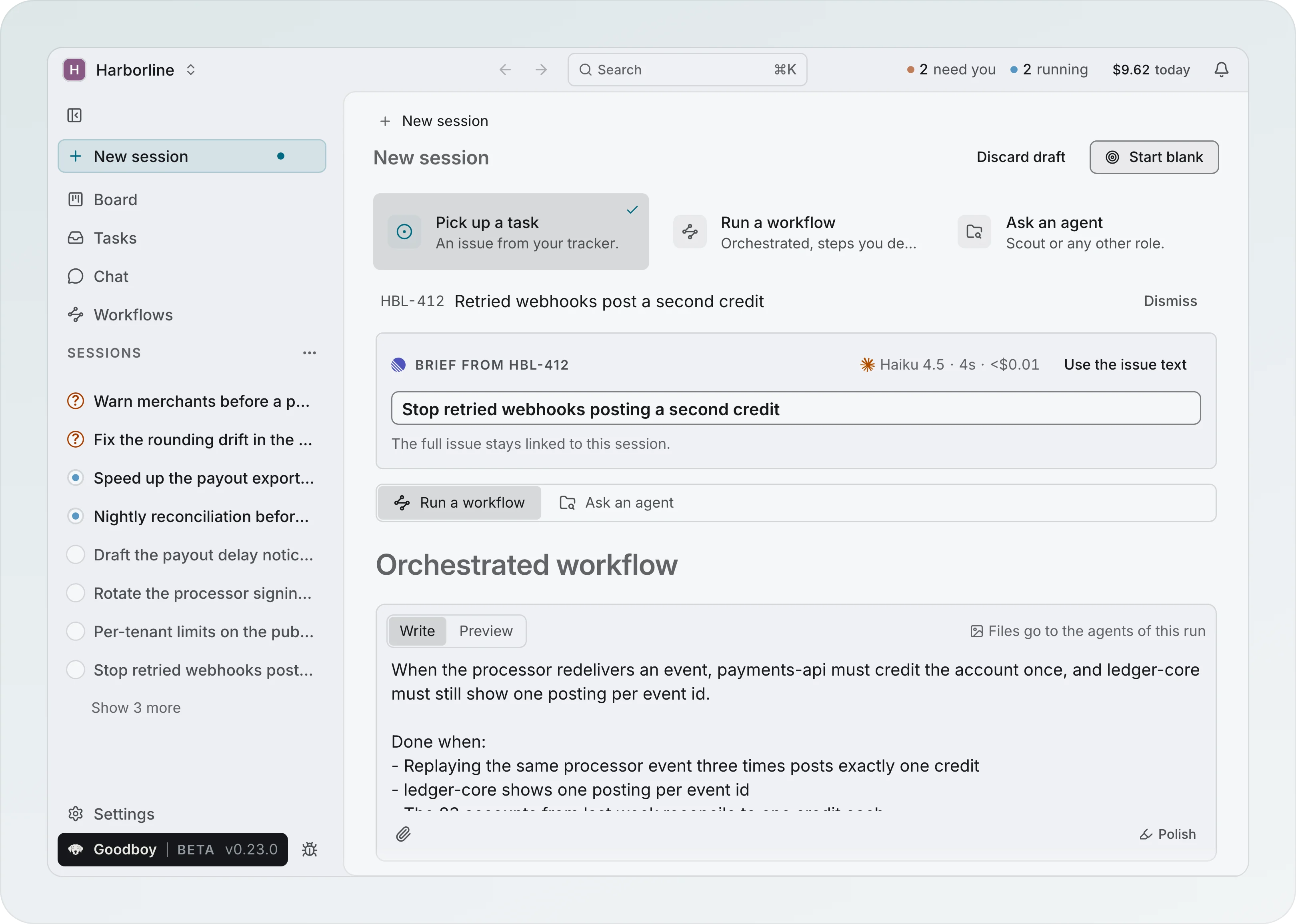
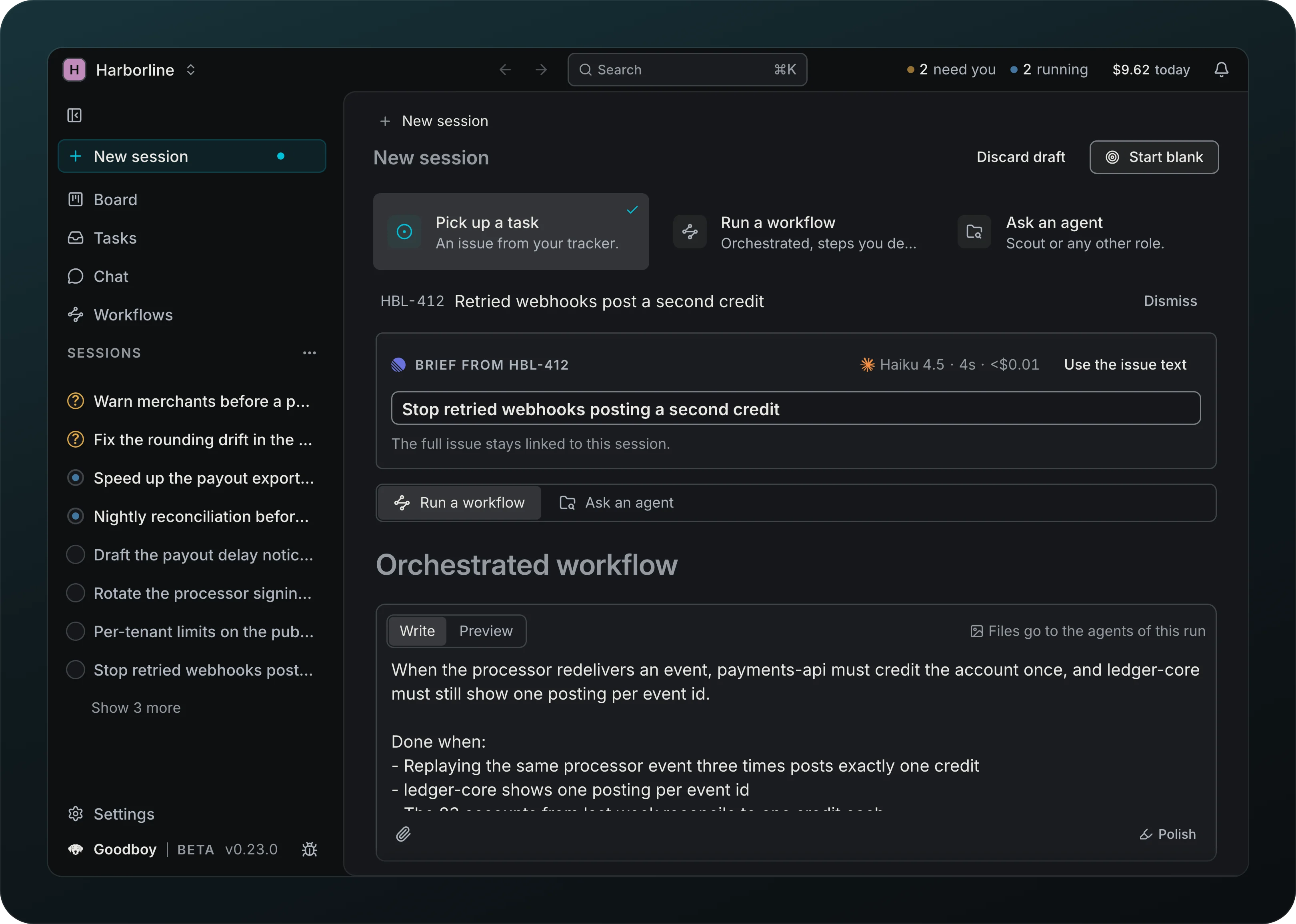
Screenshot from Goodboy 0.23.0
Turn an issue into a briefed session in one pick. Pick HBL-412 and the draft shows one block: Brief from HBL-412 with the title Goodboy drafted, ready to edit, then How to work on it: the project it works in, Run a workflow or Ask an agent, and the goal under it. The goal starts as the issue text and becomes the drafted brief with its Done when criteria as soon as it is written, unless you already edited it. Use the issue text puts the plain issue back and Use brief brings the draft back. Dismiss returns to the list. A Sentry error or a GitHub issue opens in the project it belongs to, and one Start from HBL-412 links the issue, creates the session and starts the work, with a Follow toast.
From Tasks the same flow starts in one press: Start from HBL-412 on a Linear, Jira, GitHub or GitLab issue or a Sentry error opens this draft with the issue picked and its brief already being written. A Slack thread, a merge request, a Bitbucket pull request or a pull request of yours keeps its one-step panel, with the same verb: Start from #318.
Review a pull request
A pull request waiting on you in Tasks shows Review pull request in place of Start. It starts a session on the pull request, with a read-only PR reviewer and the pull request checked out, and opens the Pull request tab of the Branch page, where Write review waits. Paste a GitHub pull request link in the search box of Pick up a task and one row, Review pull request #318, does the same. GitLab and Bitbucket reviews are not started this way.
Run a workflow
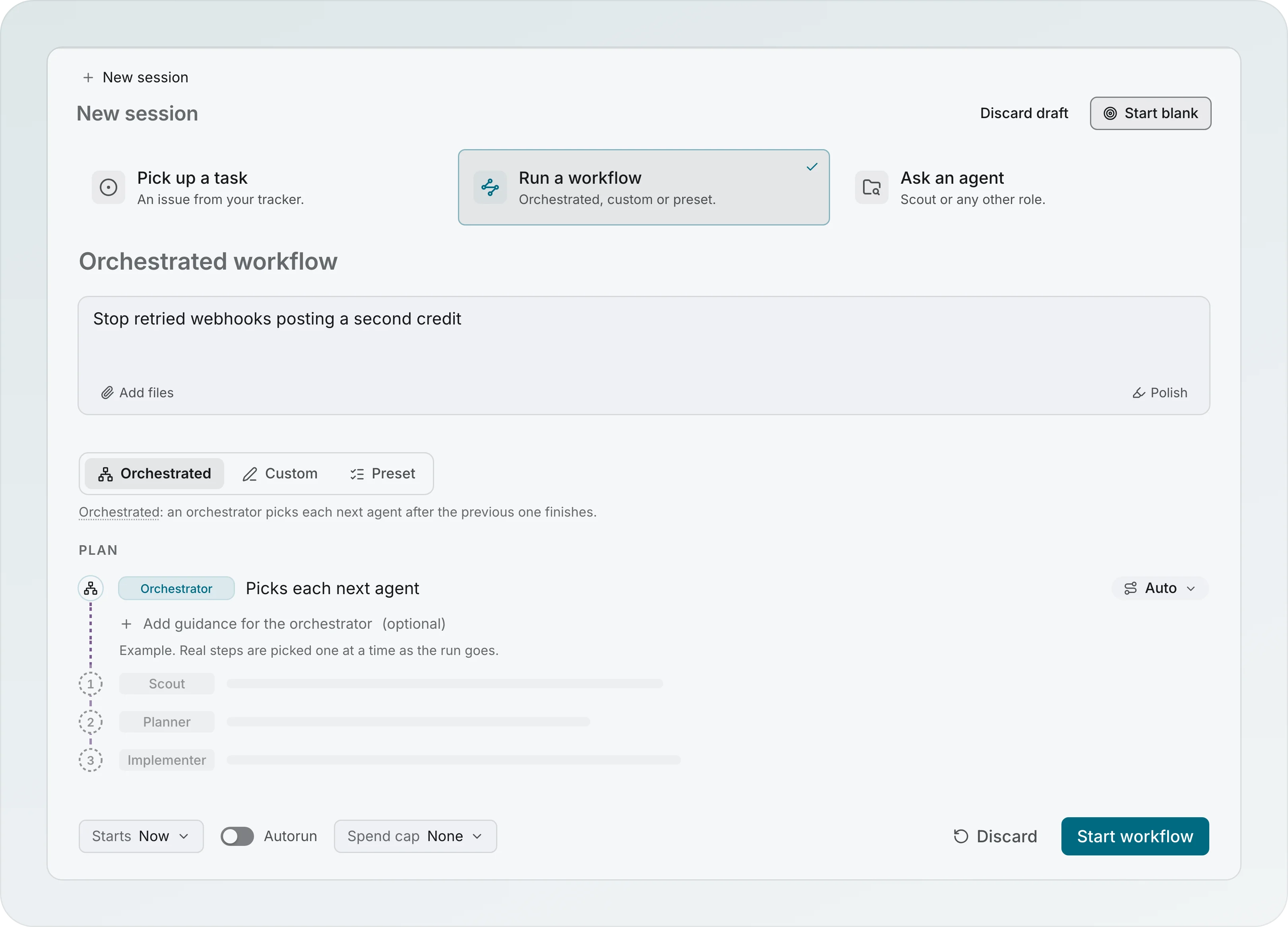
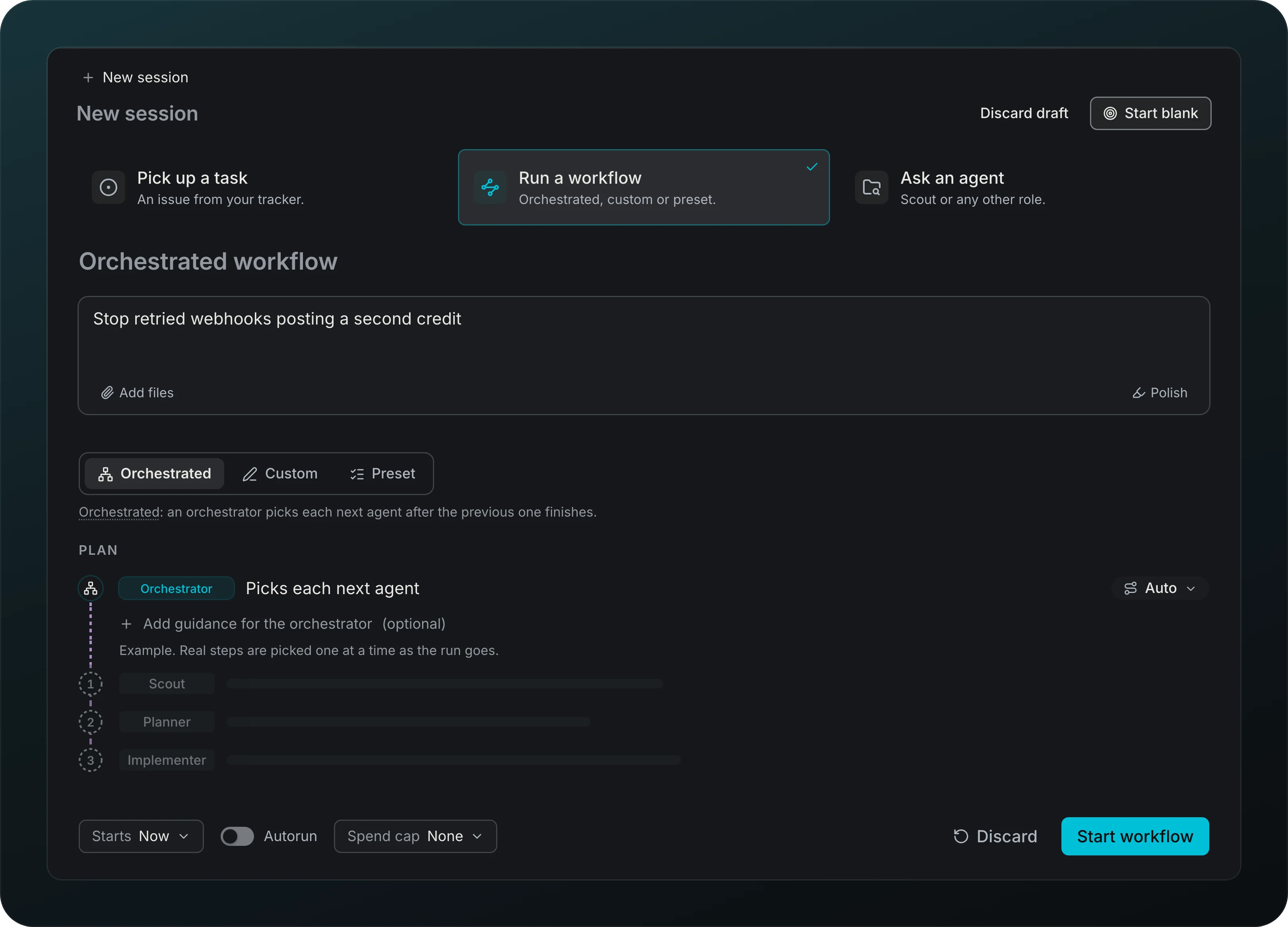
Screenshot from Goodboy 0.15.2
The full workflow builder, right in the kickoff. Write the goal, pick Orchestrated, Describe steps or Pick a workflow, and read the Plan you will run. Under the plan, set Starts, when to ask and a Spend cap. Start run creates the session and starts the run in one step.
Ask an agent
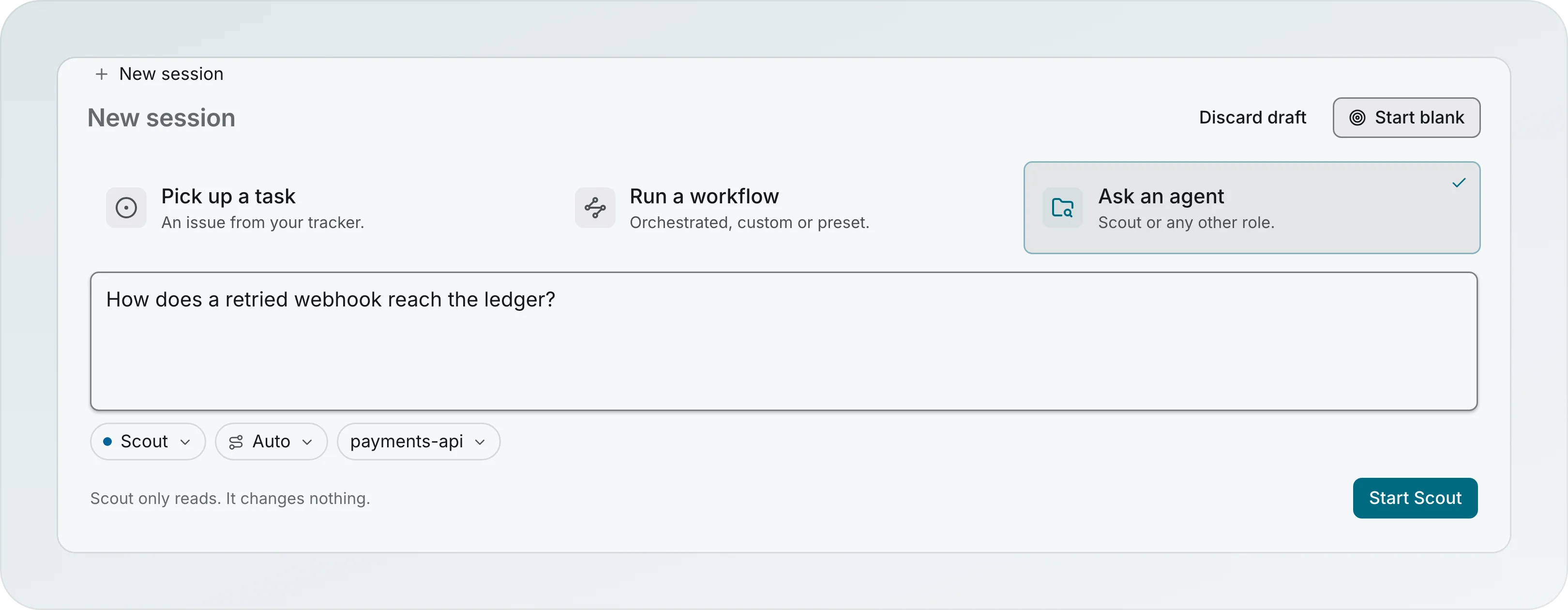
Screenshot from Goodboy 0.13.1
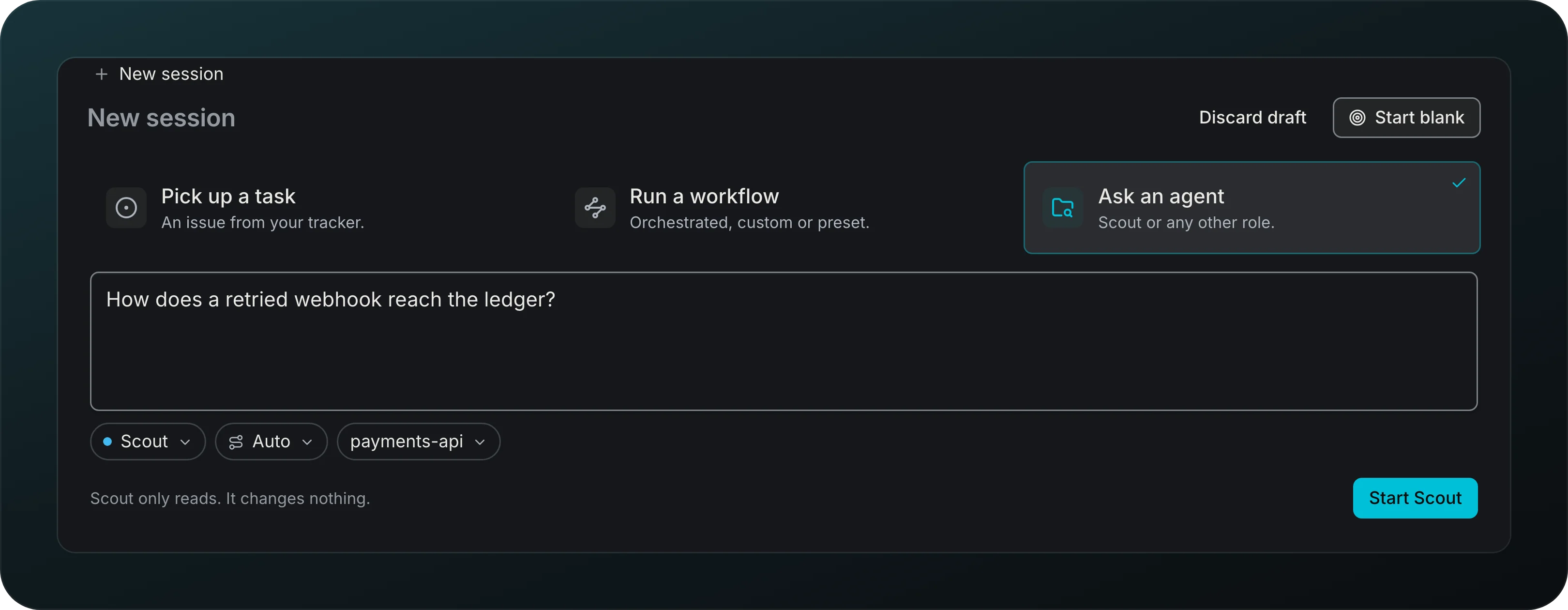
Map an unfamiliar repo before you plan. Scout is the default and only reads, so it changes nothing. Type an area, a file or a question, choose the model and the project, and press Start Scout. With an empty field it runs on the whole project. On a broad question the scout can split the search by area, and one report merges what the child scouts found.
Start blank
Start from the goal instead. Start blank sits in the header of every tab and opens the session straight on its Overview, where you add the goal, projects and work.
Named by Goodboy
Get a short title without writing one. A new session is named for you and marked Named by Goodboy until you rename it.
Undo an unlink
Linked task chips open the task directly. Their unlink control appears on hover or keyboard focus. Put on a branch is visible on the branch row, and Link work is the single verb for adding a link. Unlink acts immediately with a 10-second Undo toast; Cmd+Z also undoes the latest app operation outside text fields. Session unlink removes every branch placement as one operation, and Undo restores the entire snapshot atomically. A later re-link makes Undo do nothing and say why. The unlink event keeps Re-link.
Activity shows each linked task once, even across several branches. Tasks with the same issue number in different projects keep separate rows.