Providers, limits and cost
Watch how much of each plan is left, keep work moving when a provider runs out, and see what it all costs.
Usage limits chip
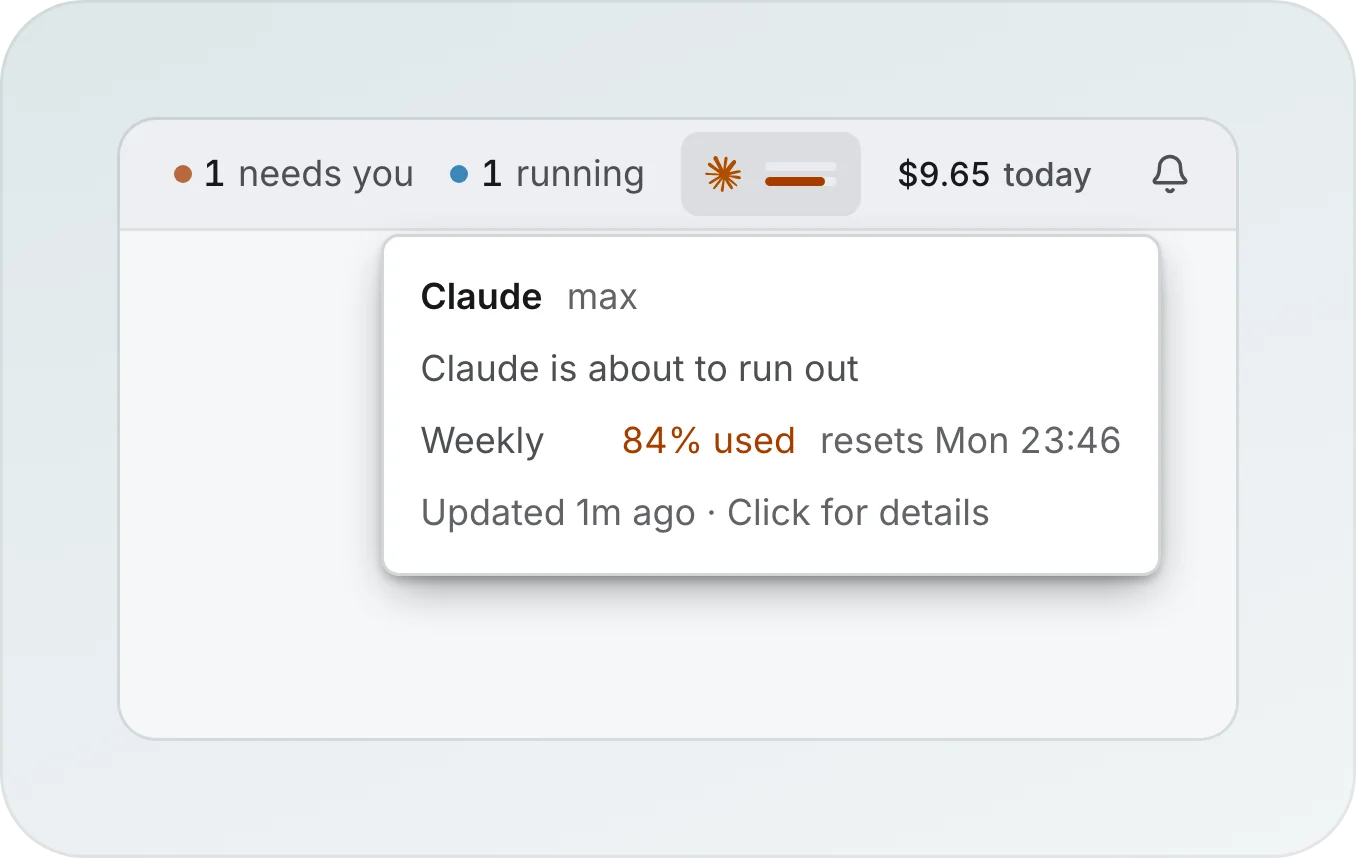
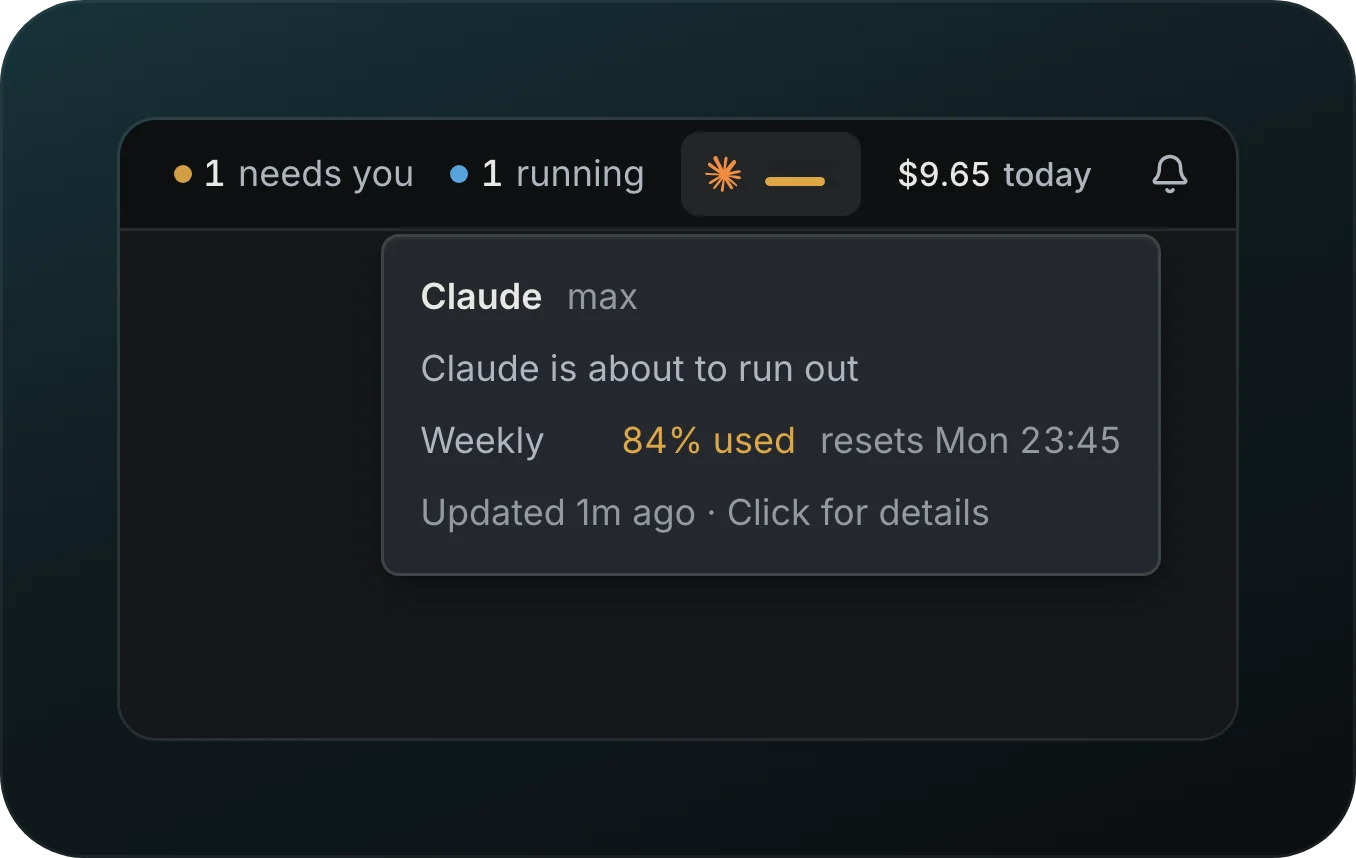
See how much of your Claude and Codex plans is left before a run stops. Each provider gets a chip in the top bar that draws the 5-hour window and the week as two bars: amber from 80%, red and full at 100%, faded when the figures are old. Hover a chip, as in the picture, to read the plan, how much of each window is used and when it comes back, and click it to open the providers menu right under it. When more providers report than fit the bar, the last chip names them (+2 providers) and takes the tone of the worst one. Checking Claude spends no model tokens: Goodboy runs Claude's own /usage in an empty folder.
Use reset
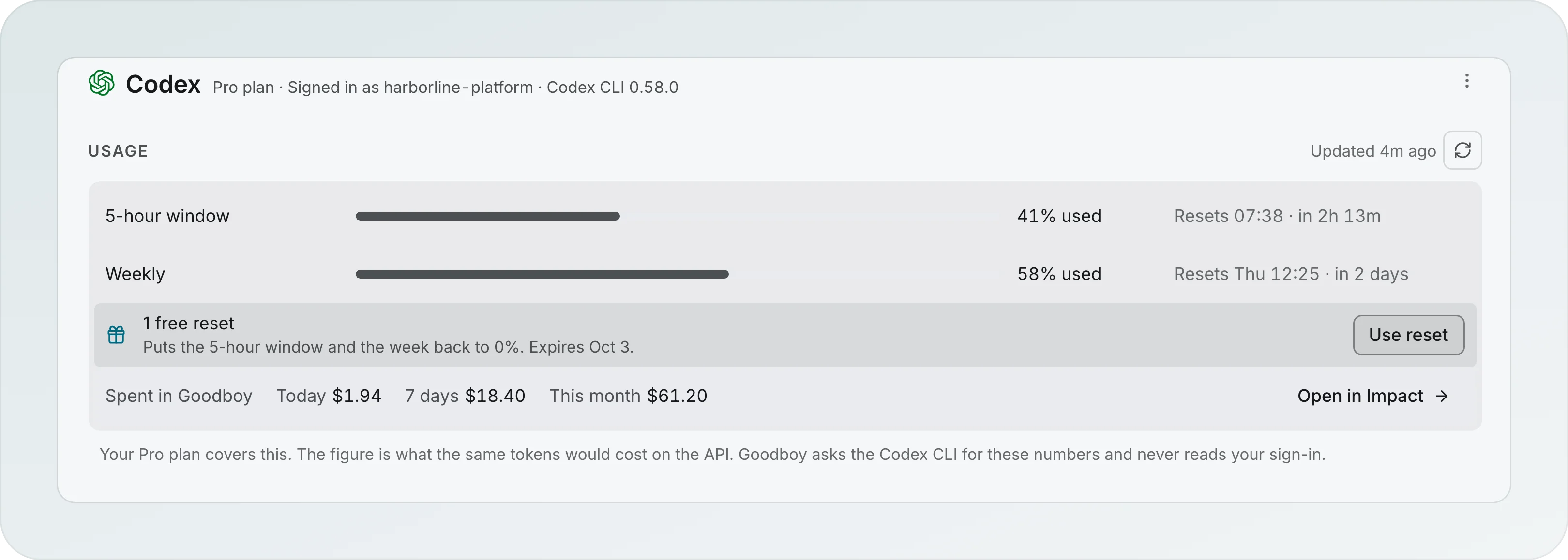
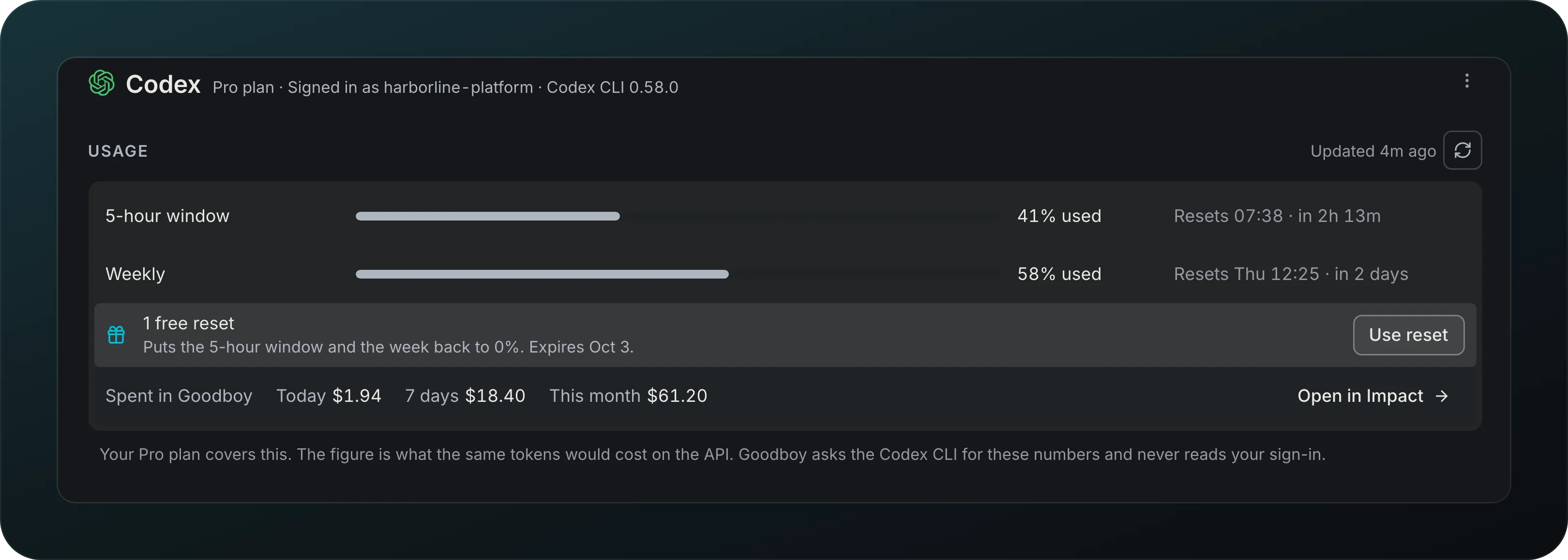
Spend a free Codex reset at the right moment. When Codex offers one, the Usage group of its page shows it with its expiry and Use reset, above what you spent in Goodboy today, over 7 days and this month. Goodboy asks you to confirm in place, and when spending it now would waste most of the week it stops you first, with Keep my reset as the default.
Fallback when a limit is hit
Keep a task moving when a provider runs out. With another eligible provider connected, the turn can move there, and the chat records where it went.
Provider order and Auto
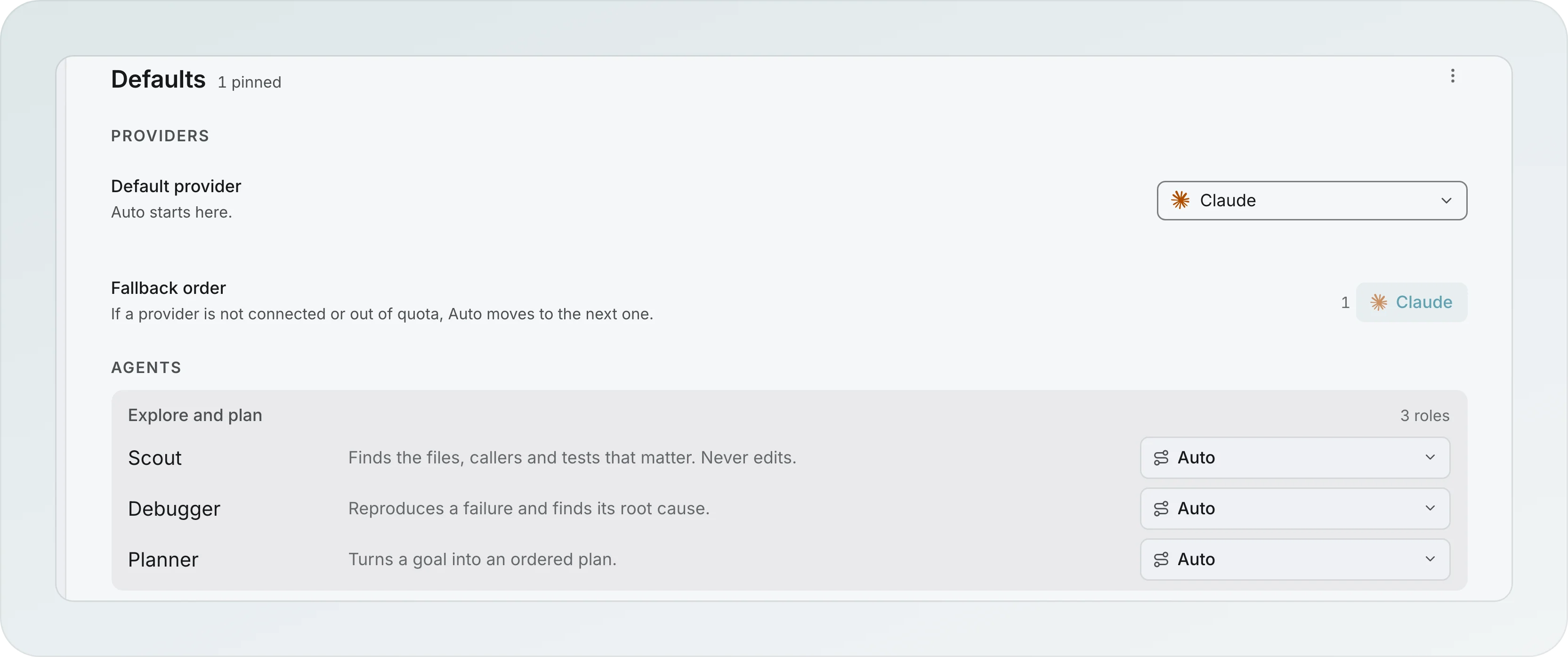
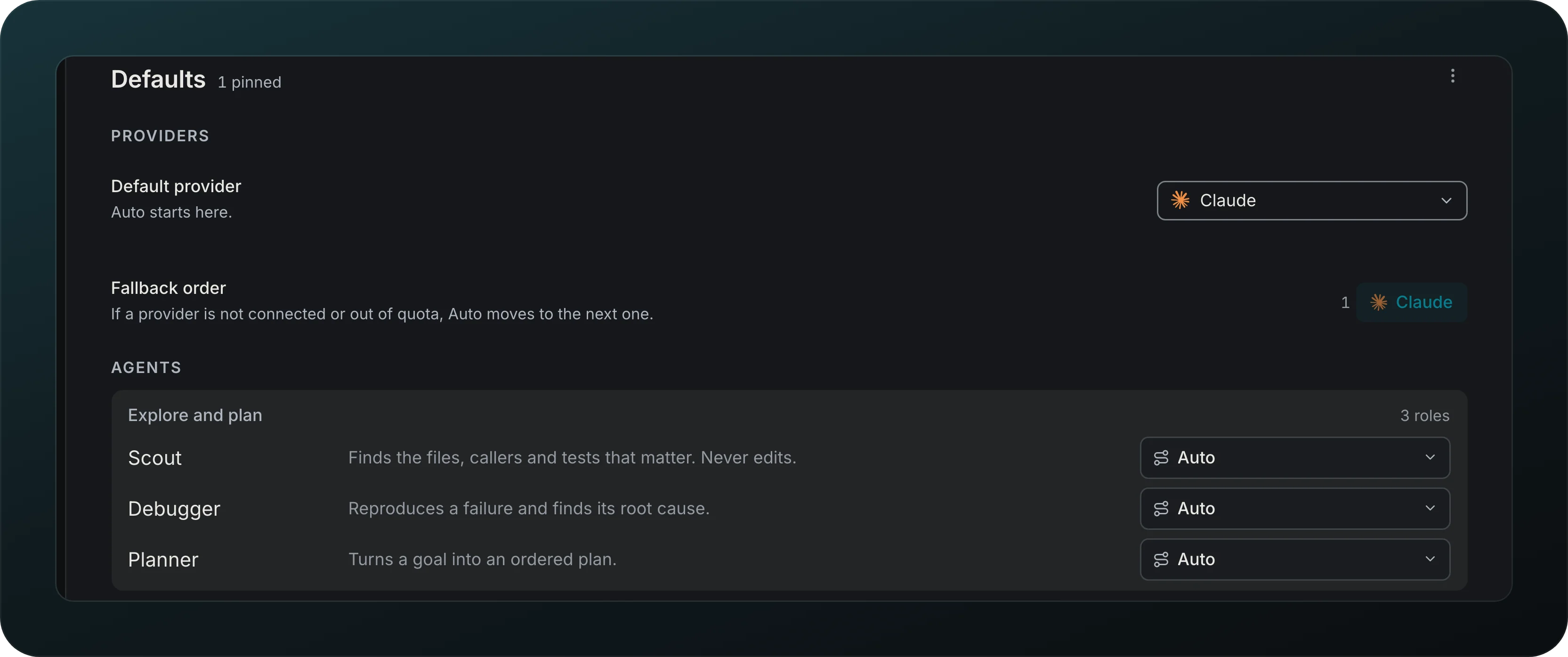
The page header names its scope: the workspace name, or All workspaces when none is open. Choose which providers this workspace uses, and in what order. When a provider is out in Defaults sums the list up ("Claude, Codex · Cursor as backup") and opens it in place: drag a provider by its handle, or move it with Alt and the arrow keys, and set it On, Backup only or Off. The first On provider is where new work starts. Auto uses the first On provider that can work, a Backup only provider only when no On provider can (not connected, at its limit, CLI too old), and an Off provider never, not even for a role pinned to it. One mark is yours to set: Keep using after the limit, which keeps a provider in the order while it is at its limit. A provider connected later shows at the end as New and stays unused until you turn it on. Under the list, Send new steps to the provider with the most room is the same option the Run defaults tab of Workflows used to carry; it is disabled with "Needs a provider that reports limits" until an On provider reports them, and Run defaults now shows the summary and a link to this popover. Every agent launch, new session, background task, workflow step and the workflow orchestrator's model menu read the same list. A click on a limits chip in the top bar opens the same list for the current workspace. Each role below, from Scout to Planner, says what Auto picks for it and opens to show how it runs, read only: what it does, what Auto picks and why, whether it splits and how far ("Up to 4 scouts, 2 levels"), and what it can launch. Every line comes from the engine, so it cannot drift from what runs. The one part you edit is the role's model set, Models for planning on the Planner: up to three models chosen with the same picker. Auto picks one per step by the step's size, trying them in your order, and a step can follow the role or pin its own model. A model that leaves the catalog stays in the set struck through and is skipped. A role without a set runs on Auto. Auto runs each role on the newest model of its line: Sonnet 5.5 for most Claude roles and Opus 5.5 for the Planner, GPT-6.1 Sol for the heavier Codex roles. On an older Claude or Codex CLI it keeps the newest model that CLI can run.
Model picker
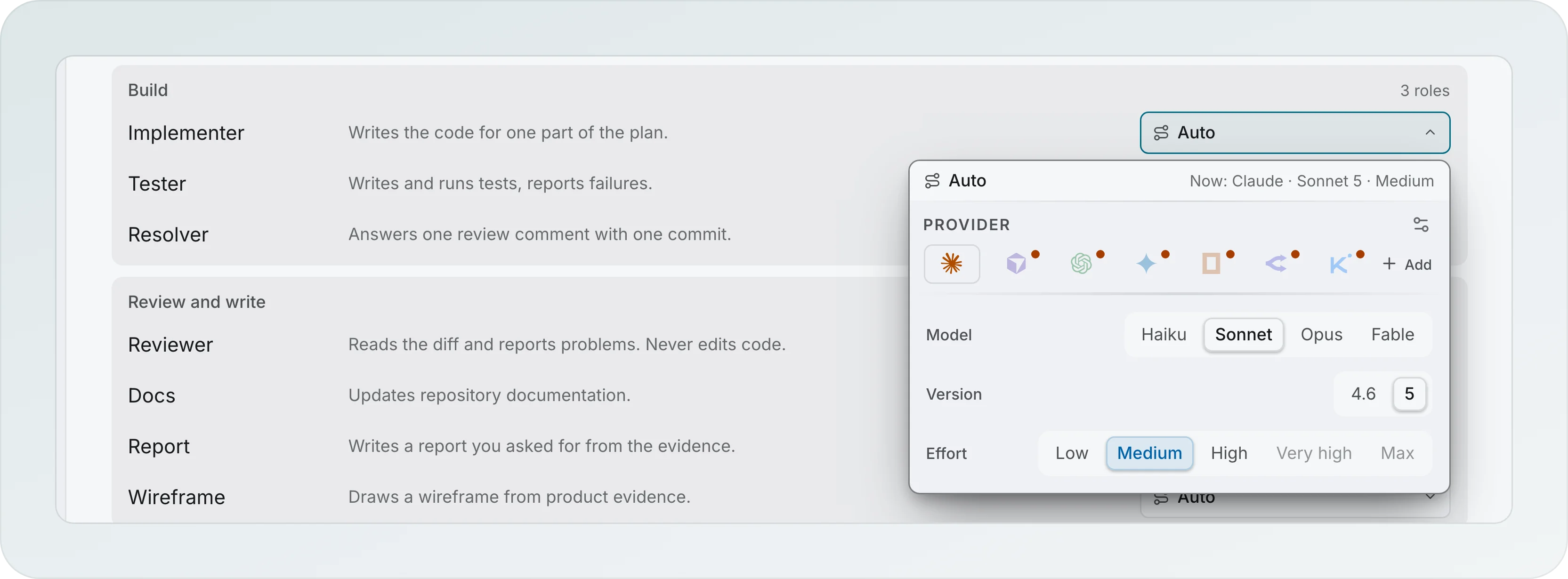
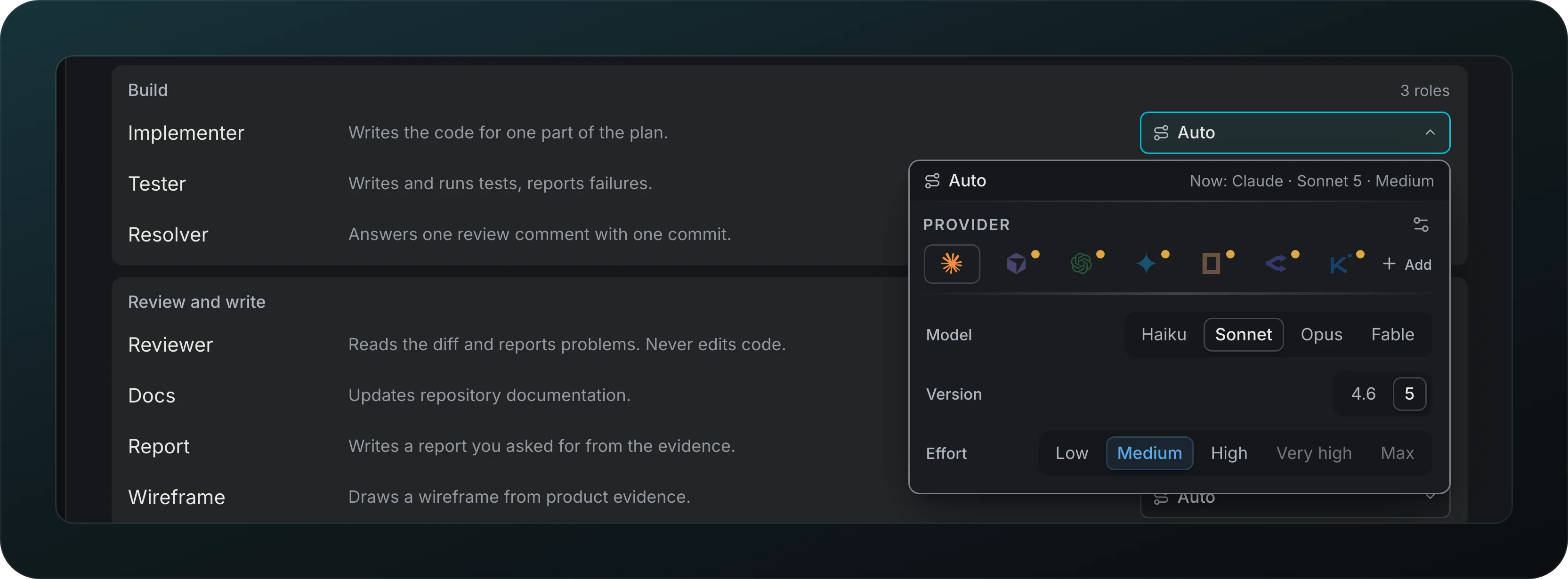
Pick a model with the reason next to it. The picker leads with Auto and what it resolves to right now, then the provider, the model family, the version and the effort. The settings icon beside Provider opens Models in the picker, where you choose which models appear; a model you turn off is also left out of Auto and the workflow orchestrator. When you create an agent, the picker also offers a Suggested model with the reason and Last used here. Under the provider icons the picker says why the provider you look at is not a plain choice: Off in this workspace, Backup only or At limit until 18:40; a model the CLI is too old for, or one you hid, says so on its own line.
Impact
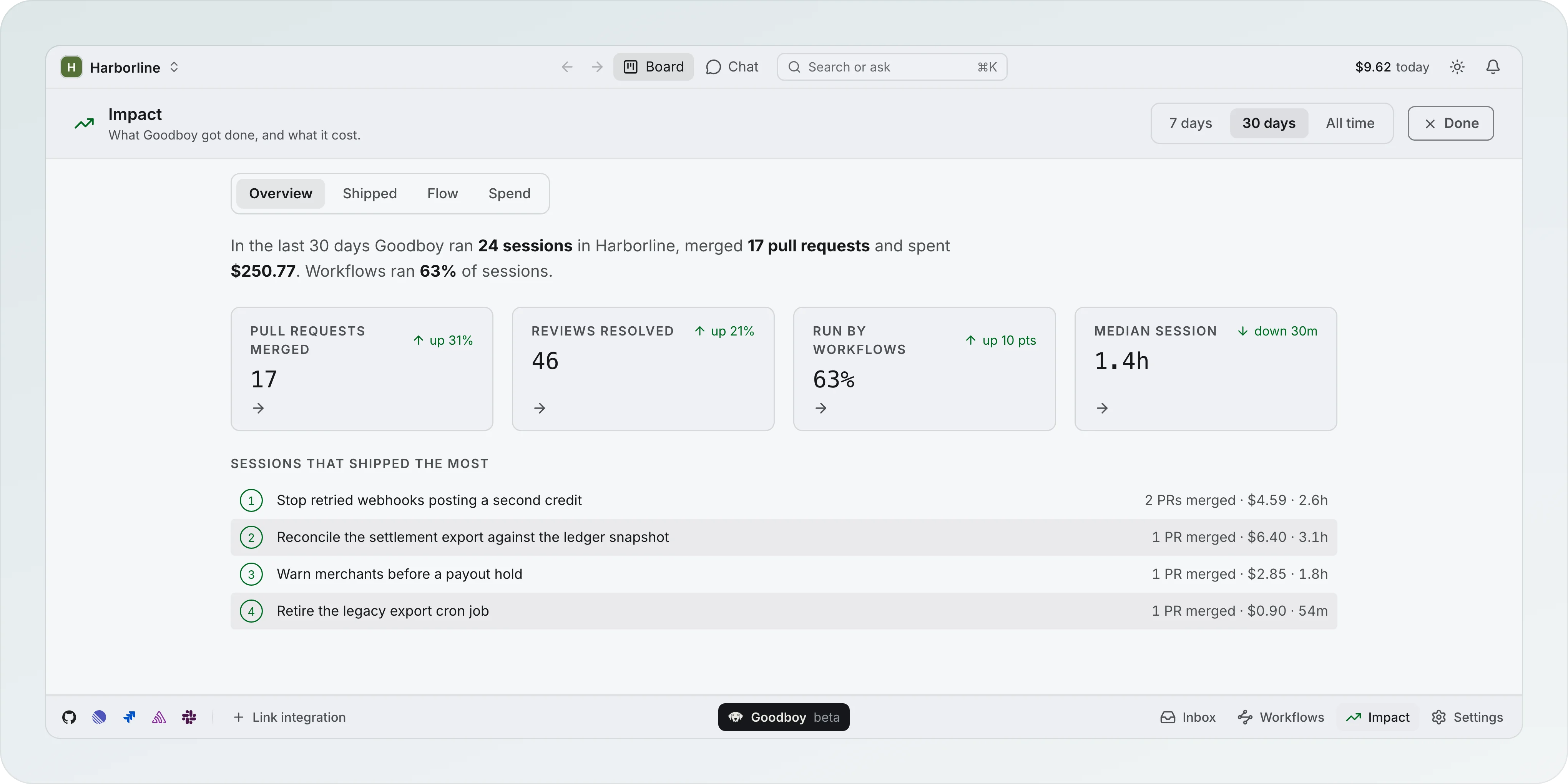
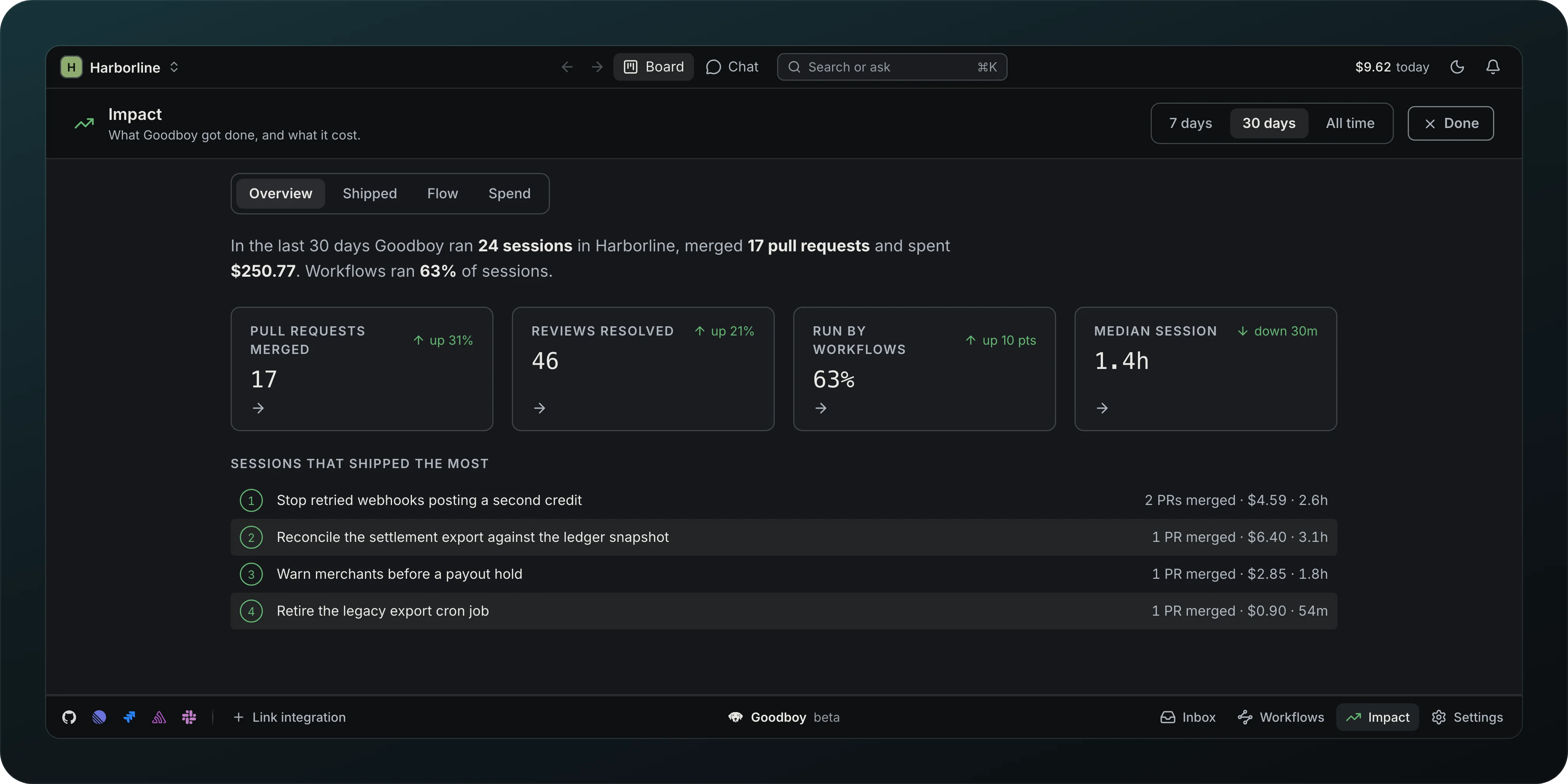
See what Goodboy got done and what it cost over 7 days, 30 days or All time. Overview opens on tiles for Sessions, Pull requests merged, Reviews resolved, Run by workflows and Median session, each against the period before except Sessions, and the sessions that shipped the most. Shipped, Flow and Spend go deeper. The Sessions tile says how many of them were deleted. Reviews resolved counts only comments that were resolved, and comments sent to an agent show apart in Shipped. The cost in the top bar is the one door to Impact: it opens the Spend tab, and Impact, the Spend tab and that cost add up spend the same way. Before any session has finished, Overview says what the bar says ($9.84 spent today so far. Impact fills in as sessions finish.). Deleting a session frees its transcript, file versions and images, but its cost and the pull requests it merged still count here, on a row marked Deleted.
Monthly cap and budget alert
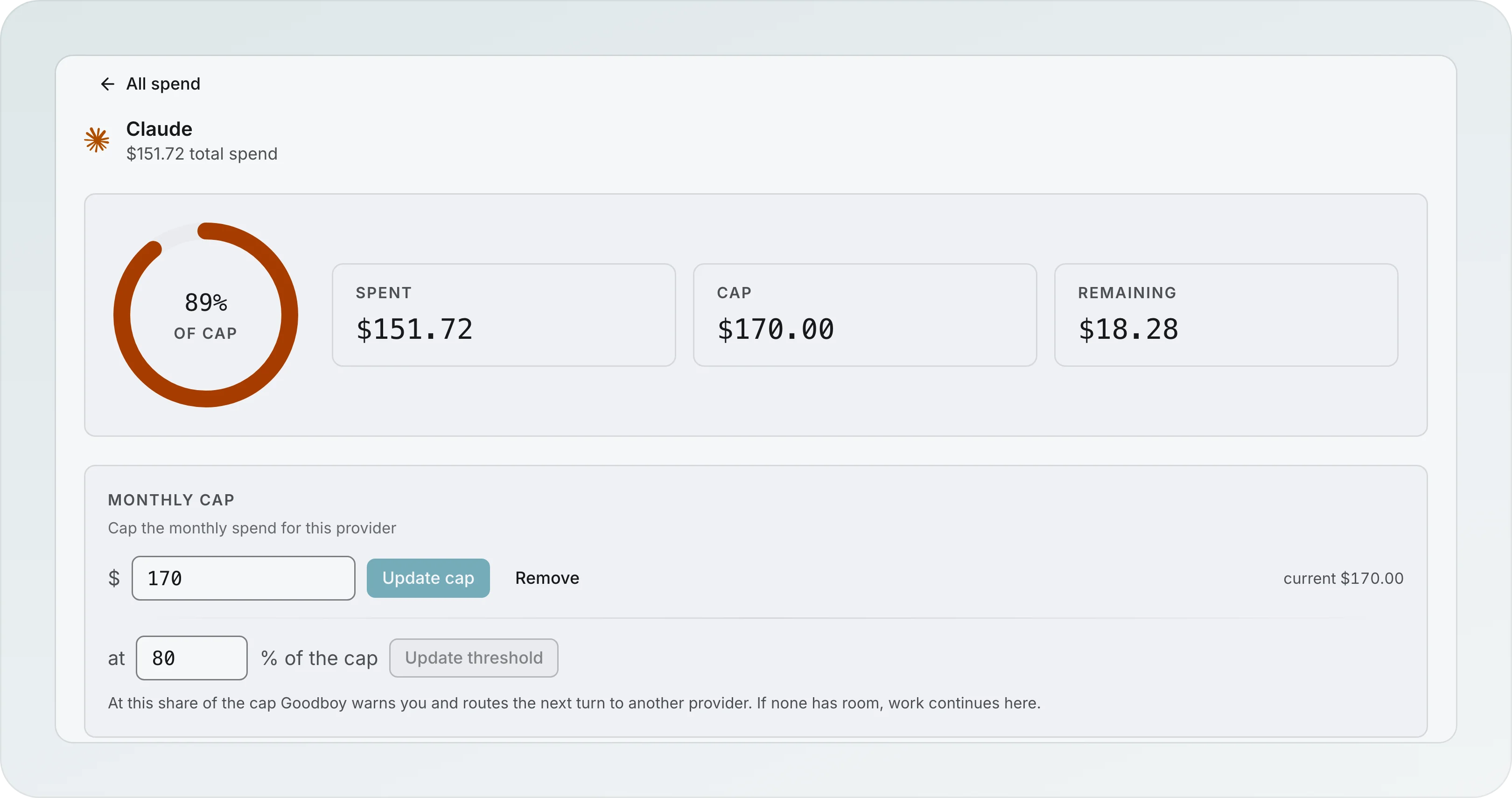
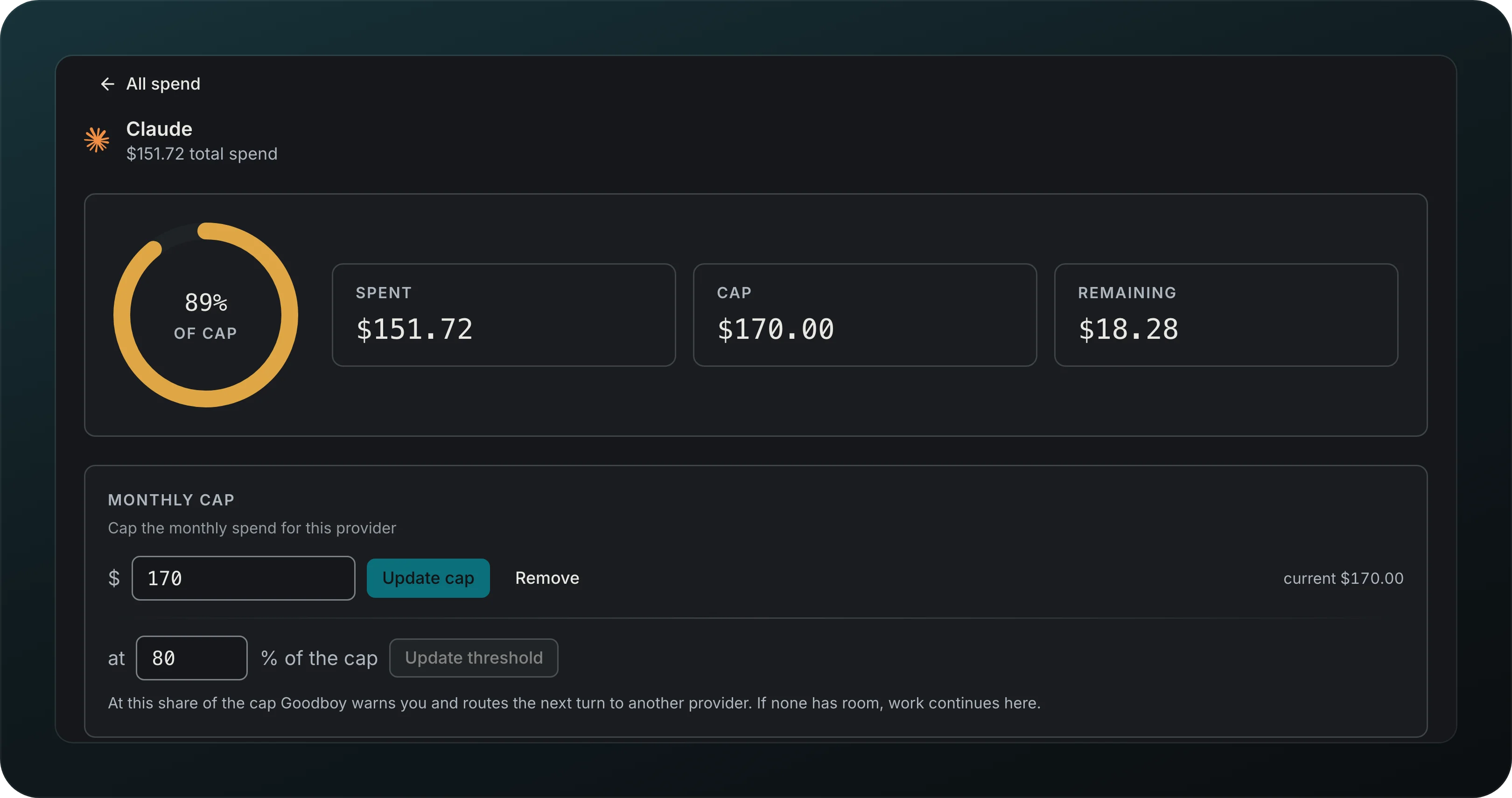
Set a monthly cap per provider and hear about it before you reach it. In Spend, open a provider, enter the cap and the share of it where Goodboy warns you. Claude here has used $151.72 of a $170.00 cap, past its 80% alert. Past the threshold Goodboy routes the next turn to another provider with room, and if none has room, work continues where it is.