Workflows
A workflow runs several agents in one session, each step with its own role, model and effort.
Workflow builder
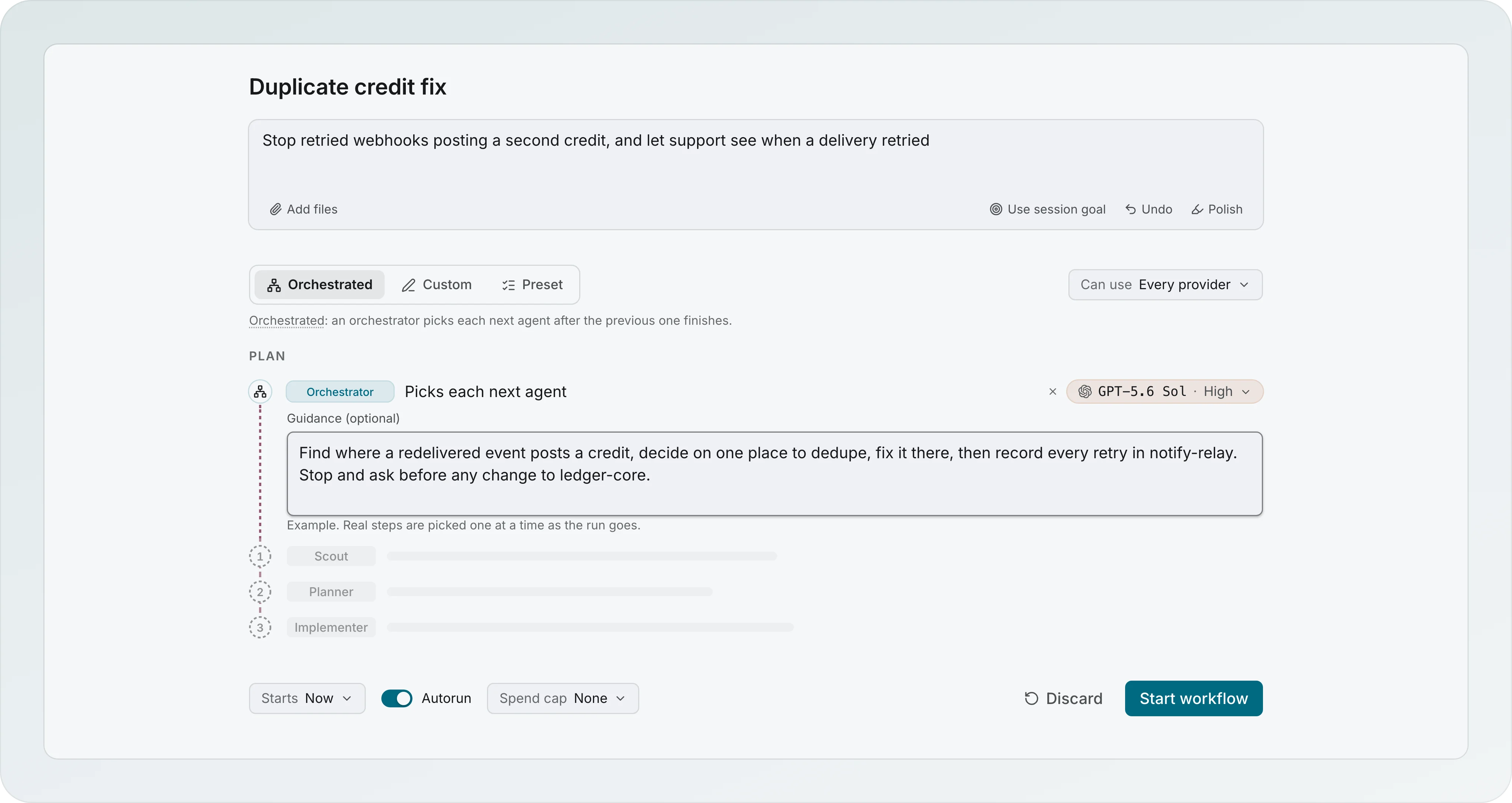
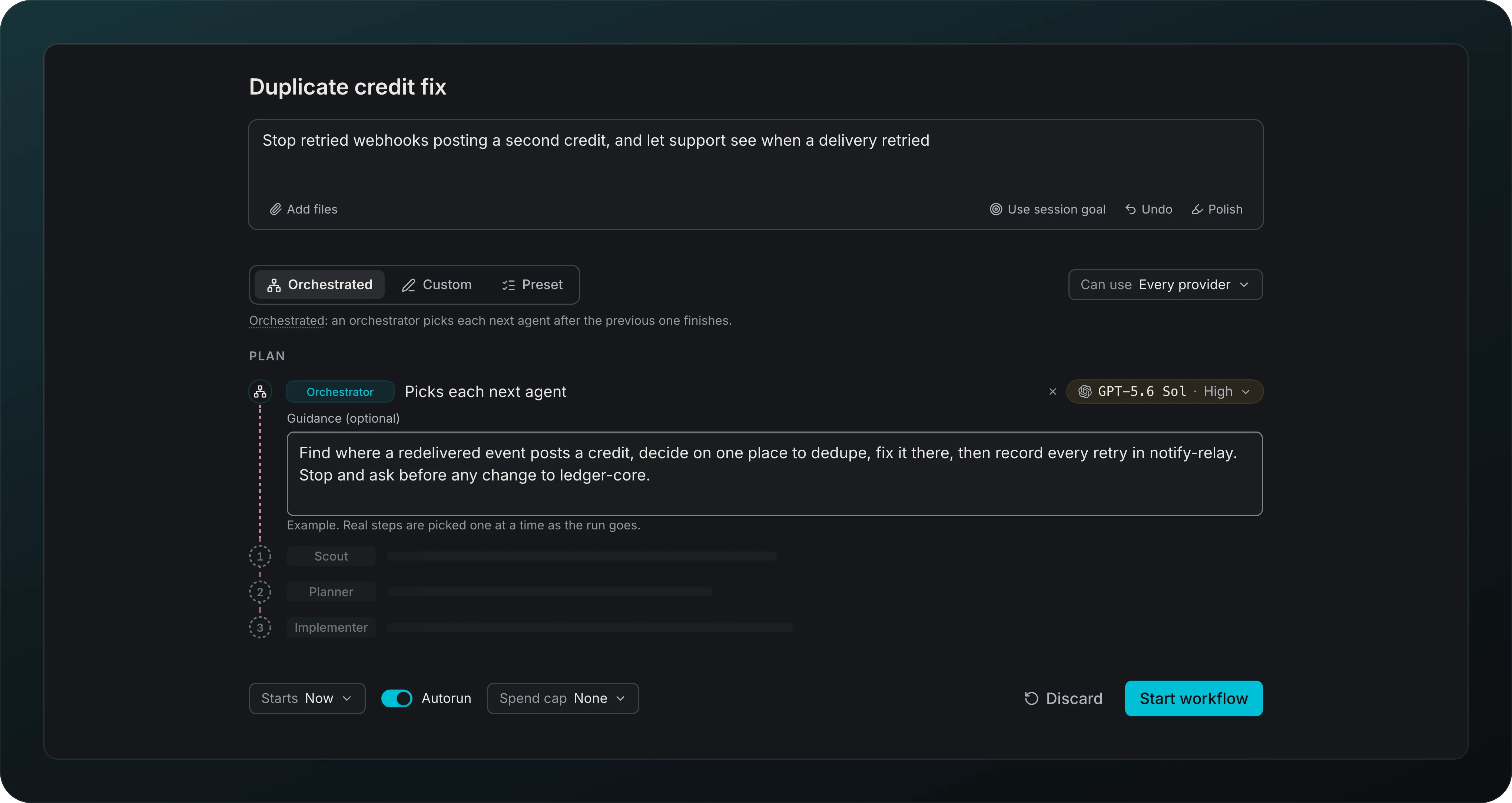
Shape a run before it starts: a name, a goal and a mode, with the plan previewed as a recipe, step 1 on top, in the same nodes the run will show. Starts, when to ask and Spend cap sit under the plan.
Orchestrated
Give a goal and let a model pick each next step, with its role, provider, model, effort and a reason, until it says done or blocked. The Orchestrator row holds its own model and an optional Guidance box.
Preset and Custom
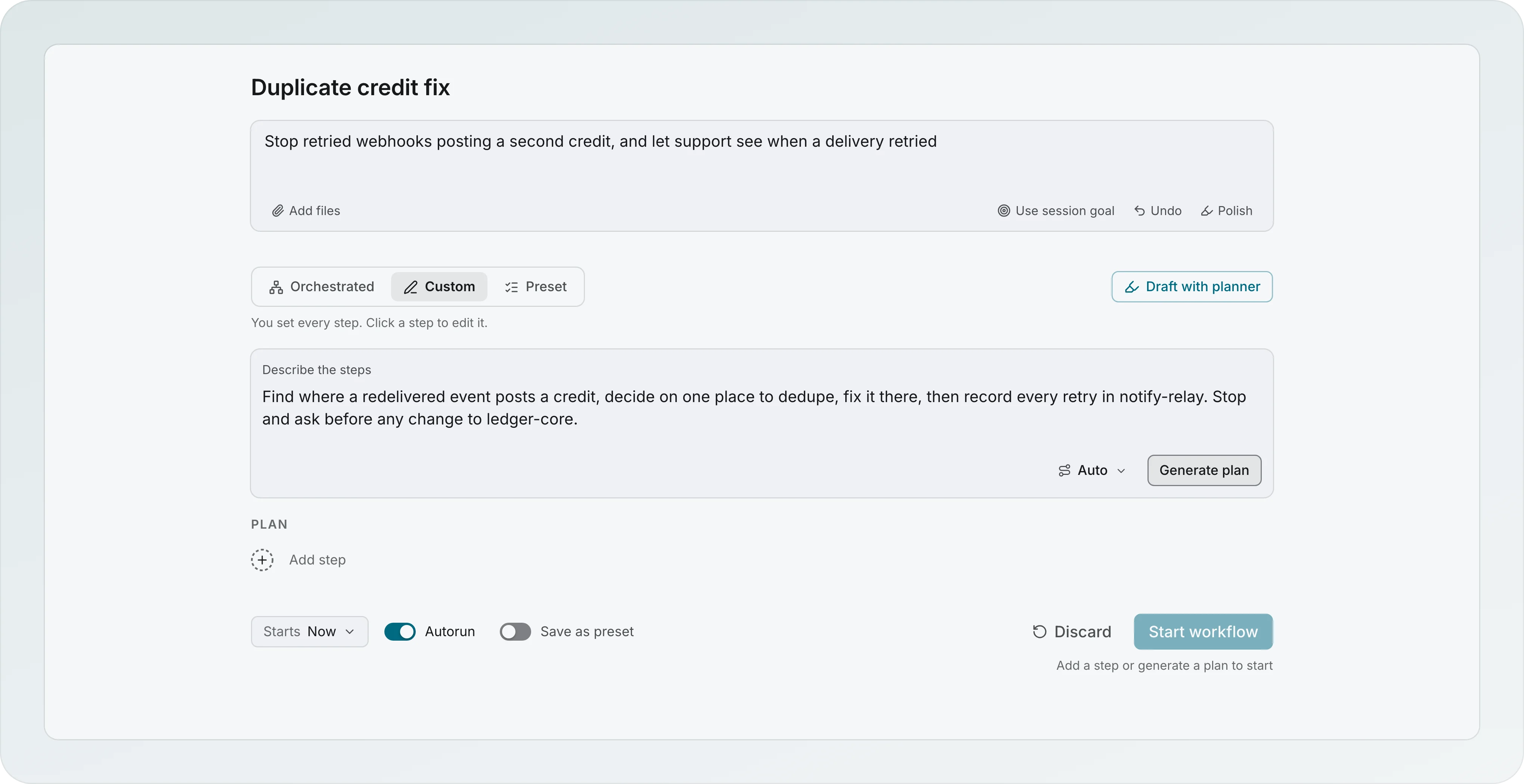
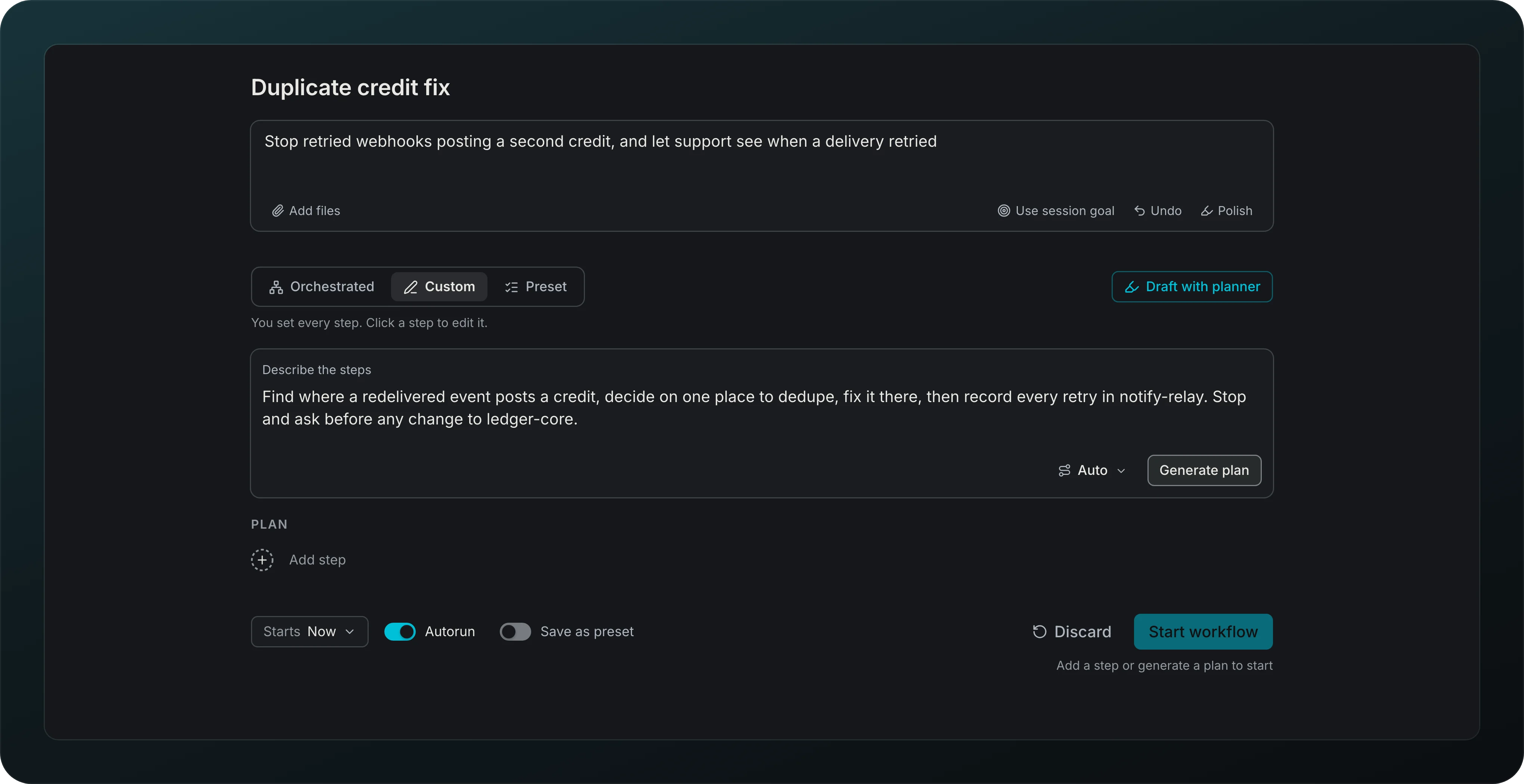
Write the steps yourself with Add step, describe them and press Generate plan, or press Draft with planner. Save as preset keeps what you changed.
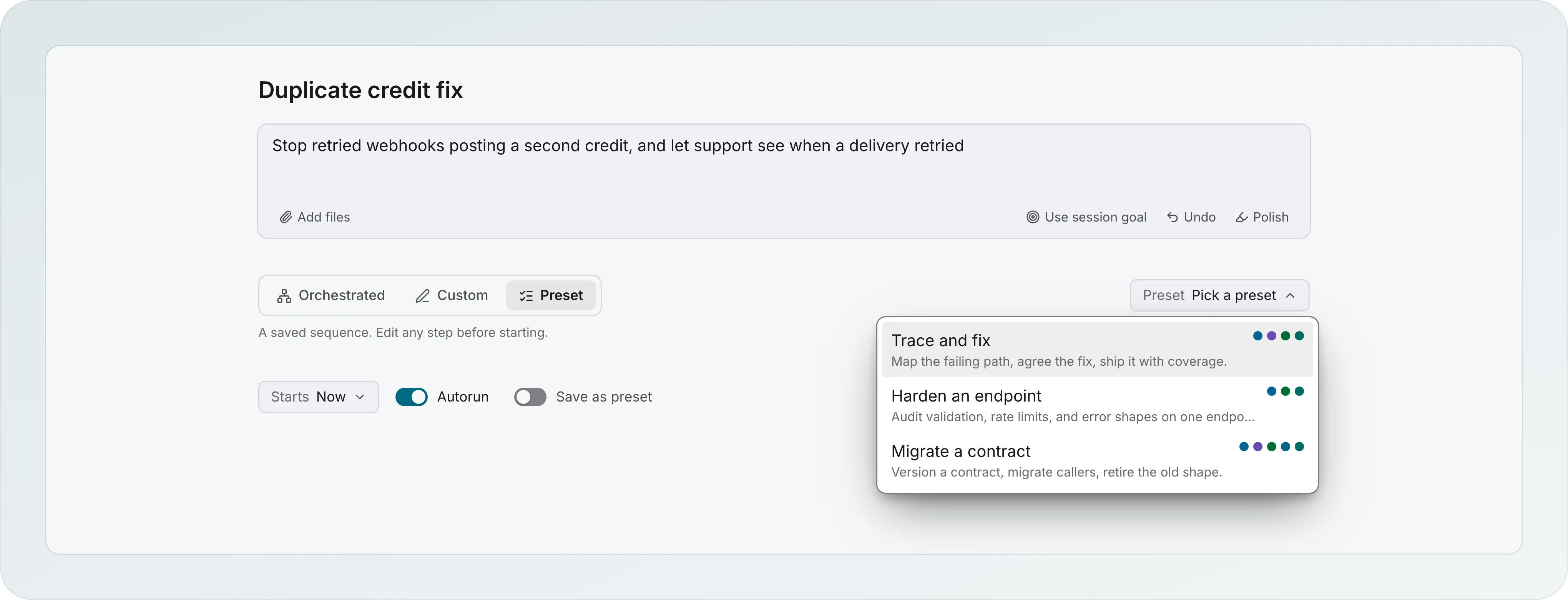
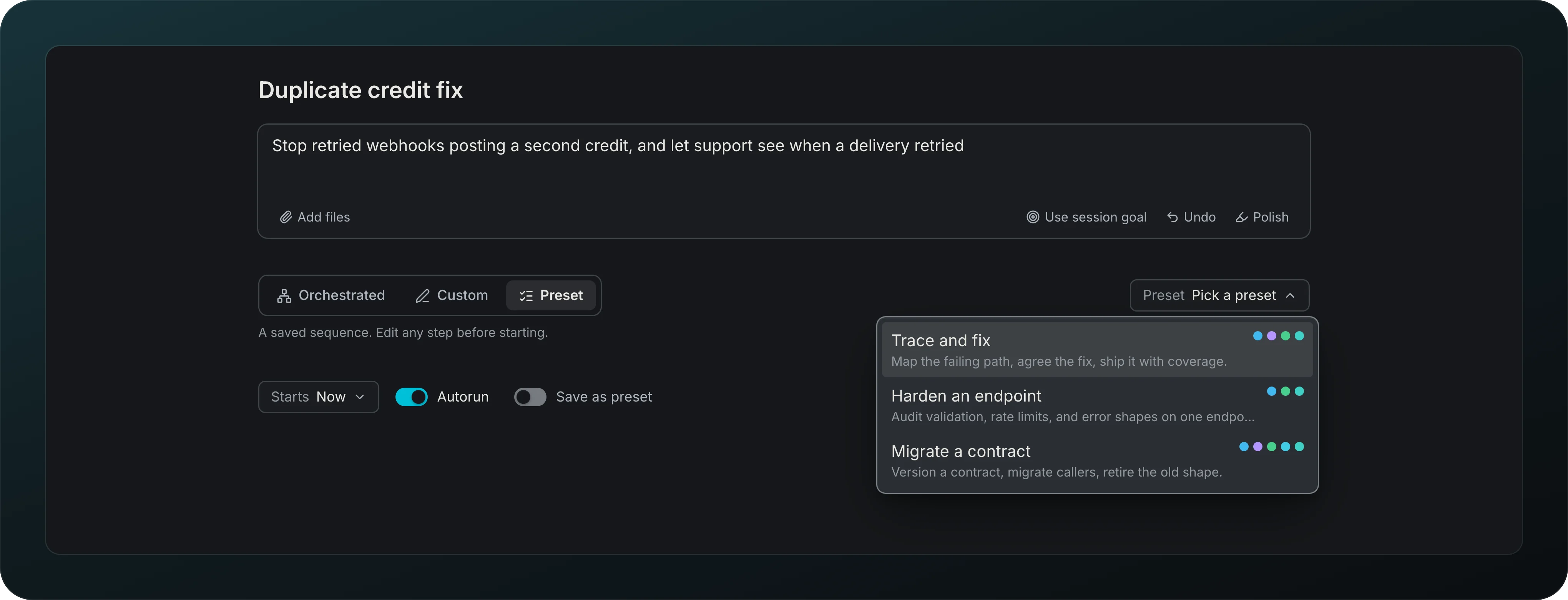
In Pick a workflow mode, pick a saved sequence from the list and edit any step before starting.
Built-in workflows
Start from Refactor, Plan and ship or Fix a bug. A built-in you delete stays deleted until you press Restore built-in workflows. Restore keeps the existing workflow and step identities. If its name is held by another workflow, or one of its runs is still active, the confirmation stays open and says what must change first.
Saved steps
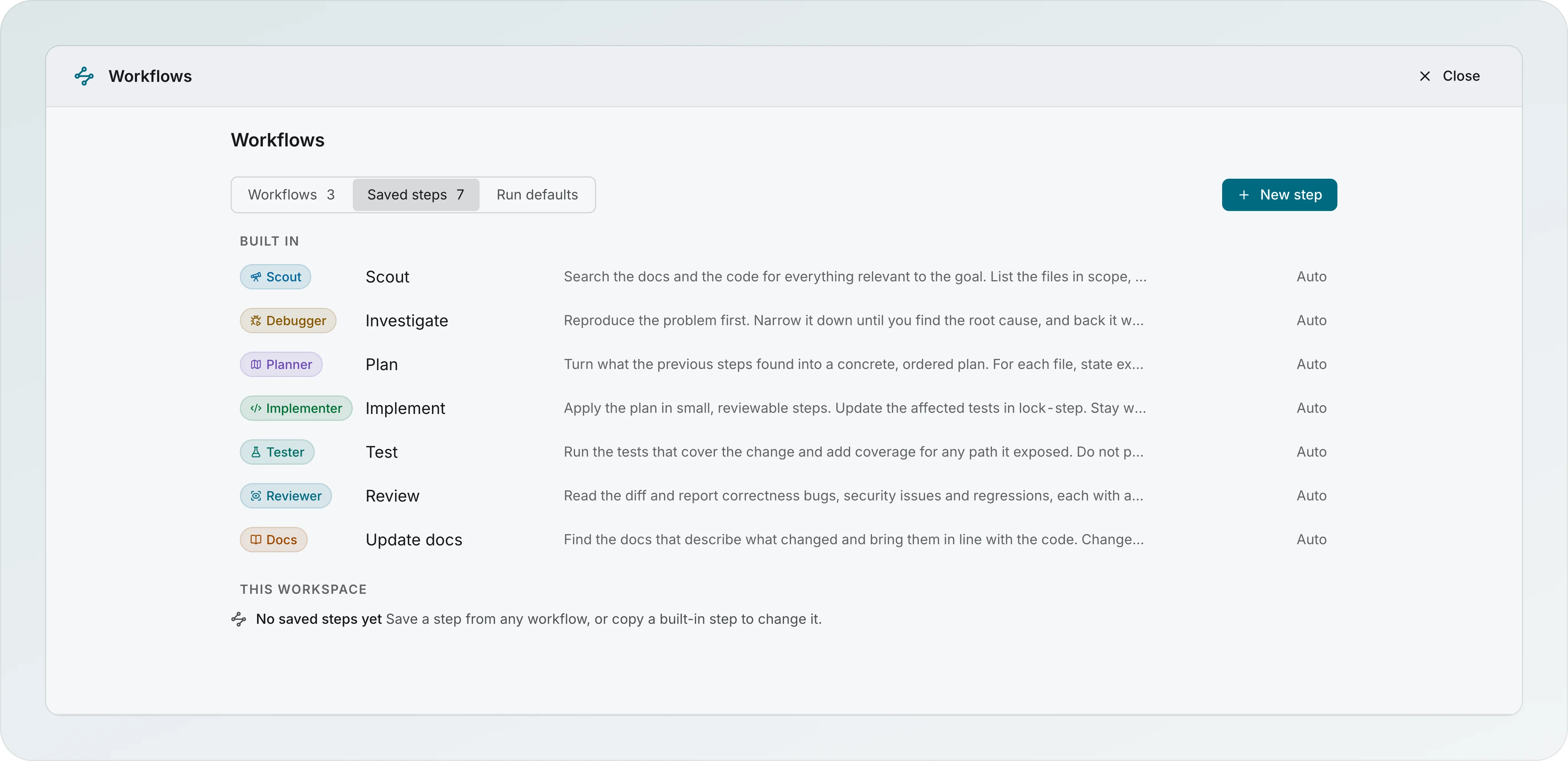
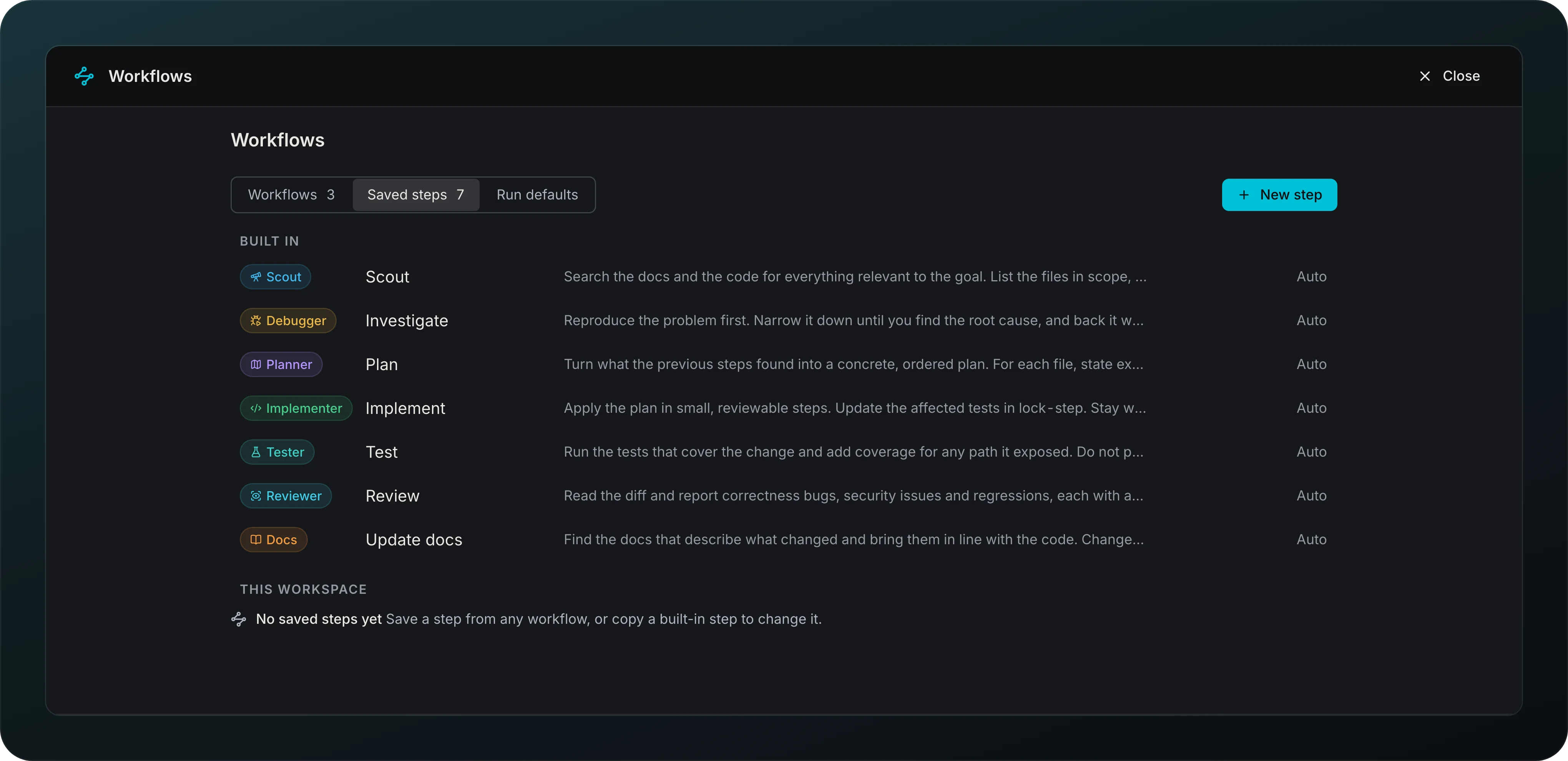
Reuse steps across workflows. The 7 built-in steps are read-only, and Save a copy makes your own.
Model per step
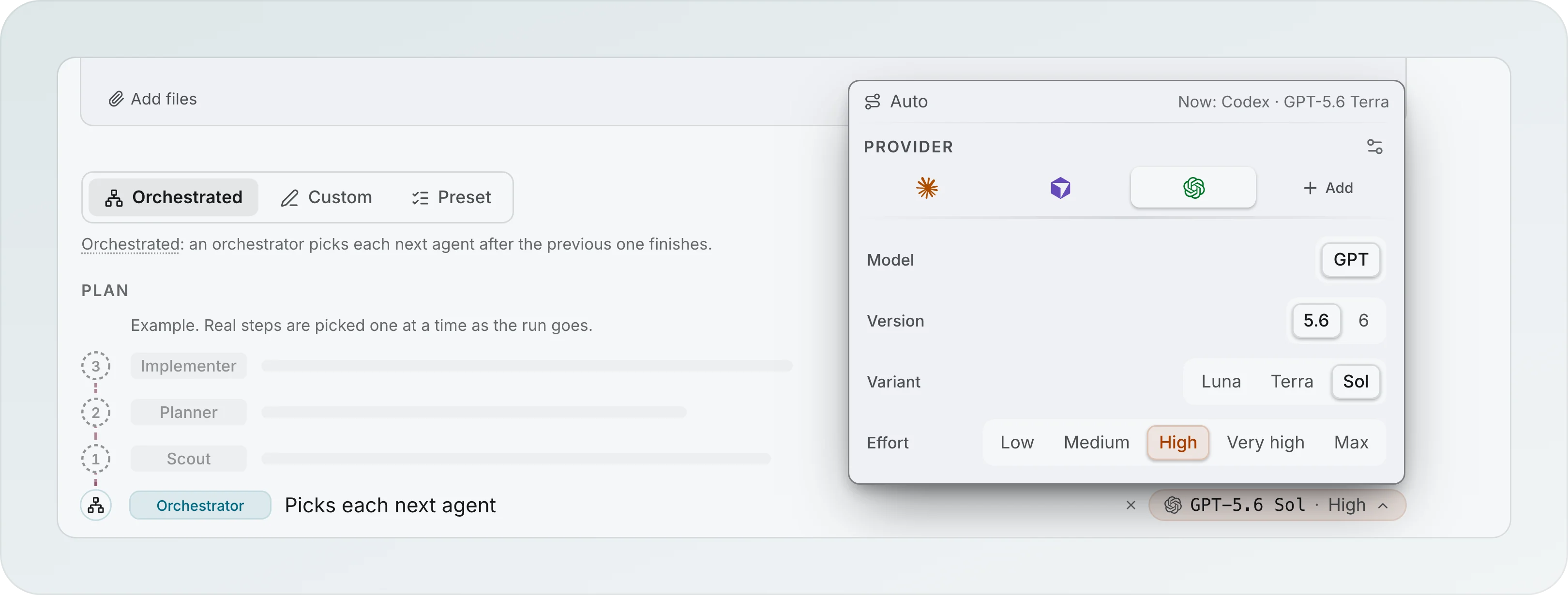
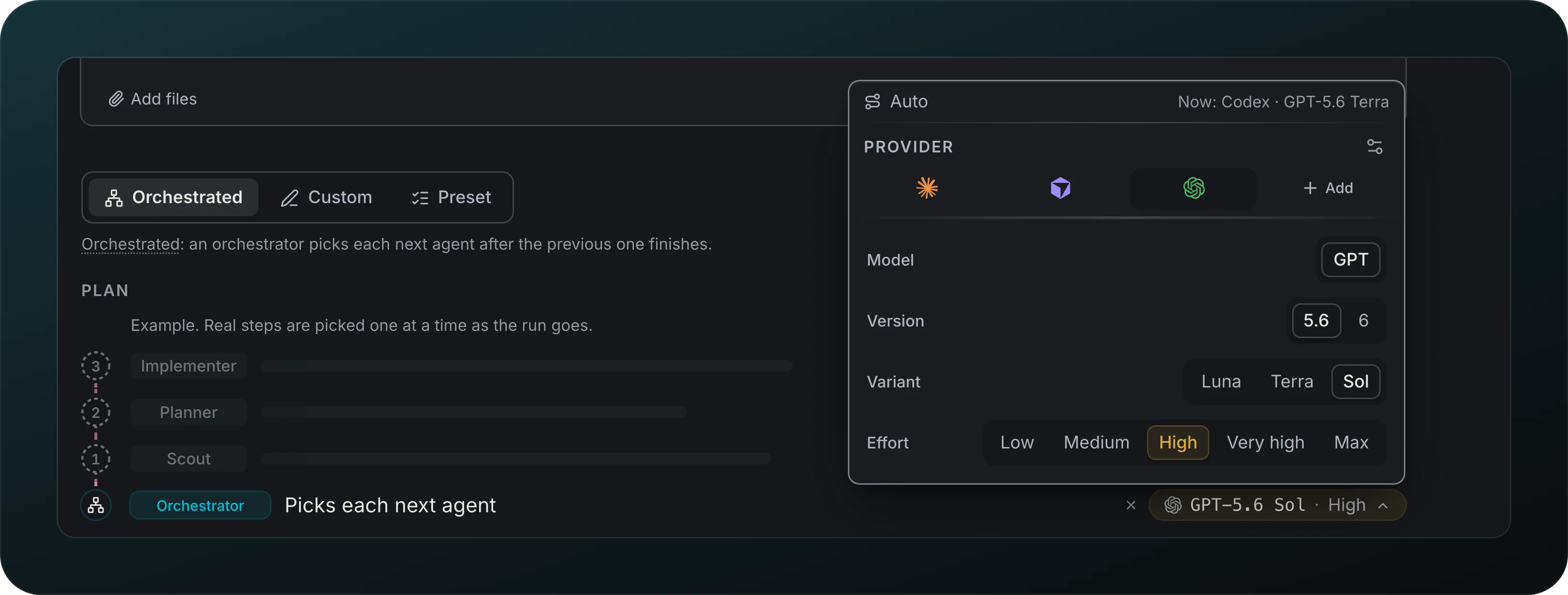
Put a light model on a scout and a strong one on the planner. A step follows its role by default; Pin a model picks its own provider, then Model, Version, Variant and Effort, and Goodboy records what actually ran.
When to ask
Choose when a run asks: Ask before each step, Ask after the plan to stop once for your Approve plan and then run on its own, or Run on its own to move to the next step without you, per run or for the whole session. A guard stops an agent after 4 unattended turns in an hour, and anything you write to it resets the count.
Pause, resume and skip
Pause lets the step in flight finish and starts nothing new, even after a restart; Resume picks up where the run was. Skip passes any step that has not finished, live or stuck, after one inline confirmation, and keeps what it already wrote. When a running step says nothing for 15 minutes, the run says so and offers Ask it to continue or Skip.
Run defaults
The Run defaults tab of Workflows sets what every new run starts with: how it asks, the spend cap, and which providers get the next step. The provider policy has one home: Run defaults shows When a provider is out with its summary and a link, Open Providers & models, where Send new steps to the provider with the most room sends steps with no pinned provider to the provider with the most 5h and weekly room, keeps a provider at its limit out of new work, and tells you in one sentence where the next step goes. It starts on in workspaces created from 0.16.0 and off in older ones, and it stays off until a provider that reports limits is on. Guidance is text every run starts with: the orchestrator reads it in orchestrated runs, and in custom and preset runs it goes to the roles that write code, Implementer and Docs, unless you pick others under Edit, and Polish tidies it into one rule per line. In a custom or preset run, a Guidance tag marks each step that received it. The builder opens filled from them. When a control differs for one run, a From your rules line names what changed and the control gets a dot and a Reset; with nothing changed, the line is not there. A run keeps the rules it started with.
Spend cap
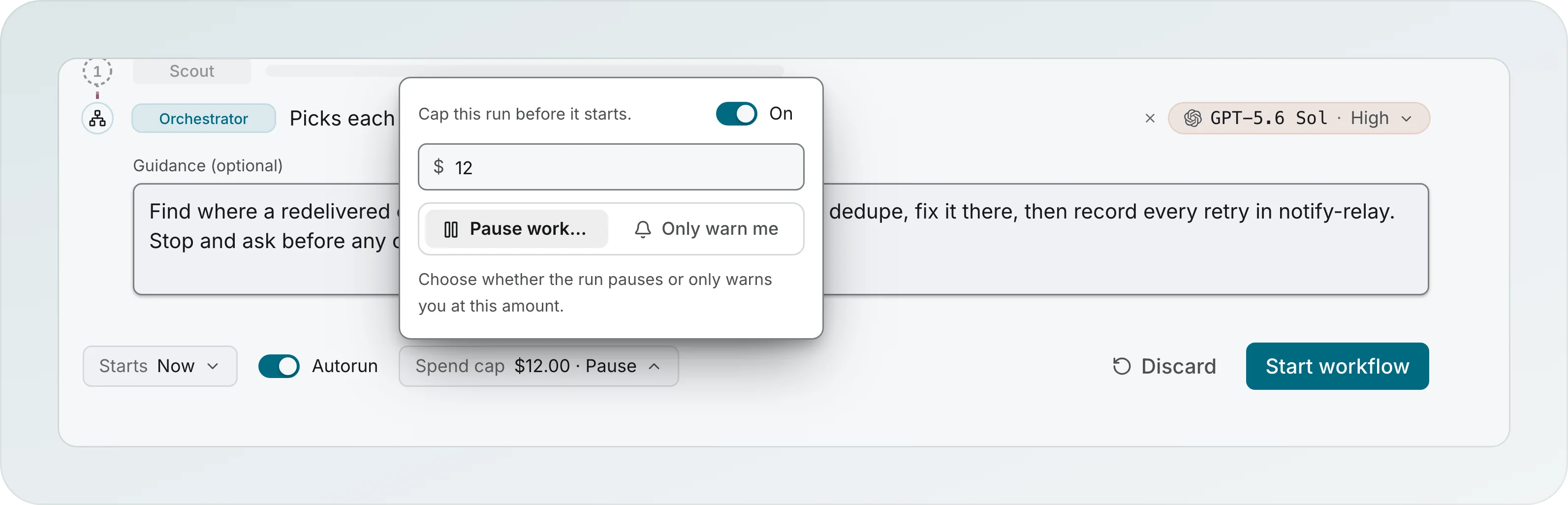
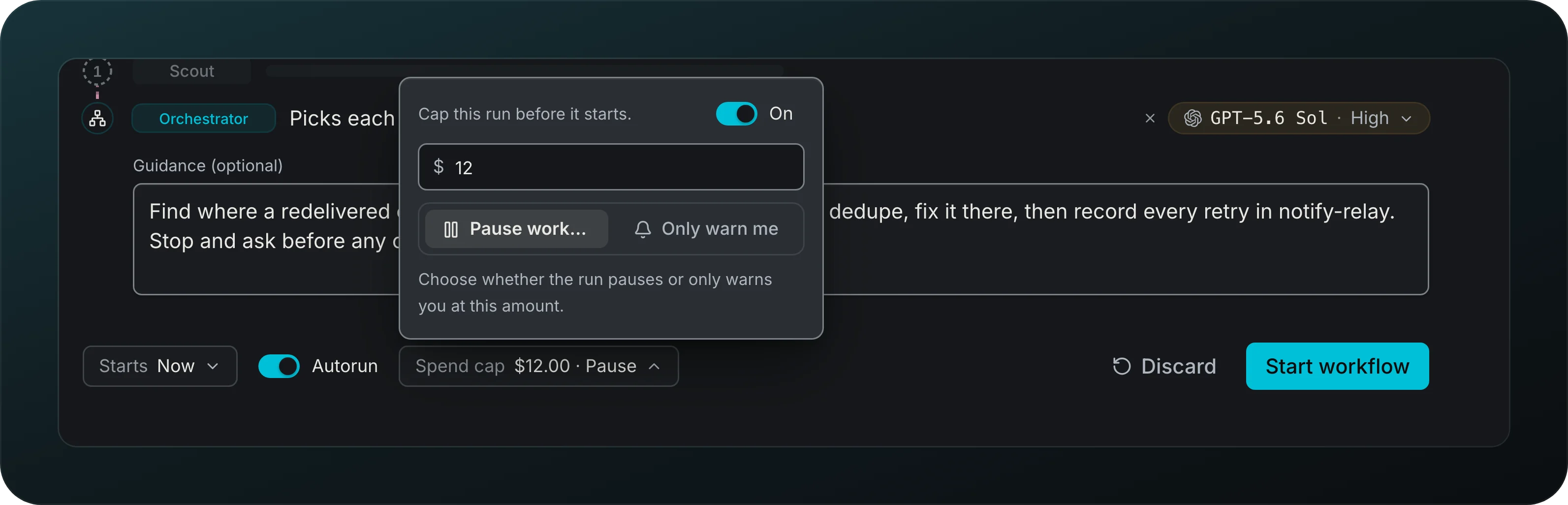
Cap what a run or a session can spend, and choose Pause workflows or Warn only. A paused run offers Raise limit.
Chained starts
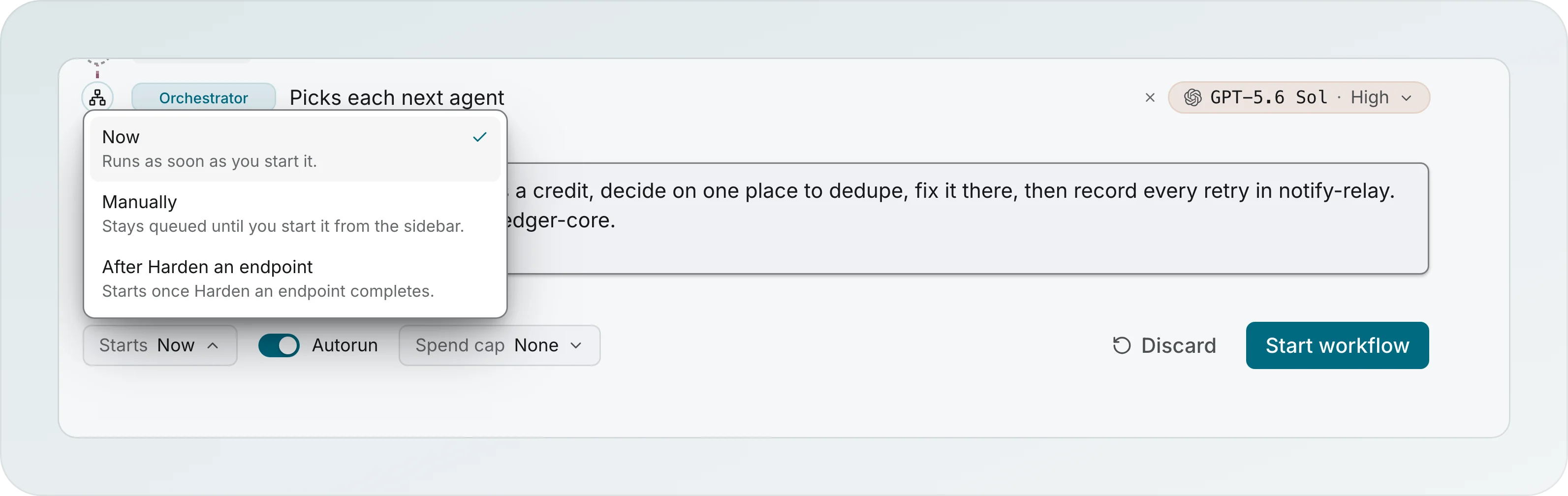
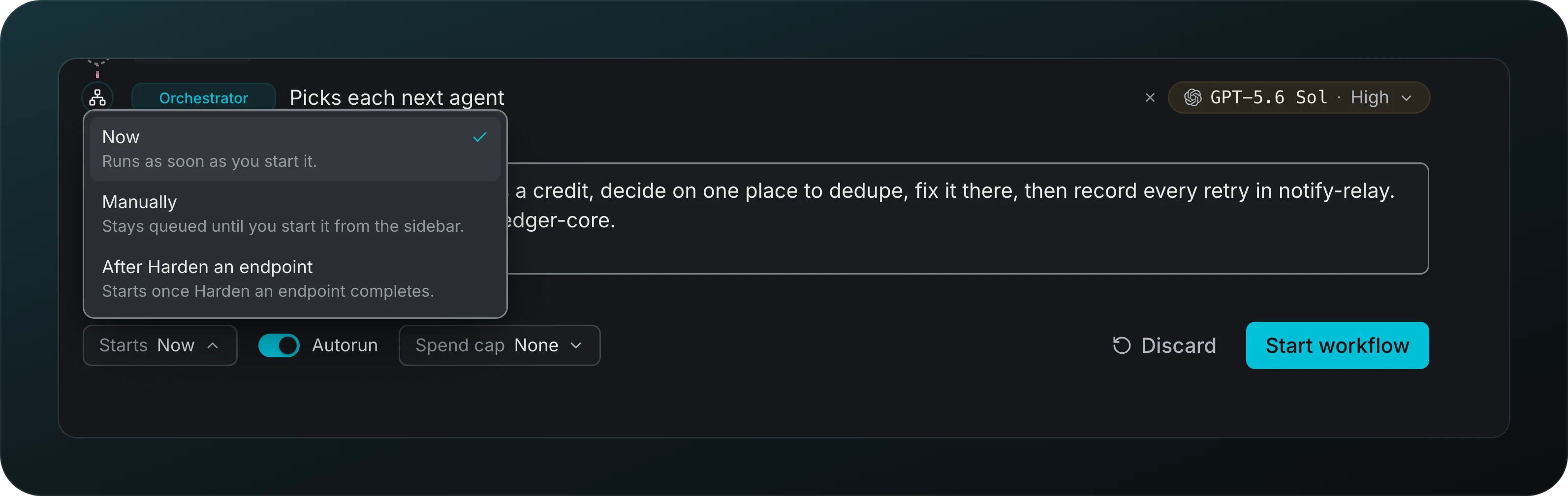
Line work up behind work. Starts takes Now, Manually to keep the run queued until you start it, or After followed by a workflow name, which starts once that workflow completes.
Workflow run
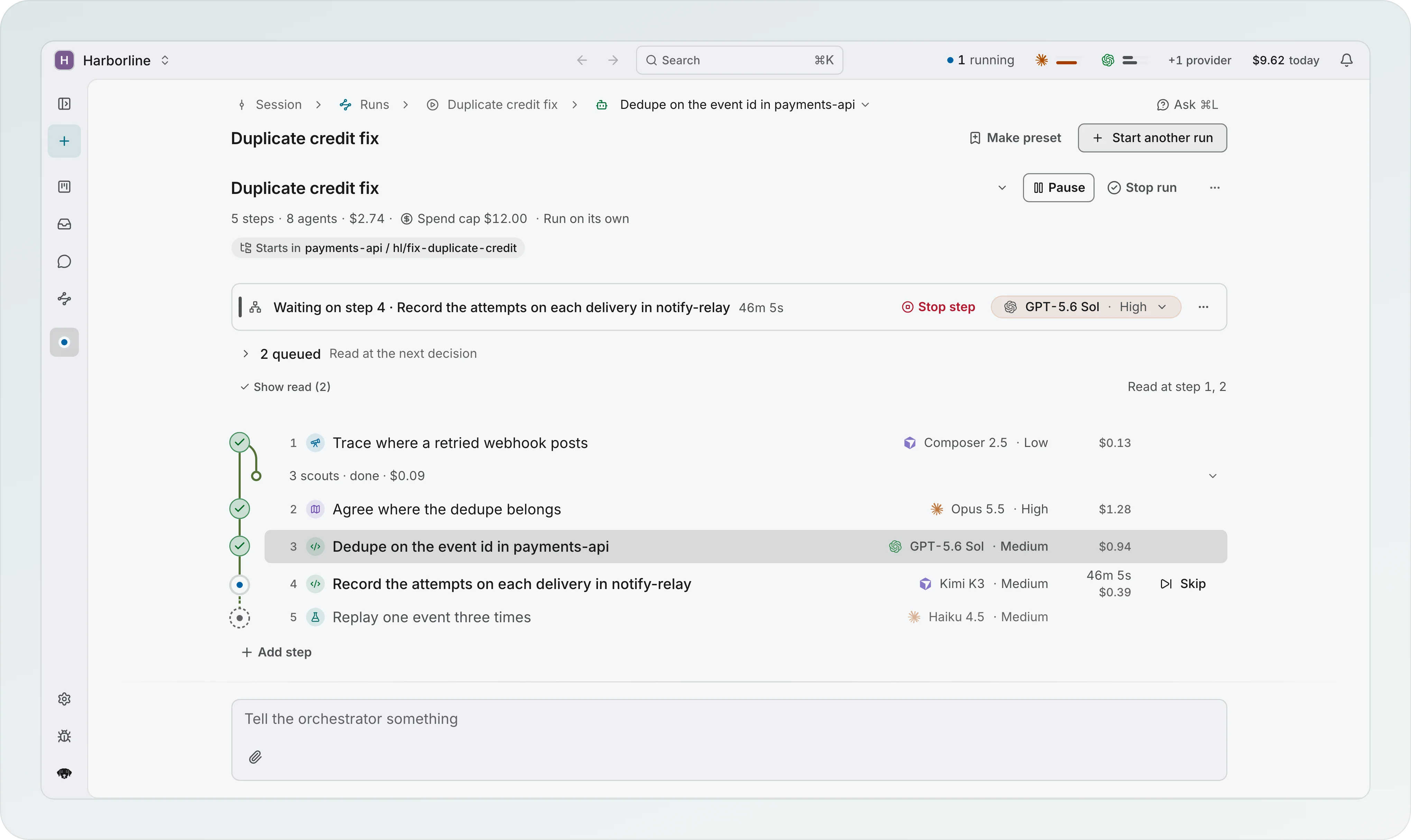
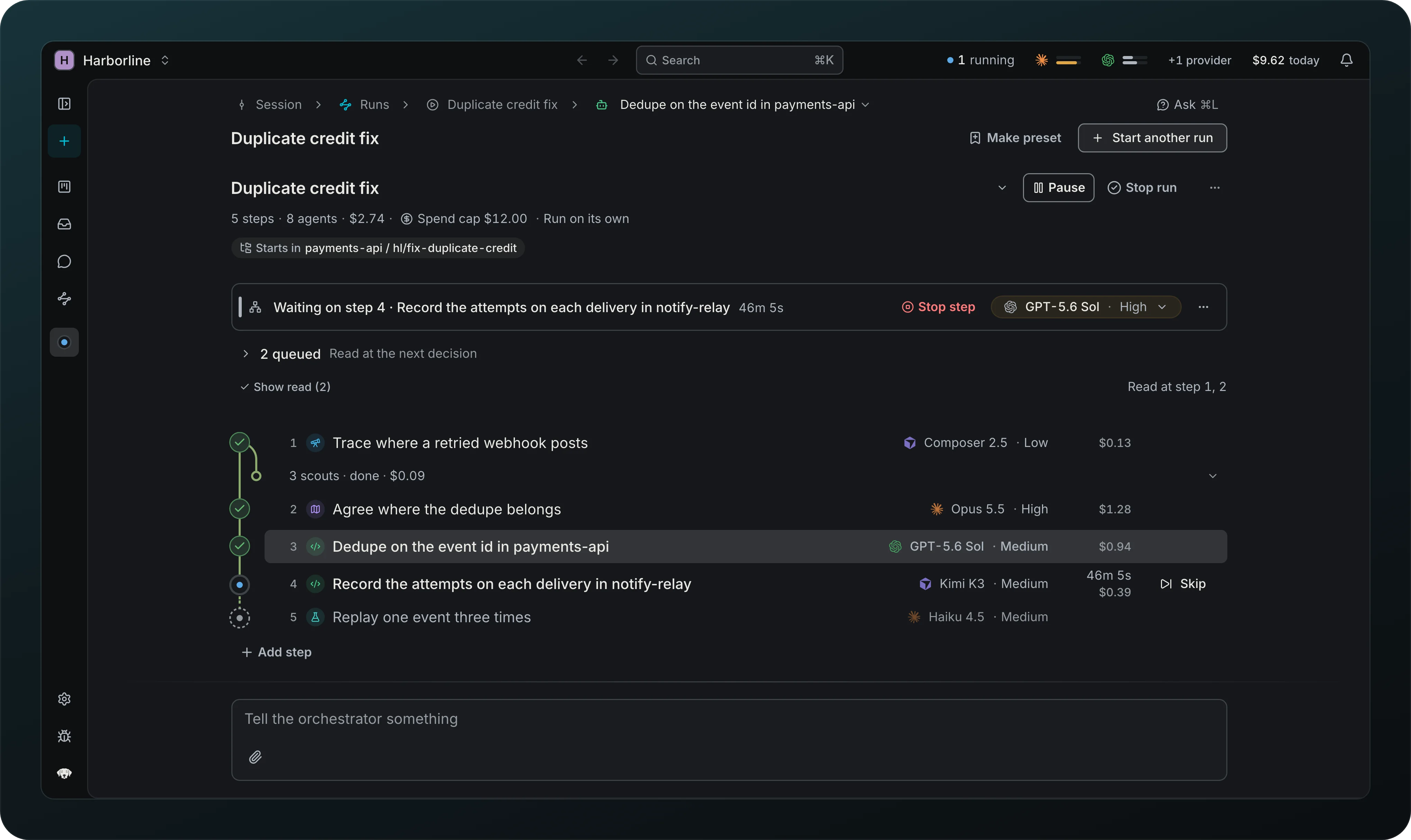
Follow a run from top to bottom: the header with the status and Pause and Stop run as one pair, the steps in their own scroller with a line under the header once they scroll, and the composer at the bottom. Sub-agents sit indented under their agent, and a finished set folds into one row. While the run waits for its plan, Review plan opens it in a drawer. Add steps to a live or finished run. Parallel scouts appear as branches under their step. After a restart, one Resume all above the steps starts every stopped agent in that run. Deleting a run deletes its agents and their open questions with it.
Hints to the orchestrator
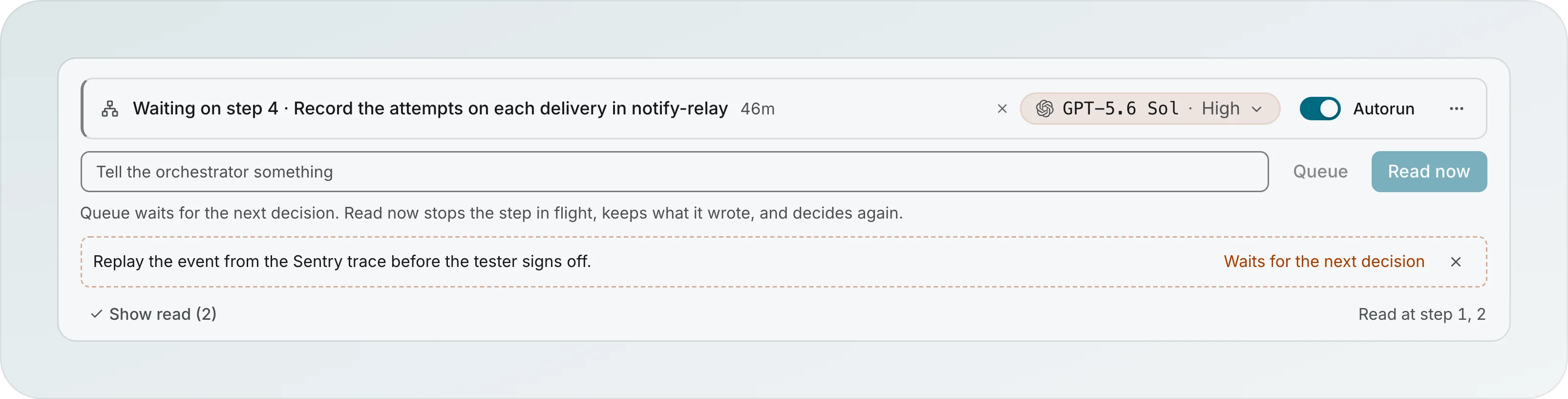
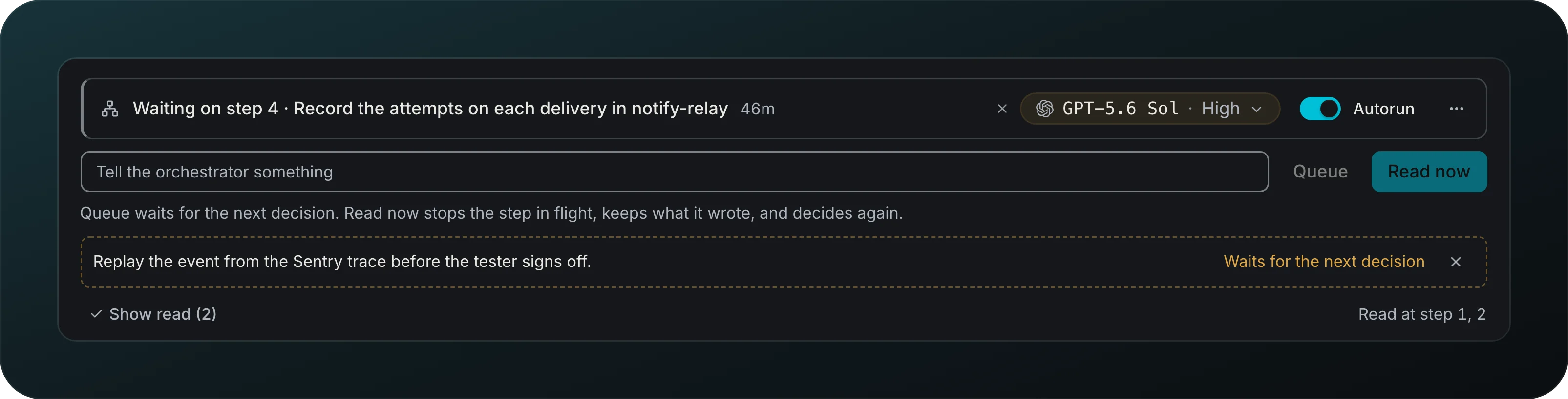
Steer a run while it goes. Write a hint on as many lines as you need, in markdown, with images the next agent gets. Queue waits for the next decision, and Read now stops the step in flight, keeps what it wrote and decides again. A queued hint shows Waits for the next decision, and read ones show the step they were read at.
Why each step, and the run recap
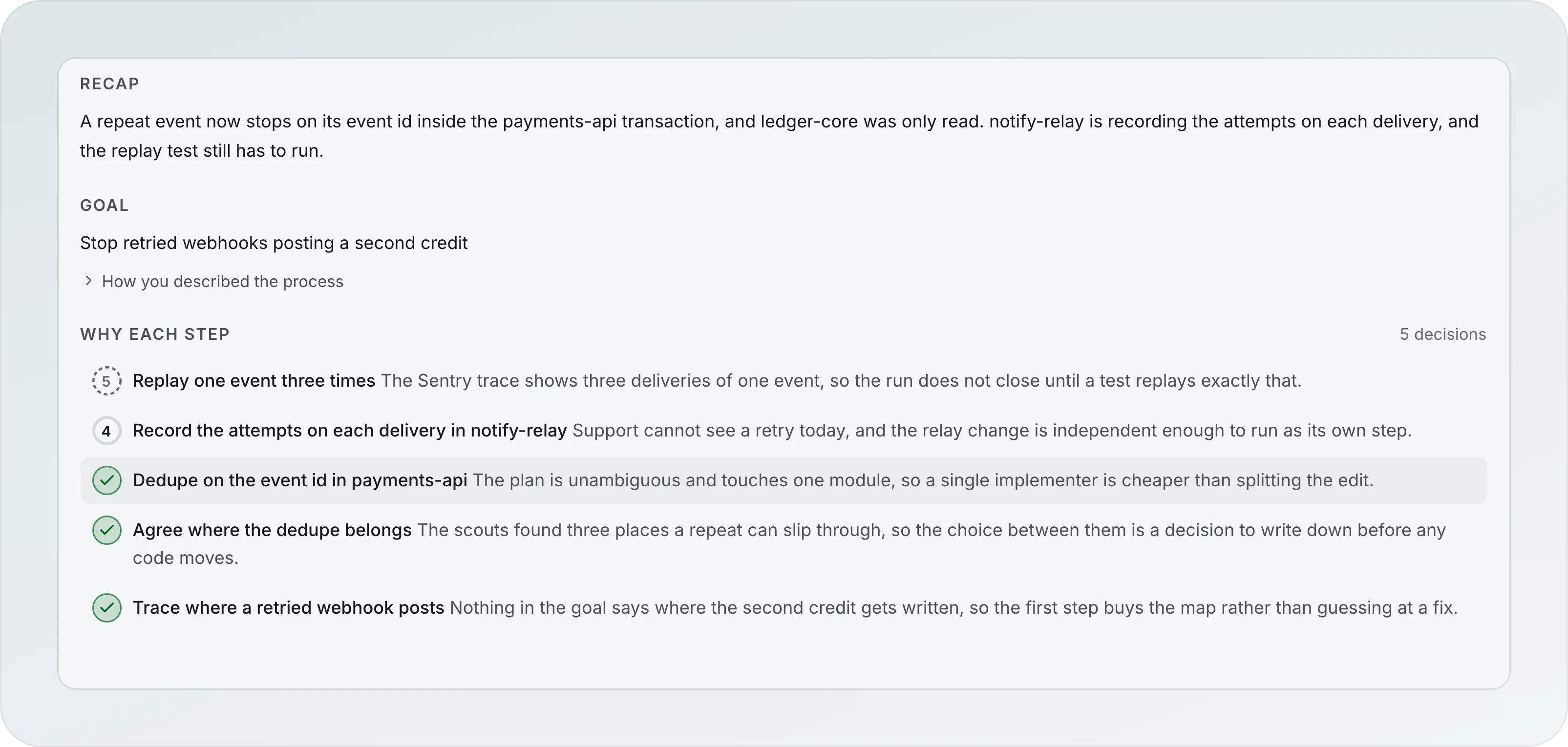
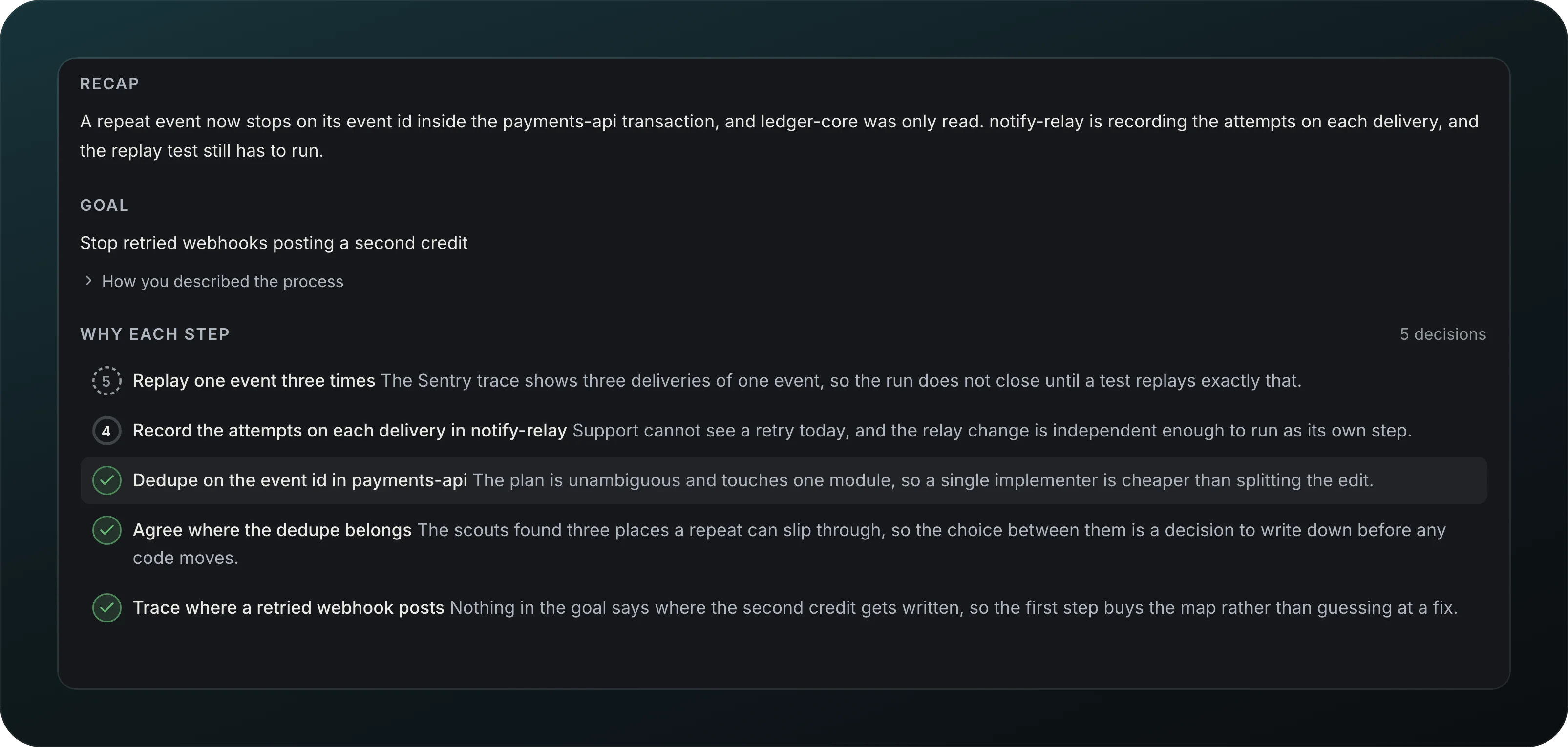
See why each step was picked, with a short Recap of what is done and what is left, rewritten after each decision.
Step handoff summary
Start each step from a short brief instead of the whole previous chat. If the summary fails, Goodboy keeps the start and end of the chat and marks the brief as degraded.
Open questions
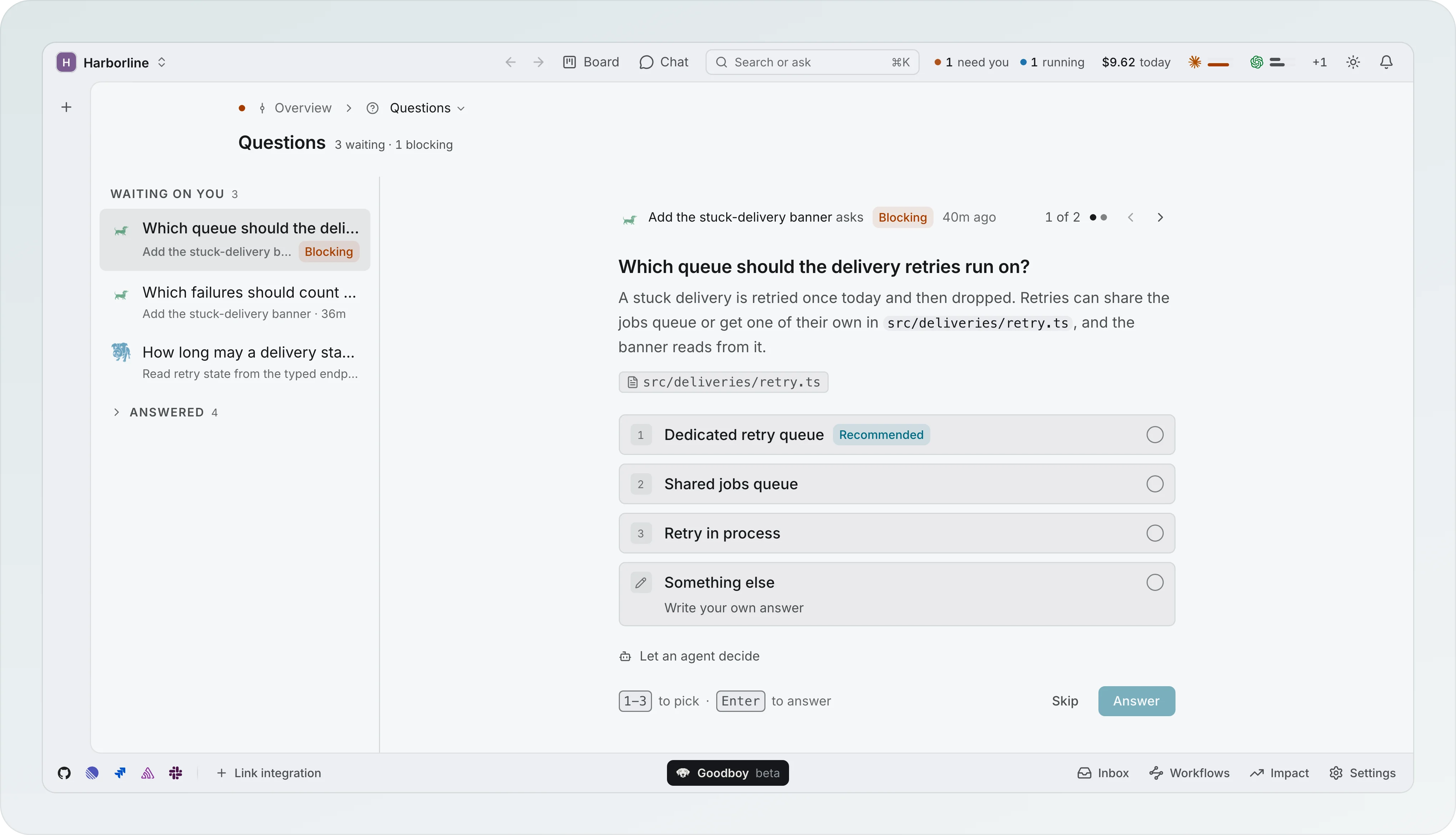
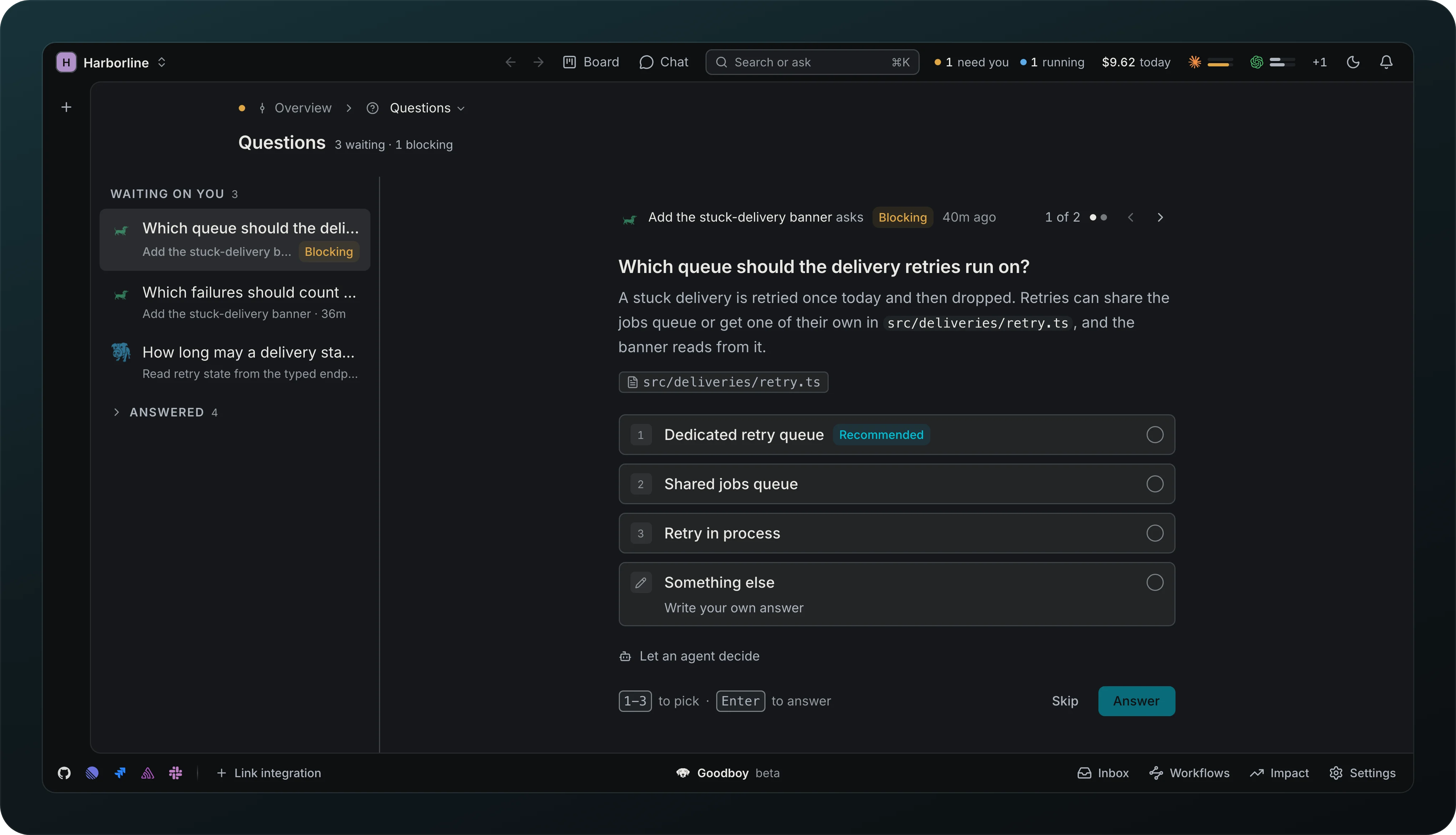
Get each question as one card: who asks, whether it is Blocking, the question, and its answers as numbered tiles with the recommended one tagged. Pick with a number key, answer with Enter, or write something else in line. The Questions lens lists what waits on you next to the question you are answering, and j and k move through the list. The same card sits at the end of the transcript and at the top of the agent's Brief. The answers to one agent go out together once you answered its last question, and until then each one keeps an Undo. A blocking question holds its step until you answer, or until you write what you want to say and choose Send as message: the agent gets it as a normal message and the question closes. Each question shows once in the session activity, on the row of the agent that asked, and Answer on a workflow row opens that agent right at its question.
Let an agent decide
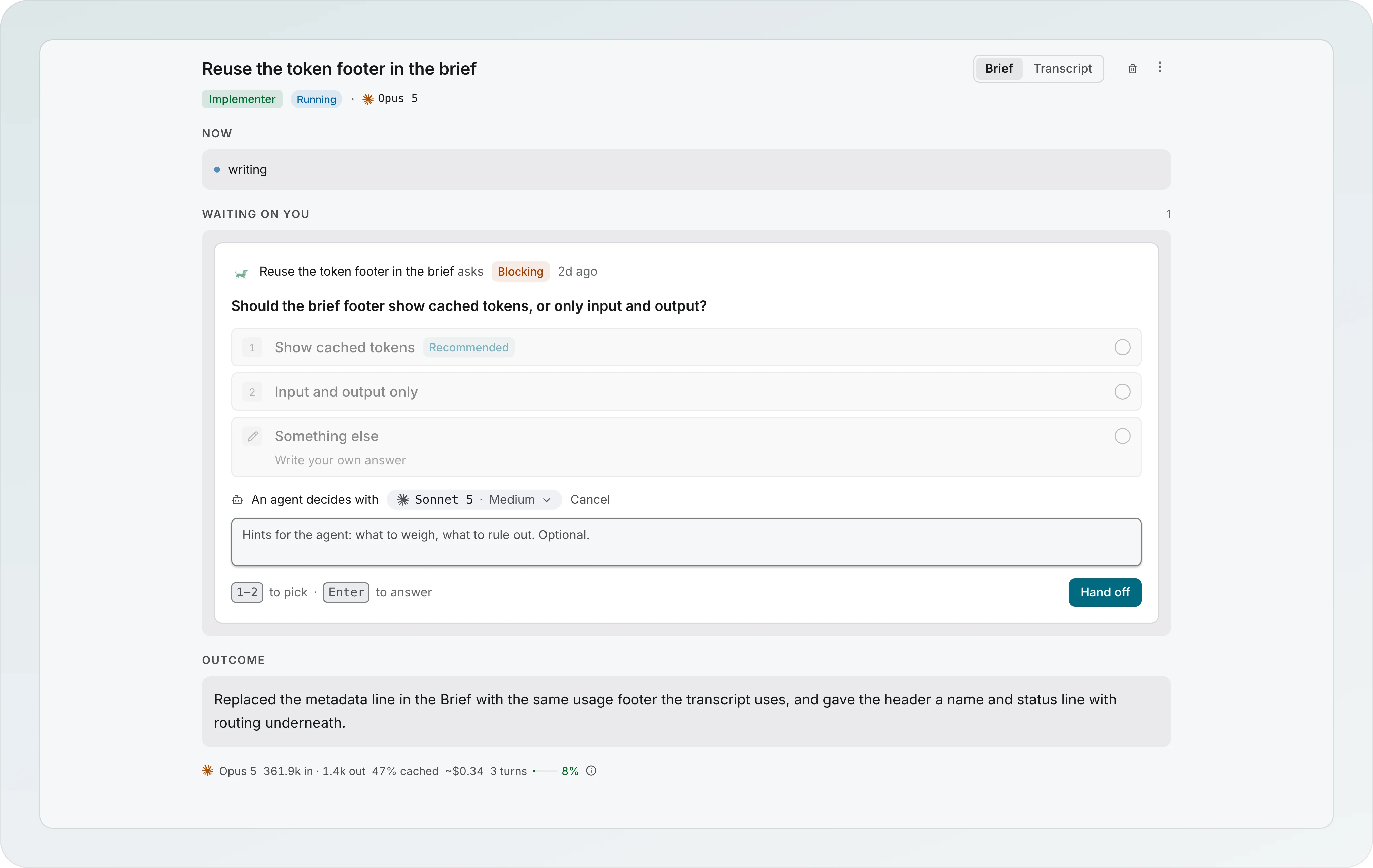
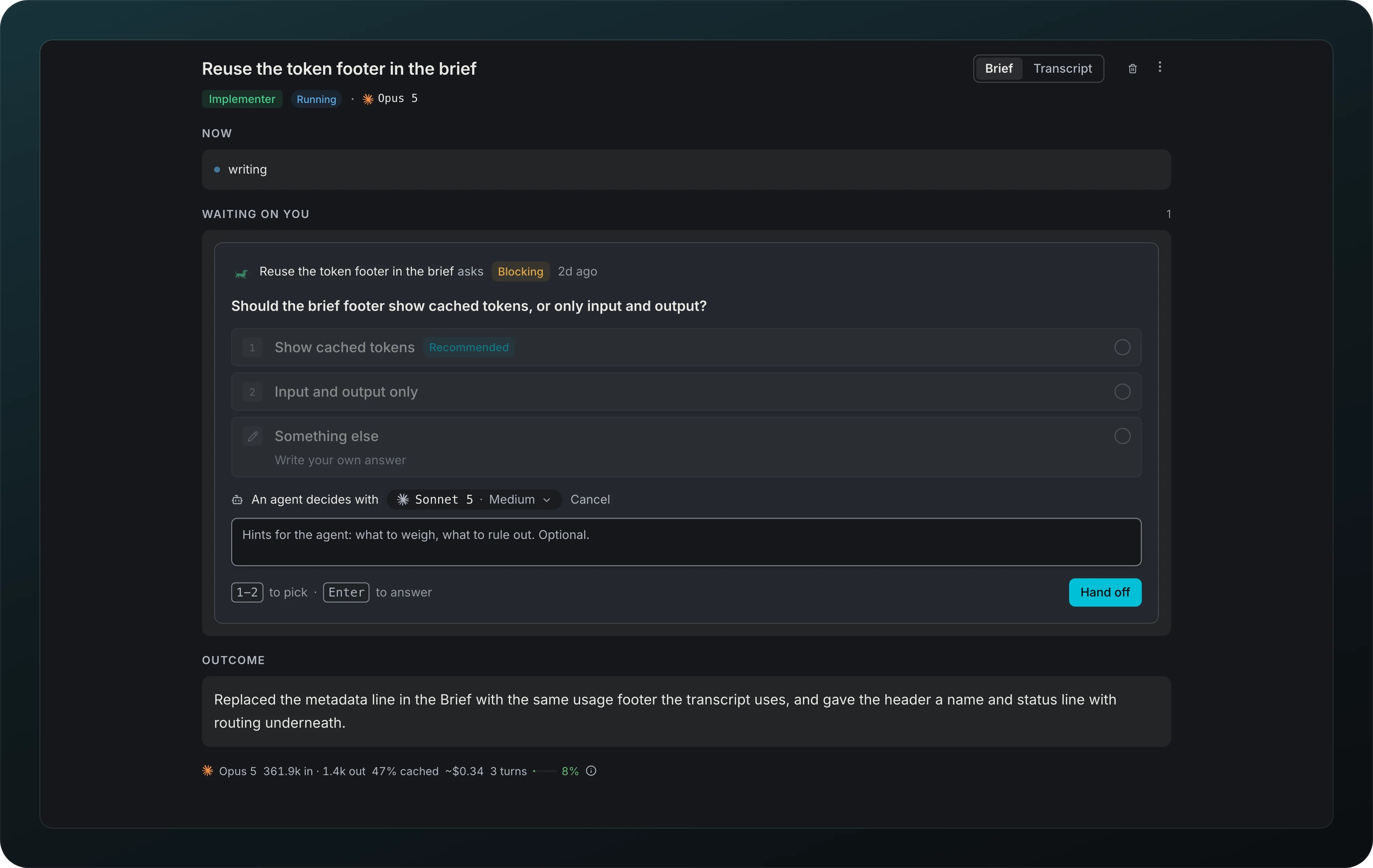
Hand a question to another agent with a hint and a model from Let an agent decide, then press Hand off. Its answer counts as yours, and Answer it yourself takes it back.
Import workflows
Bring custom workflows over from your other workspaces with Import in the Workflows studio.
Reversible workflow edits use the shared app Undo stack. The Undo toast lasts about 10 seconds, and Cmd+Z outside text fields also undoes the latest operation.