Keyboard and terminal
Drive Goodboy from the keyboard, run a shell in the session's worktree, and open the code in your own editor.
Terminal
Open a real login shell in the session's worktree. ⌘⌥T opens the Terminal view, ⌘T adds a tab while the terminal has the focus, and the shell is still there after a reload. ⌘F finds in its scrollback.
Keyboard shortcuts, back and forward
![The Shortcuts page in the groups General, Workspaces, Navigate and Views, with Command palette on ⌘K, Report a bug on ⌘I, Back on ⌘[ and Forward on ⌘], and a ⌘⌥ key for each view from Overview to Slack threads](https://raw.githubusercontent.com/akhayam99/goodboy-media/main/features/keyboard-shortcuts-light.webp)
![The Shortcuts page in the groups General, Workspaces, Navigate and Views, with Command palette on ⌘K, Report a bug on ⌘I, Back on ⌘[ and Forward on ⌘], and a ⌘⌥ key for each view from Overview to Slack threads](https://raw.githubusercontent.com/akhayam99/goodboy-media/main/features/keyboard-shortcuts-dark.webp)
Screenshot from Goodboy 0.13.1
Drive Goodboy from the keyboard: a ⌘⌥ key for each view (⌘⌥R opens the Branch page on Comments, ⌘⌥F on Files and ⌘⌥1 on the pull request, where E edits its title), ⌘1 to ⌘9 for your other workspaces in the order the switcher numbers them, and ⌘[ and ⌘] through history. ⌘/ opens the list, and a key that only works in one place says where. Tasks opens with its first row chosen, so J and K move, ↵ launches, O opens the tool, R replies, S stars and / searches at once. How Goodboy listens, in the Guide, puts the prefixes, the list keys and the two kinds of field on one page. One registry drives the keys, that page, the Shortcuts list and the tooltips. Esc closes what is open inside the app and never takes the window out of macOS full screen. ⌃Tab flips between your recent sessions: hold ⌃ to see the list, and its foot names two gestures, ⌃Tab next and Release to open. ⇧⌃Tab goes back and Esc cancels; both stay in the Shortcuts list.
Script drawer
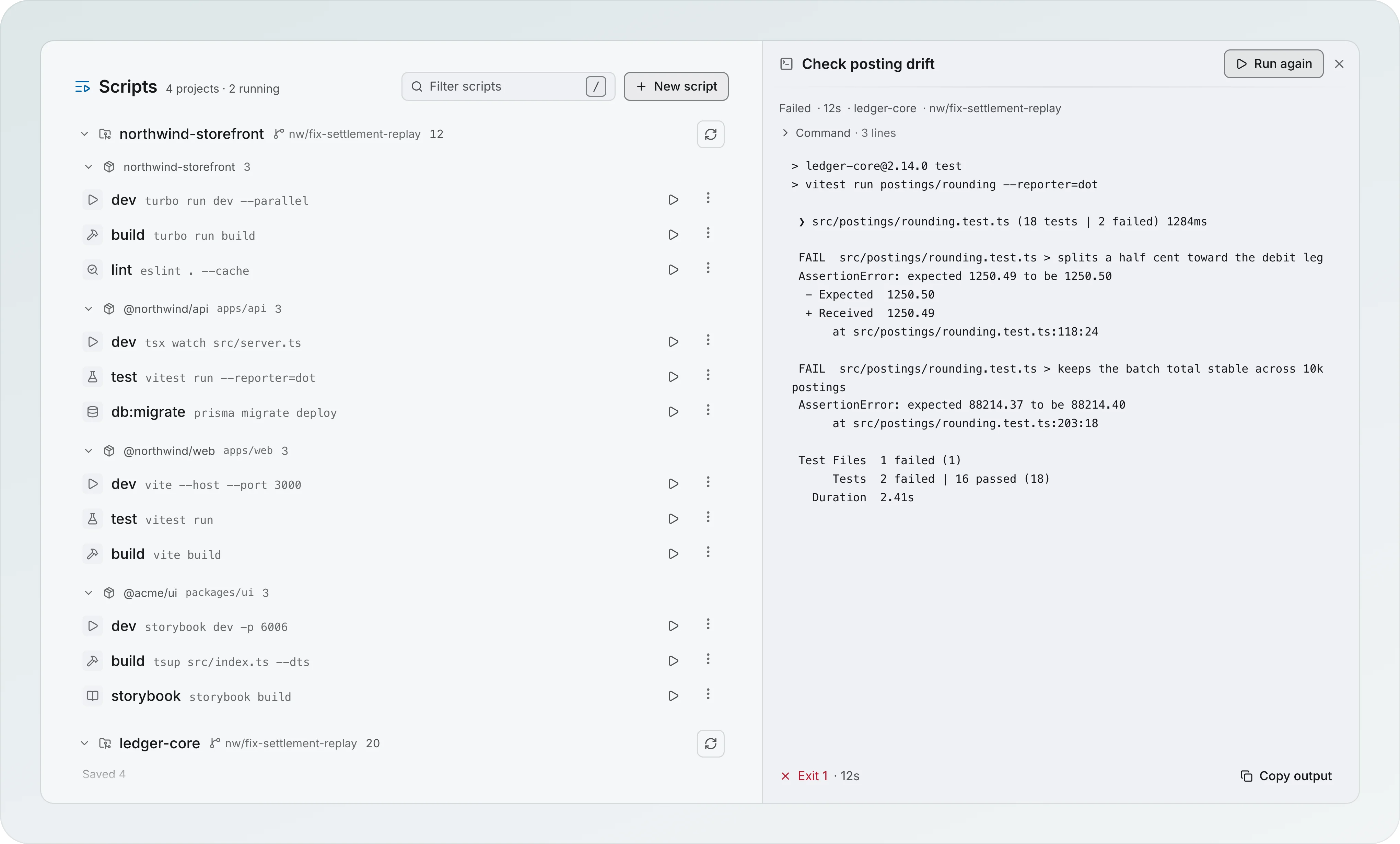
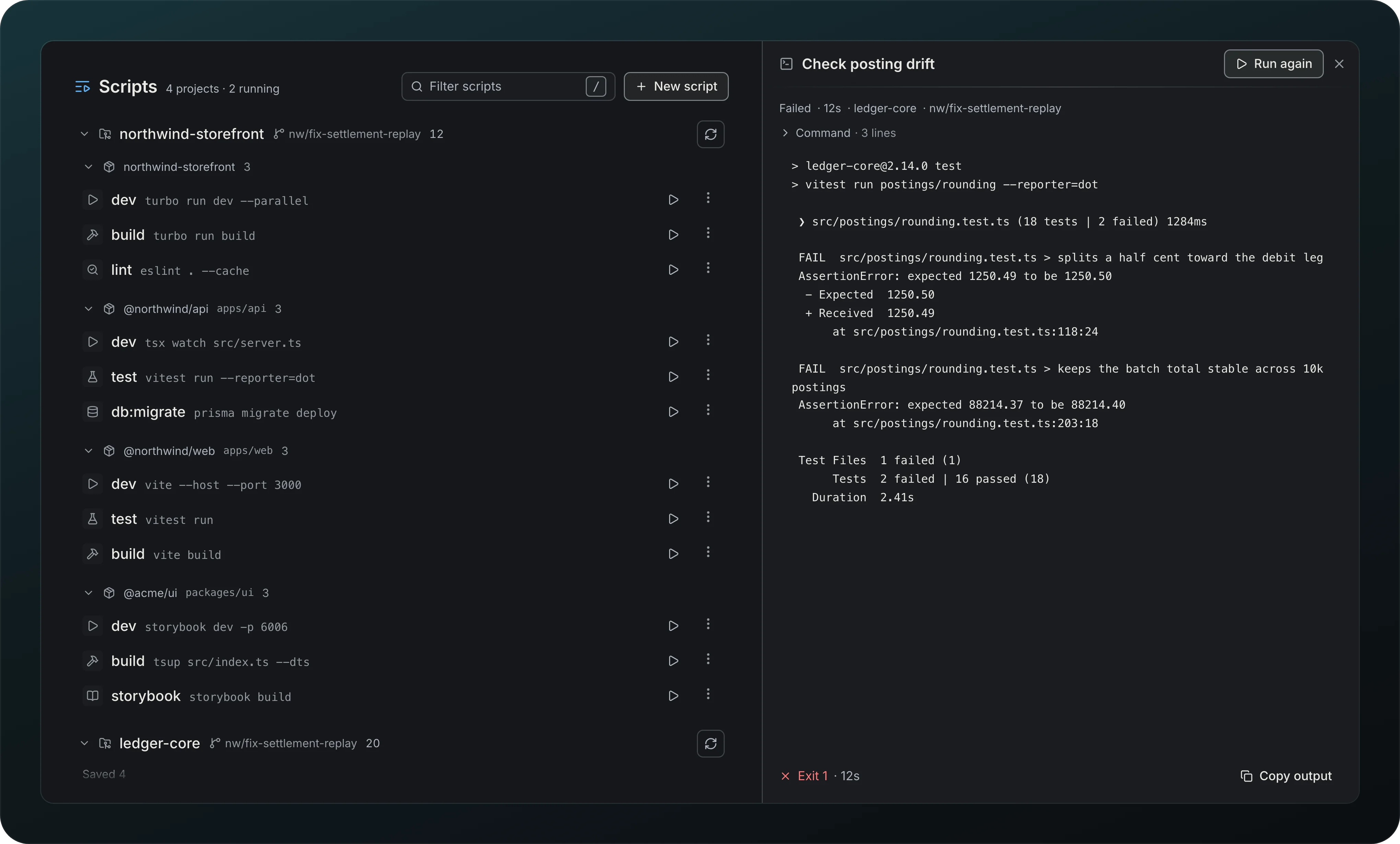
Screenshot from Goodboy 0.13.1
Pin the scripts you use from the project row on the workspace Projects page in Settings, or right in the Scripts lens. A session's Scripts lens lists only the scripts you pinned and the ones you saved, grouped by project, and a project with none shows No scripts in its name with Pin a script, which lists the project's scripts inline so you can pin one without leaving the page. A row shows Pin, Run and … when you point at it, and Stop while it runs. A pinned script shows once: in a Pinned strip at the top of the lens when the session has more than one project, in its rows alone otherwise. Pinned scripts are also in the palette under $ with their project. Watch a script's live output in a drawer beside the list. Stop ends a running script, Run again starts it over, the footer shows the exit code and the time (Exit 1 · 12s) with Copy output, and the drawer comes back after a reload.
Open in editor
Jump into VS Code, Cursor, Zed, the JetBrains IDEs, Sublime Text, Vim or Neovim, at the worktree or the file. VS Code and Cursor open it in the window you already have. Open with, in Settings, General, picks the editor, and the browser that links and artifacts open in: System default at first, with a note when the one you chose is no longer installed.
Explore
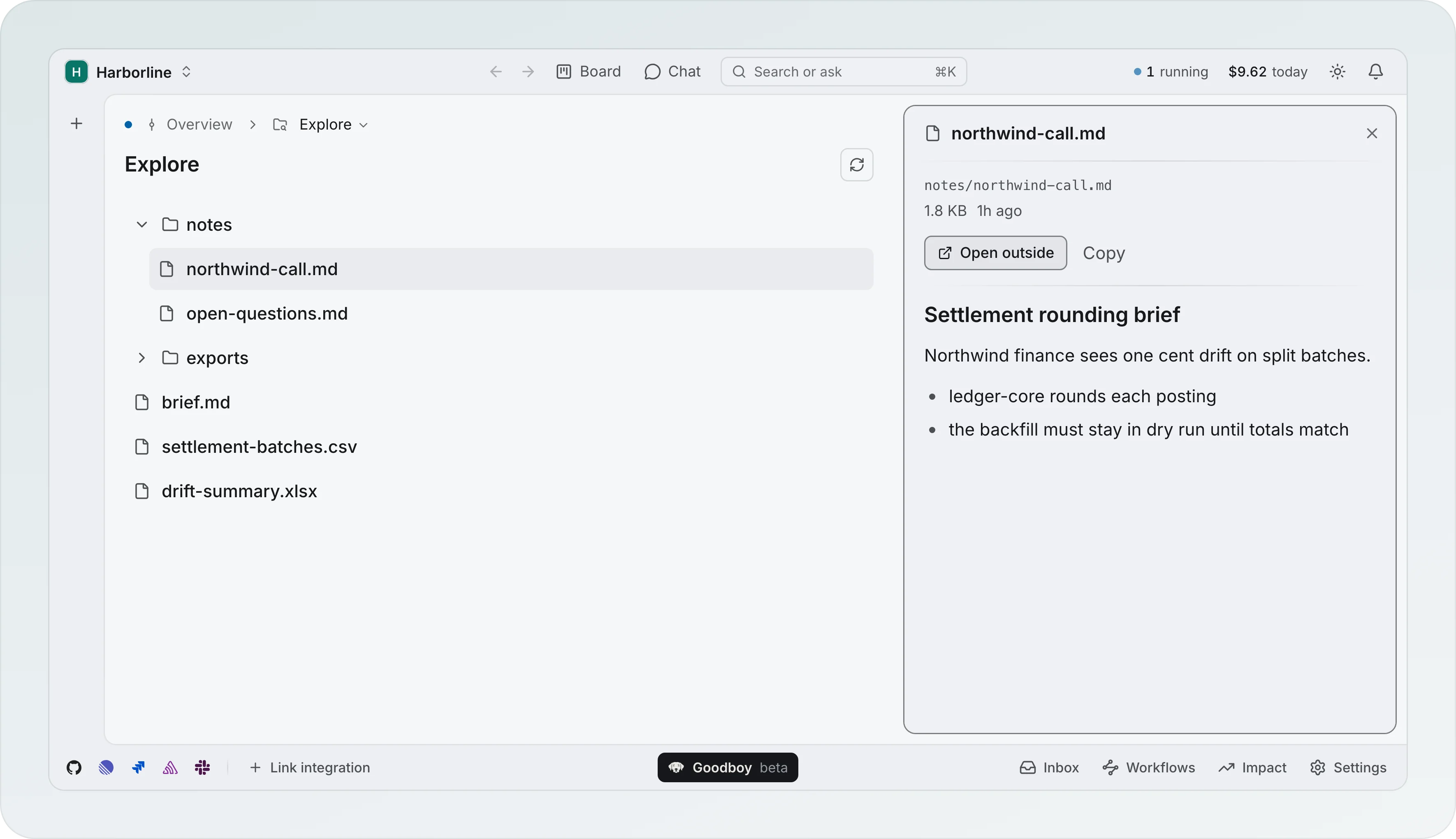
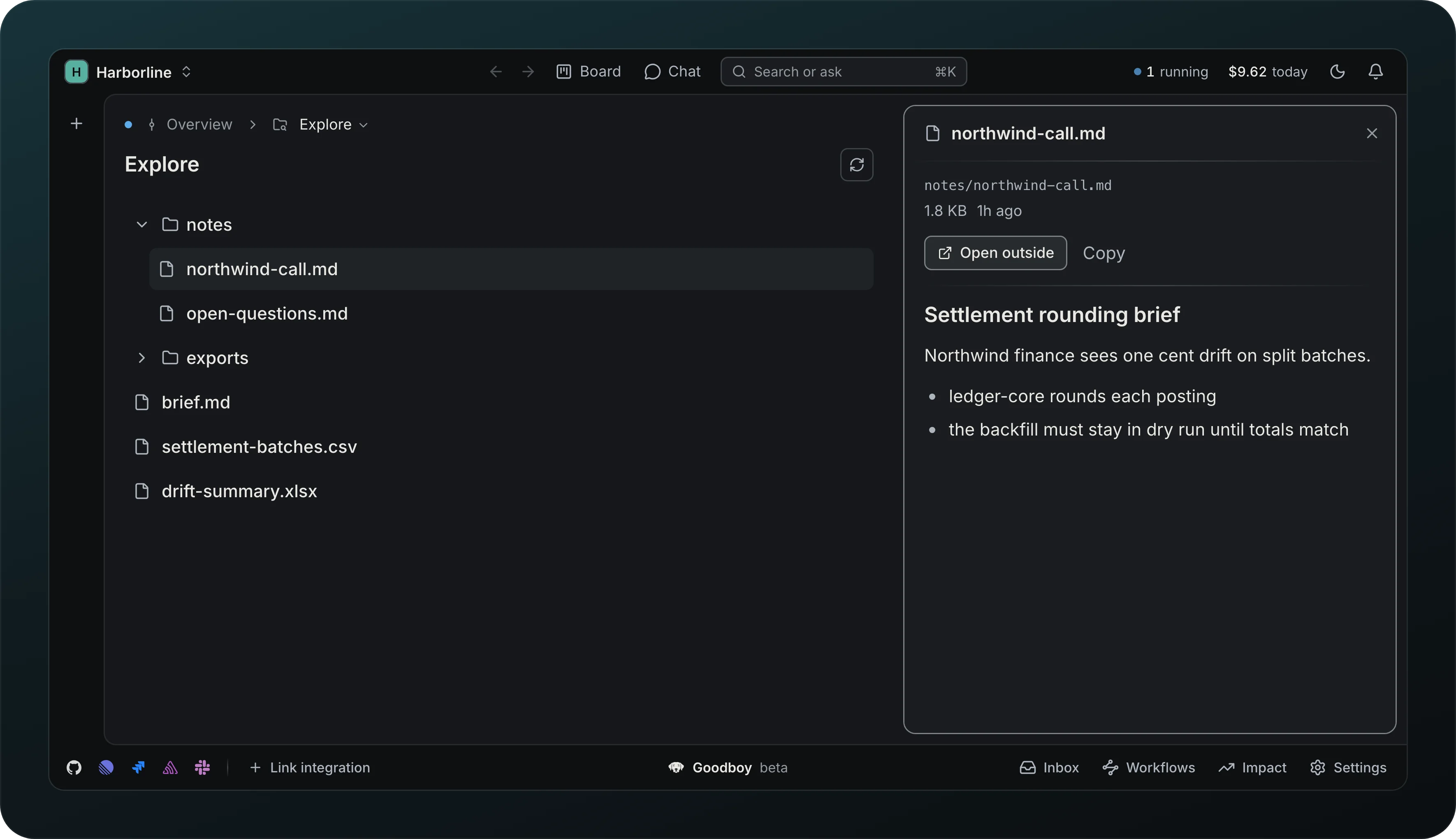
Screenshot from Goodboy 0.13.1
Browse the session folder as a file tree, with a preview of the selected file beside it, Open outside and Copy. Ask an agent about this file starts an agent on it from the row.
The terminal page offers New terminal when no shell has been opened yet.