Overview and activity
Open a session and read everything about the task in one place: its goal, its projects, and the timeline of what happened.
Session overview
Screenshot from Goodboy 0.23.0
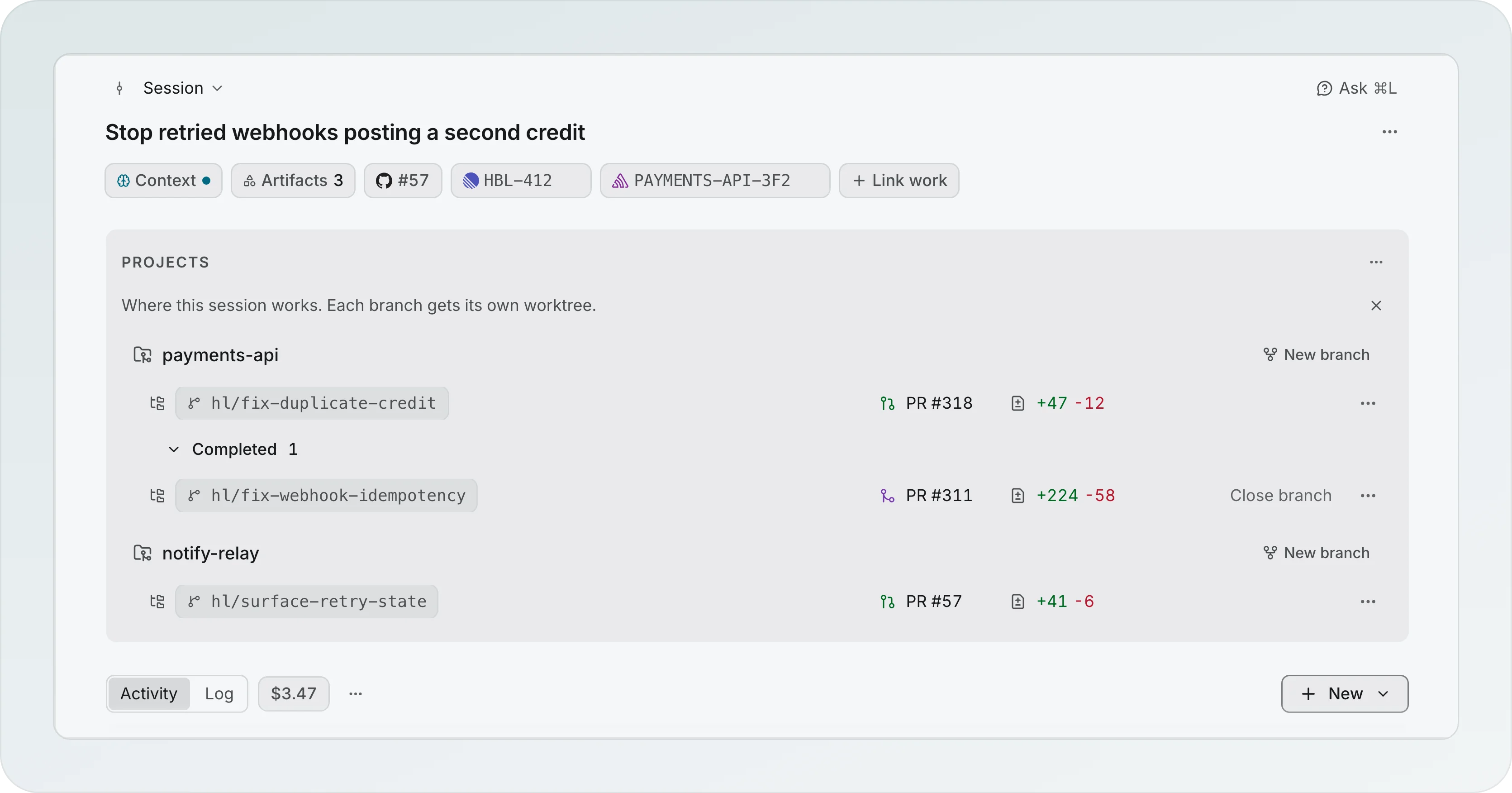
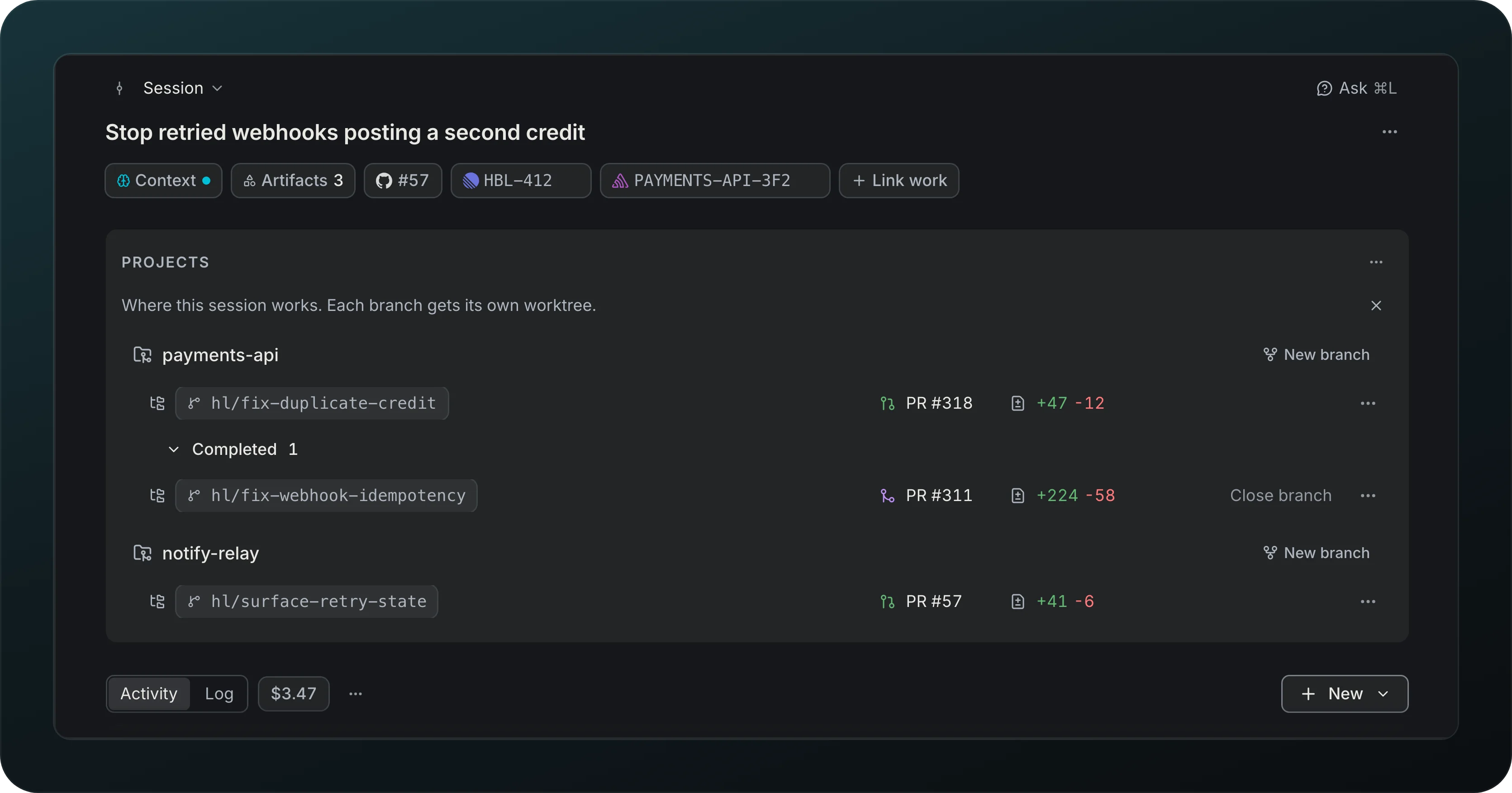
Find the goal, linked issues, projects, cost and the buttons to start an agent or a workflow on one screen. Under the title, one line names where the session came from, "From chat: Payments retry design" (the chat that started it; "Fed by chat" only when no chat started it), and the other chats sit behind "+2 more". One row of facts follows: Context, Artifacts (reports, wireframes and plans), the tasks linked to the session and Link work. A task that lives on one branch shows on that branch's row only, never in the header, and no chip carries a key hint: the key is in its tooltip. The cost is in the Activity header, beside its tabs. What waits on you is said once, in Next. Every section of the page, Projects, Next and Unassigned notes, opens with the same small heading.
Projects sits in one band on fixed columns: the branch (it takes what is left), the pull request, the changes and one action with a menu. Each worktree is one row of 36px whatever its branch name or state, so a long name is cut in the middle and the pull request never moves. A row shows the branch, its first linked task with +N for the rest, a quiet state like "2 to push", the pull request with its state, the changes, and one action. The + that puts a task on the branch appears over the end of the row on hover, and takes no room. A failed action never grows a row: a notice follows the row, "Couldn't reopen cascadia", with a sentence on what stayed as it was, Details for the raw message and Retry. A worktree that is not on the branch it left on gets a warning notice with Use this branch here, Keep both branches and Not now. While the projects load, the card draws two skeleton rows on the same columns. Add project leaves the header once every project of the workspace is in the session, and its item moves to the menu beside Projects. The part of a split and the distance from main show on hover. Past four open worktrees each project folds to one line, "3 worktrees · 2 in review · +312 -148", that opens on click. A first lap session says in one notice under the title, on the column, that its work is in the project folder and nothing is published yet, and shows the project folder as a row with Publish; the notice never moves the title. The line that explains Projects closes with its x for good.
Notes written before notes belonged to a branch wait in Unassigned notes: each row shows Move to, and Discard is in the row menu; Discard all sits in the heading from two notes. The Activity header has the two views, the session cost, a menu with Mark all seen only while an agent is unseen, and New, with Start a run, Start agent, Report and Wireframe, each with one line under it. Start a run turns into Open run while a run is live, so a second one does not start on top.
Refresh a session
See pull requests made outside Goodboy without reloading. One an agent opened or you made in a terminal shows up when the turn ends or when you come back to the window. Refresh, the first item of the ... menu at the top right of the session header, re-reads projects, branches and pull requests right away. While it runs longer than a moment, only the project rows, the pull request chips and the linked work turn to skeleton. ⌘⇧R and the command palette do the same.
Activity
Screenshot from Goodboy 0.23.0
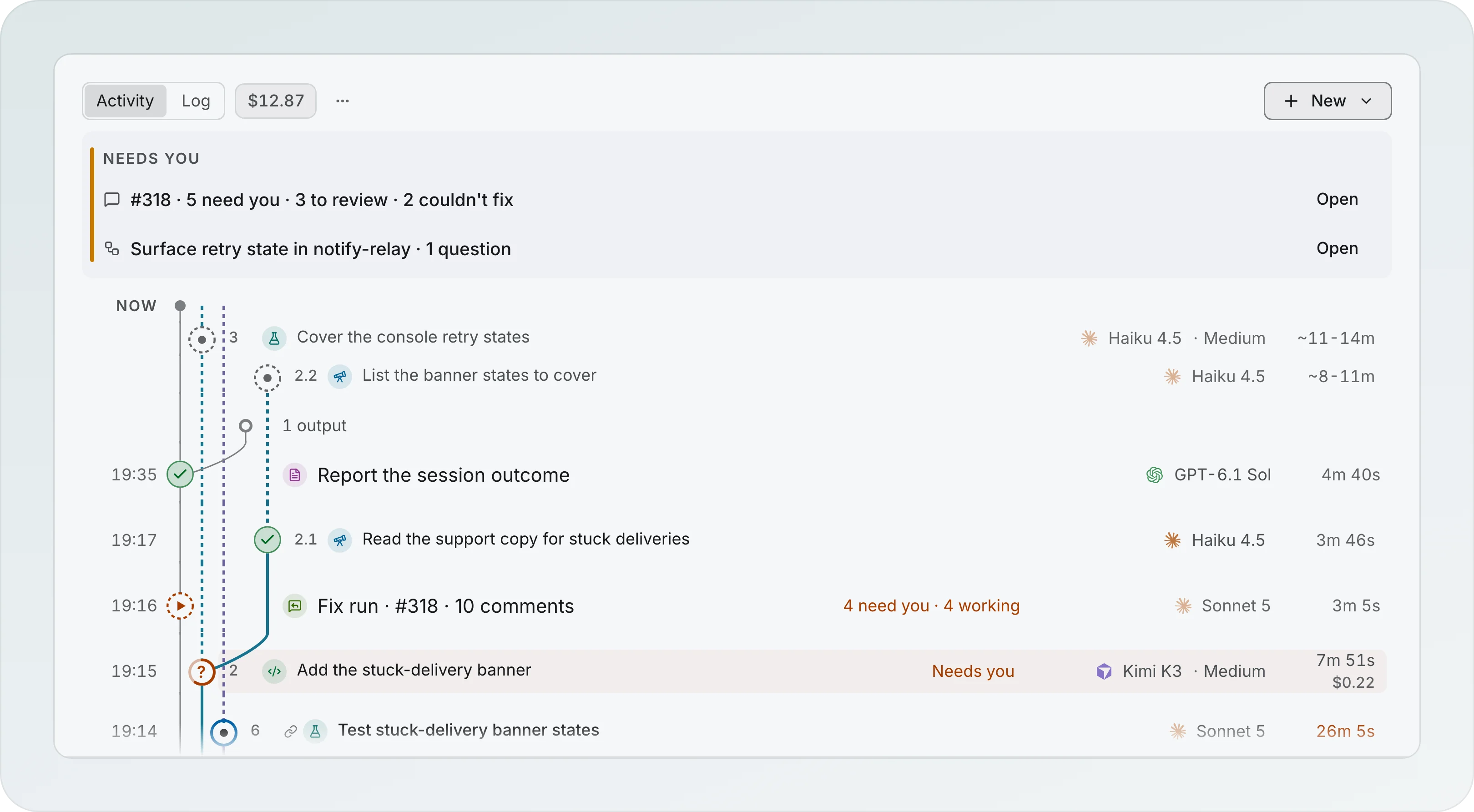
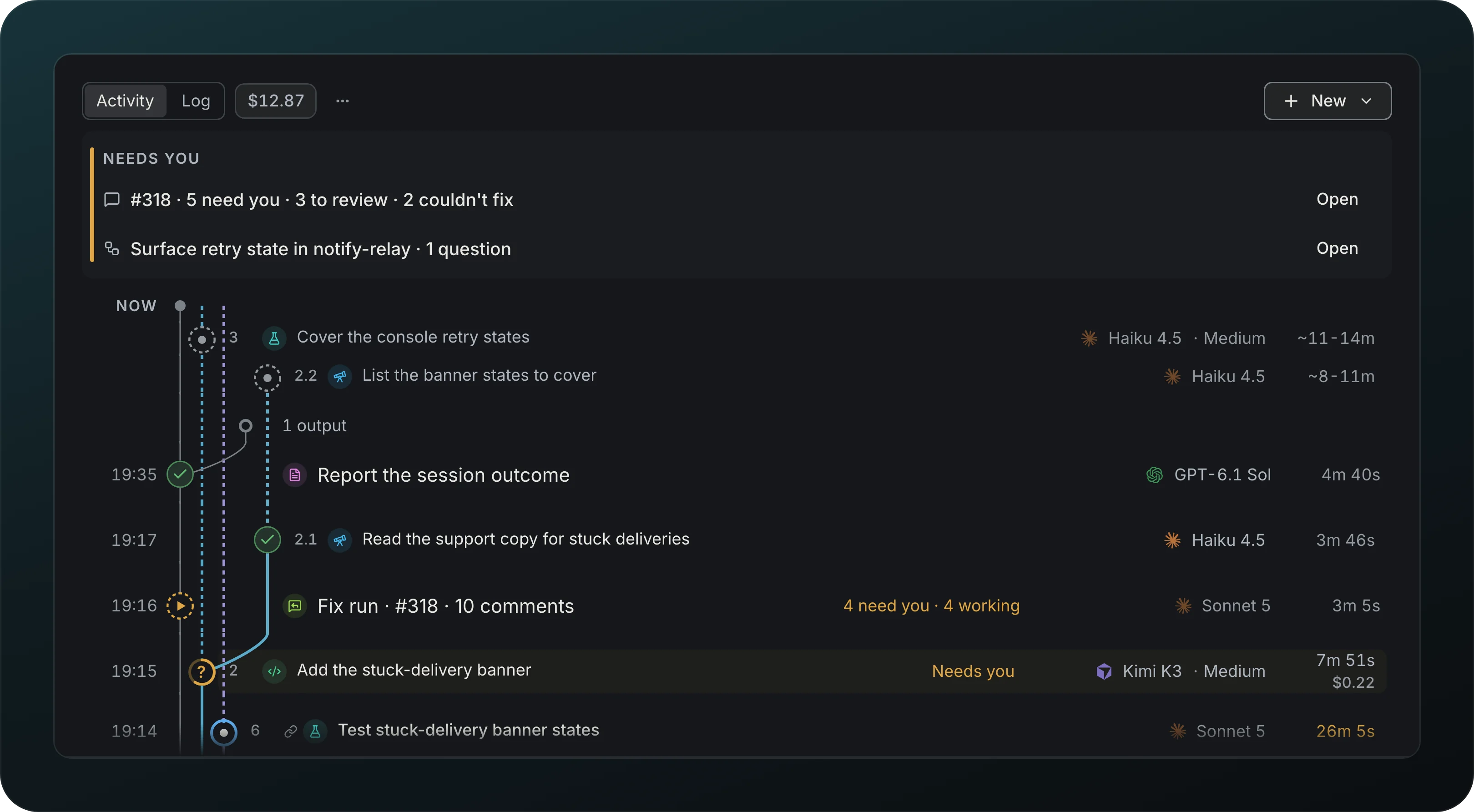
Read the session in two views, Activity | Log. Activity shows what you launched, one row per launch: an agent, a run, a fix run. Each agent row leads with its role as a small icon (Scout, Planner, Implementer and the rest) and a run row with an icon of its own, never a word. On the right each row shows its state or its one action, then the provider and the model that ran, then the duration with the cost under it, in the same columns on every row. When a step moved to another model, every model shows in the order it ran (Kimi K3 → Sonnet 5.5), and a run shows Sonnet 5.5 + 1 on two models and 4 models on more, never a clipped name. Rest the pointer on a role icon or on a model for a moment to open its card: the model and effort, start and finish, tokens and cost, and why a model took over. I on a focused row opens the card from the keyboard. When the timeline is narrow, like with the Context drawer open, the model shrinks to its icon, then the cost leaves, then the time, so the title stays readable. When something waits on you, a Needs you block sits on top with one row per owner, "#318 · 6 need you · 5 to review · 1 question", "Retry policy · 1 question", "Rebase of feat/export stopped ×2", each with Open to whoever owns the action; it disappears when nothing waits and never offers Push. An agent or run row it already lists has no Answer of its own. A fix run is one row, "Fix run · #318 · 9 comments", with its tally ("4 need you · 4 working"), the model, the real time span and the cost, and there is no row per agent. A click on it opens its transcript in a drawer on the Comments tab of the Branch. A comment that needs you or could not be fixed shows in the tally and in Needs you. A finished step with subagents has one muted, indented row, "6 subagents", on its lane right above it; open it and the children stand above the step, newest first, numbered 8.6 down to 8.1, each with its own time and cost, while the step's total counts them once. A step whose subagents are still working, queued or failed shows them all and cannot be folded; a subagent that asks you or failed also counts in Needs you. A finished agent that produced a plan, a report, a wireframe or a learning has "3 outputs" above it and lists them when you open it. The whole feed reads up like a git graph: newest first at every level, children above their parent, the steps of a run above the run row, and the clock never rises going down. The lanes, one colour per run and dashed up to Now while the run is live, pass beside whatever started in between, and a click on a lane opens the run page. Every row you can click, a run row included, takes a soft wash under the pointer and a ring on keyboard focus, and the pointer turns to a hand; a row that waits on you or has news keeps its tint under the wash. Every finished run or chain of agents folds the same way, whatever its size: its own row, and above it the row "8 steps · 1 question answered · Context · 2 added, 2 replaced", where the Context part says in the same words as the Context rows inside what its steps changed in the session context and shows only when they changed something. It opens on a click or the Right arrow, and a click on the run row itself opens the run page. A run that still asks you something, failed or is running stays open and cannot be folded, one that finishes while you look stays open until you fold it or open the page again, and the run page always lists every step in the order they ran. A fix run row says the state of its comments in the delivery words, need you, working and ready to push, and a fix waiting on you shows in Needs you. The state sits at the same place on every row, right before the time, and grows with its words up to 256px, so "3 need you · 4 working · 1 ready to push" shows whole when the row has room and the title gives way first; a finished state like Pushed or Resolved is an icon that says its word on hover. Children hang one indent in from their launch on the launch's own lane, a 2px line in the run's colour. The Log holds the facts: Context ("Context · 1 added, 2 replaced"), a plan, report, wireframe or learning made without a launch, branch and worktree events, links (an unlink carries Re-link), pull request events, answered questions without a launch and session archive and restore. It is flat, newest first, one compact muted row per fact, with a search box on top and no categories. A history row that still has a recovery stays in Activity and opens the Commits tab, where Undo rewrite, Retry and Restore previous history live. Consecutive stops of the same rebase on one day merge into one row, "Rebase of feat/export stopped ×2", which acts on the newest stop. Hover a clock to see when that row started and finished. A queued step sits on the dashed stretch above the newest row, under Now, with no clock.
Next


Screenshot from Goodboy 0.13.1
Know the one move that unblocks a task, like answering a question, fixing a failing check or opening a pull request. Here the plan Show the attempts on each delivery is ready, and Start implementer starts it. Not now in the row menu puts a suggestion away until the situation changes. A step that starts an implementer, reviewer, resolver, PR reviewer or debugger shows Runs on with the model and effort it starts on, and Change picks another for that start.
Time left
See how long a step has left, learned from your own past runs. Queued steps show a range, like the ~11-14m on Cover the console retry states in the timeline above. A slow run turns its time warm, with "Longer than usual" in the tooltip, and thin history shows a count instead of a guess.
File versions
Undo an agent's edit in a session without a branch: each file it changed is kept as it was, with Restore.