Commits and history
The Commits tab of the Branch page shapes a branch before it goes to review: fold, move, reword and drop commits, see what would conflict, and apply with a backup one click away.
Shape the history
Screenshot from Goodboy 0.13.1
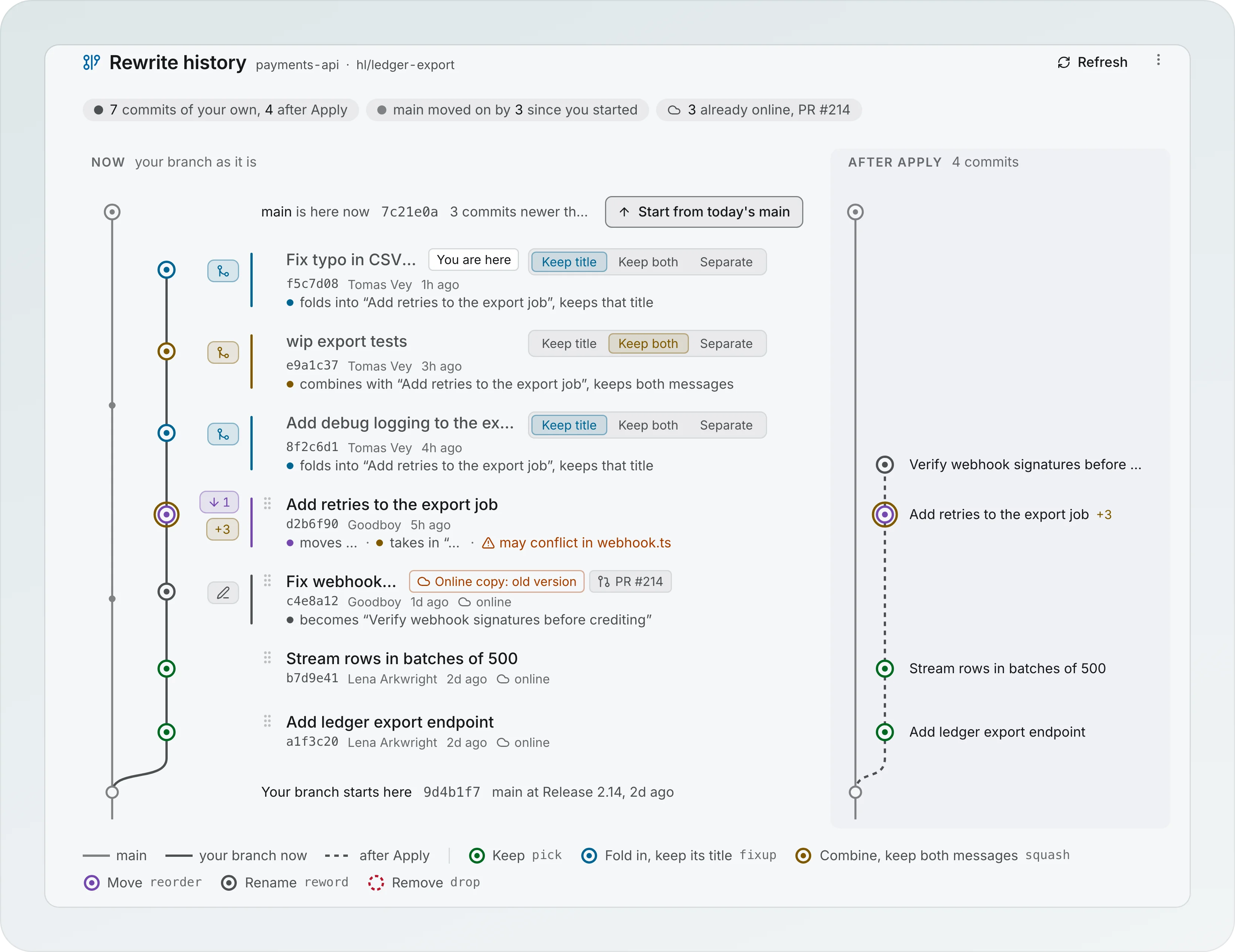
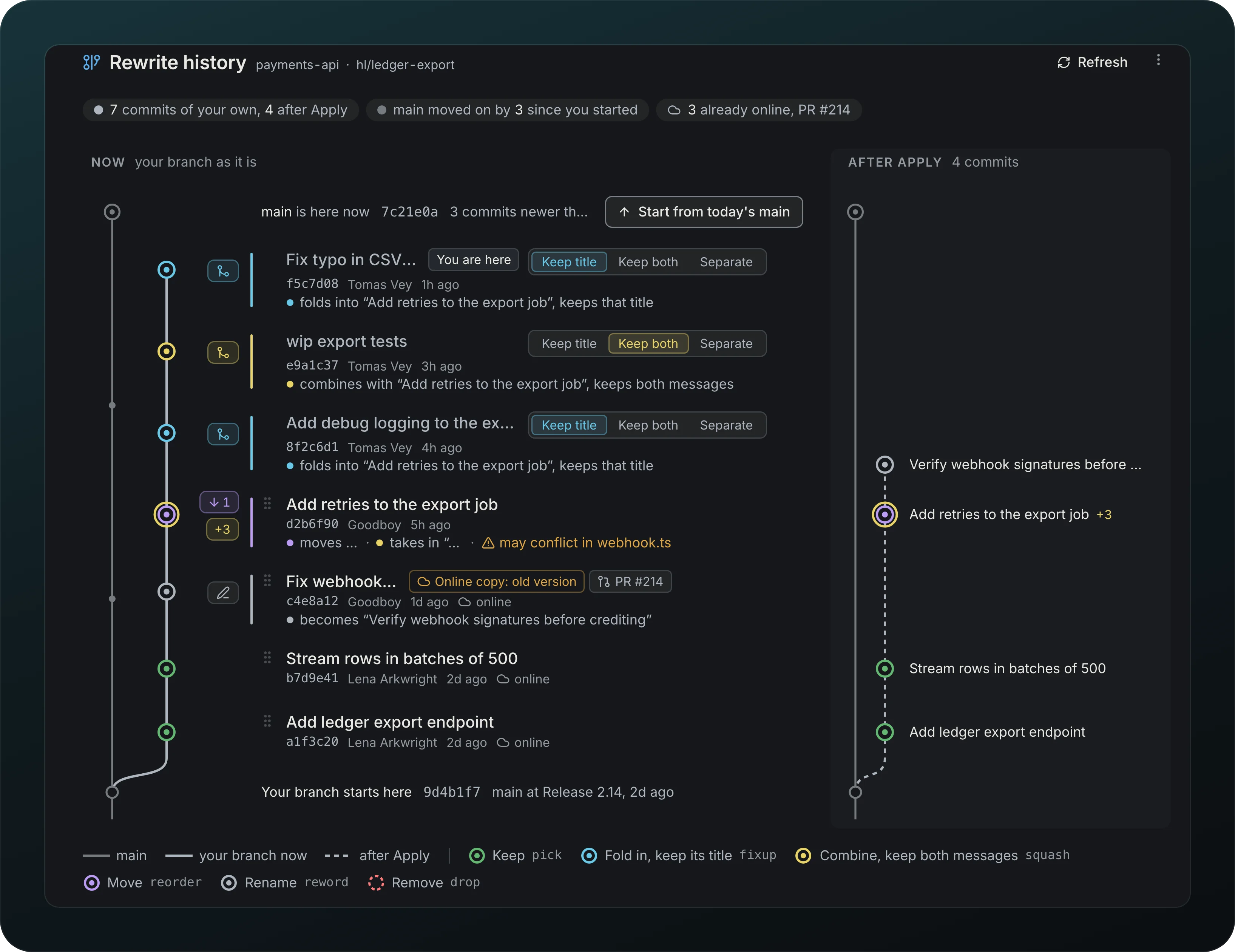
Clean up a branch by hand, on the Commits tab of the Branch page. Drag a commit between two others to move it, drop it onto another to fold it in, or rename or remove it. Rebase on main moves the branch start onto the latest main. A folded commit chooses Keep title, Keep both or Separate in one control, and hovering any commit of a fold highlights the whole group. The branch is drawn as it is Now, next to what it becomes After Apply, with a color for each kind of change. Each row's buttons, its ⋯ menu, a right click and ⌘K on the focused row offer the same actions.
Safe apply
Screenshot from Goodboy 0.13.1
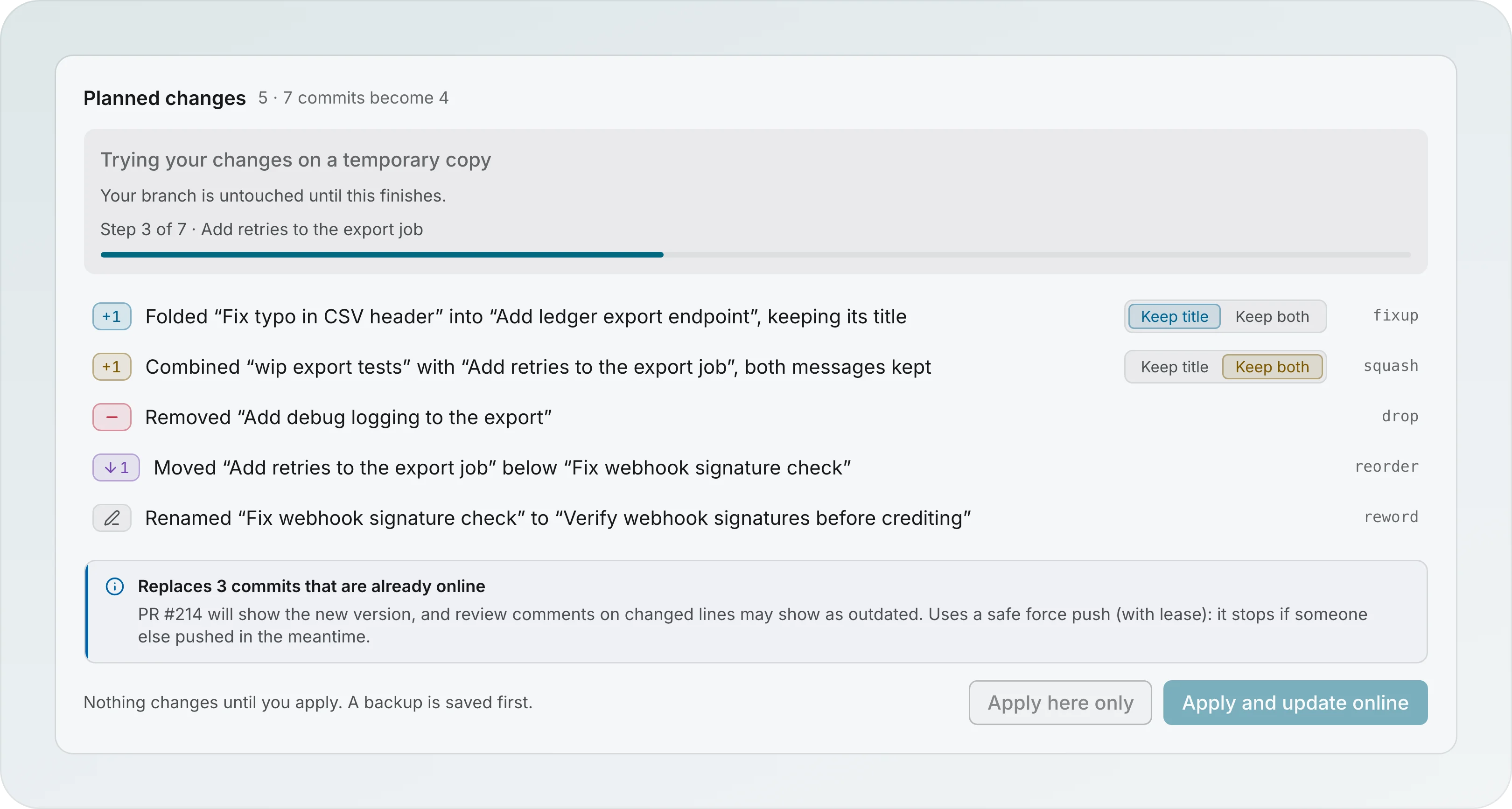
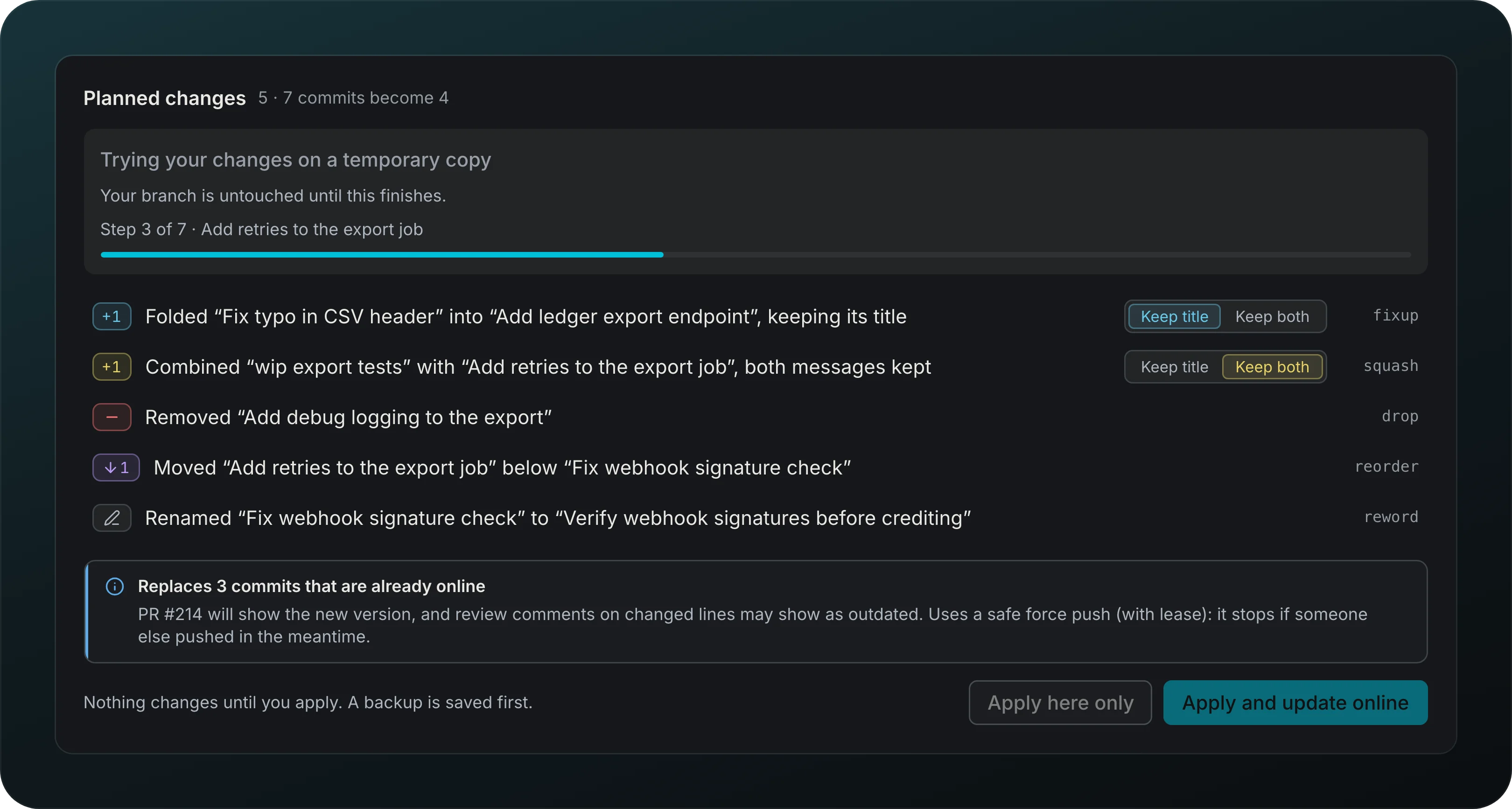
Apply here only and Apply and update online try the whole plan on a temporary copy first and check the result before your branch moves. A progress line names the step it is on, and a backup is saved before anything changes. If a step stops, it says which one and why, and your branch stays exactly as it was.
Conflict prediction
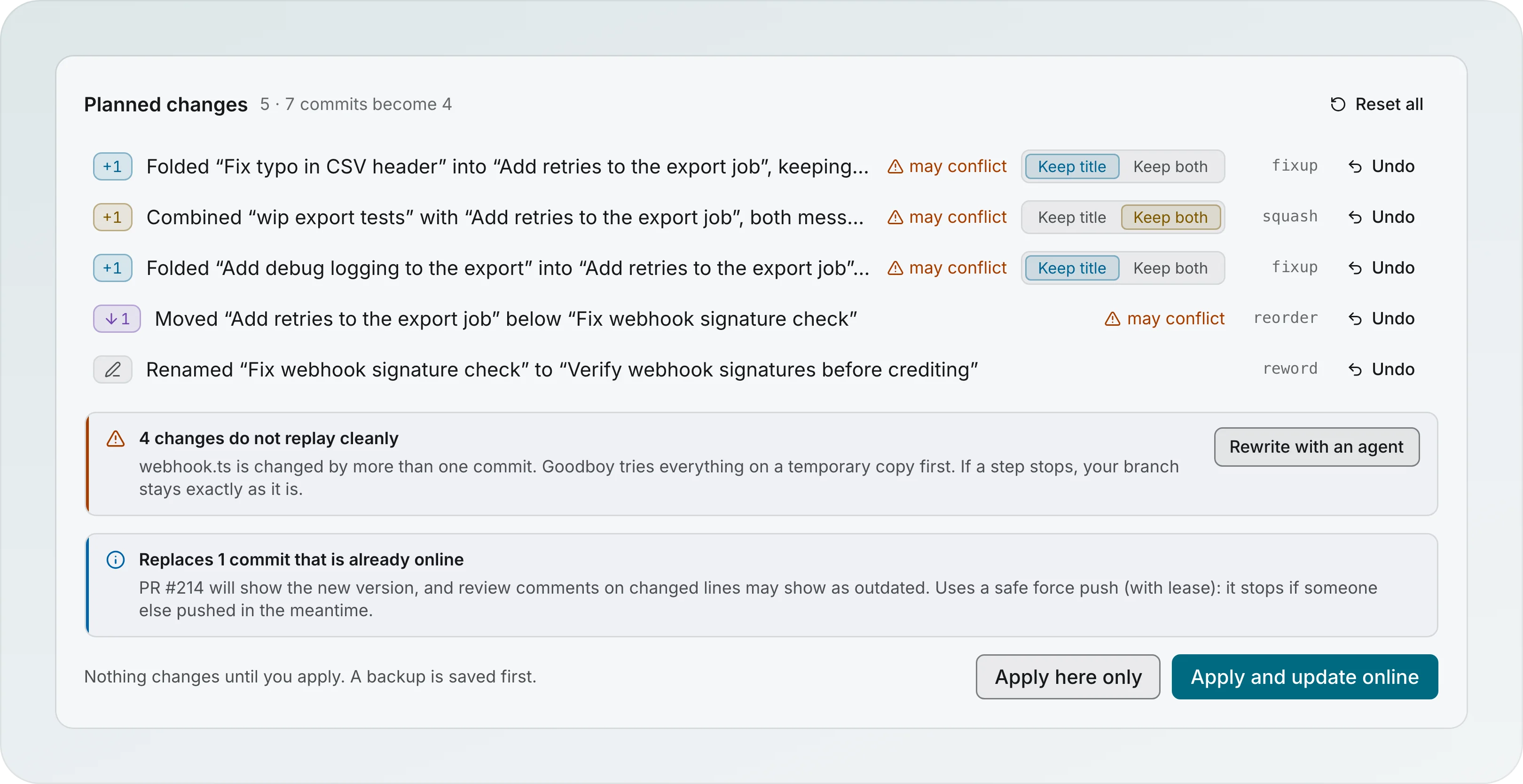
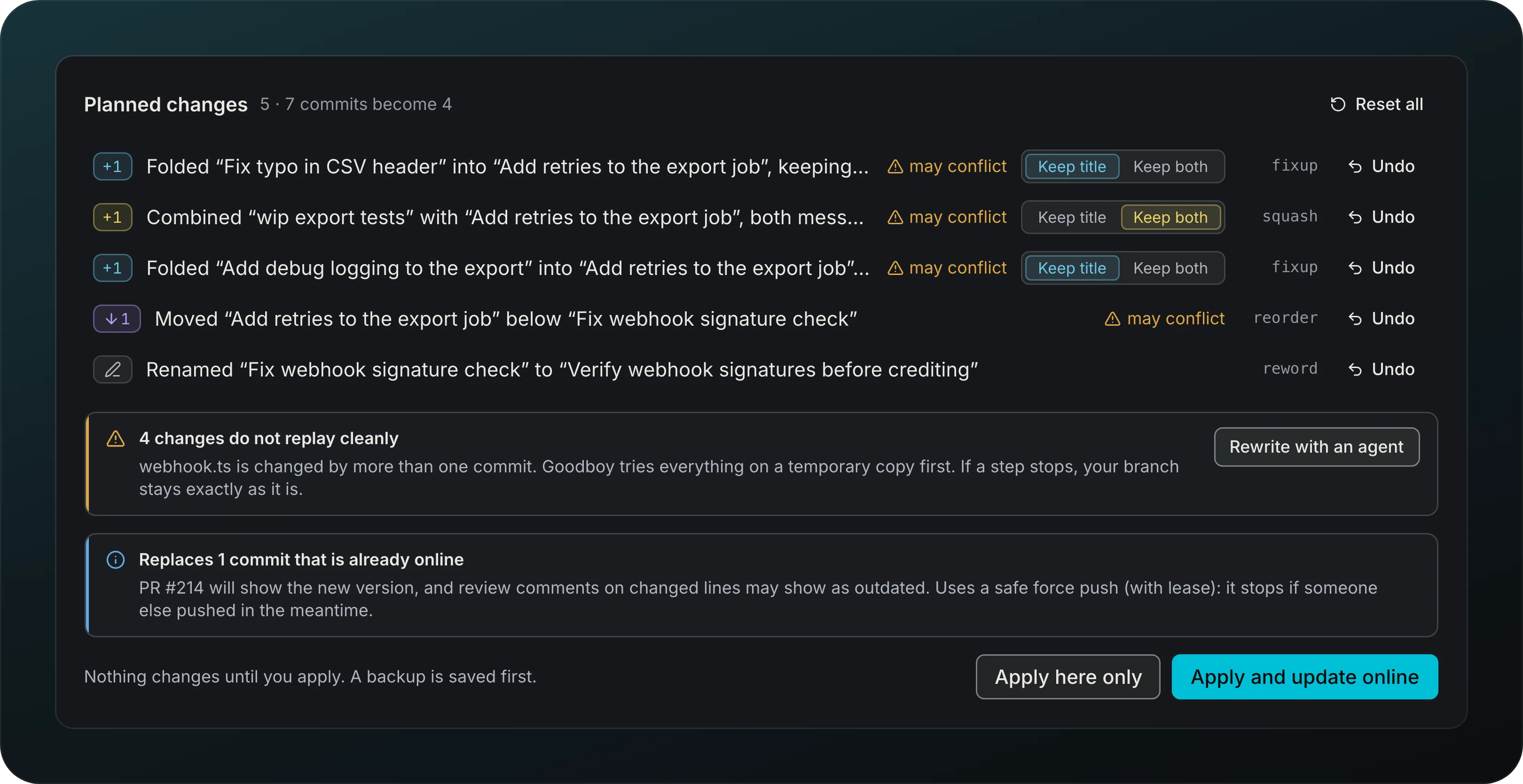
Screenshot from Goodboy 0.13.1
While you edit the plan, Goodboy tries it in memory and marks each change that may conflict. A warning names the file, here webhook.ts, and how many changes would not replay cleanly. Your checkout stays as it is.
Conflicts merged in a copy
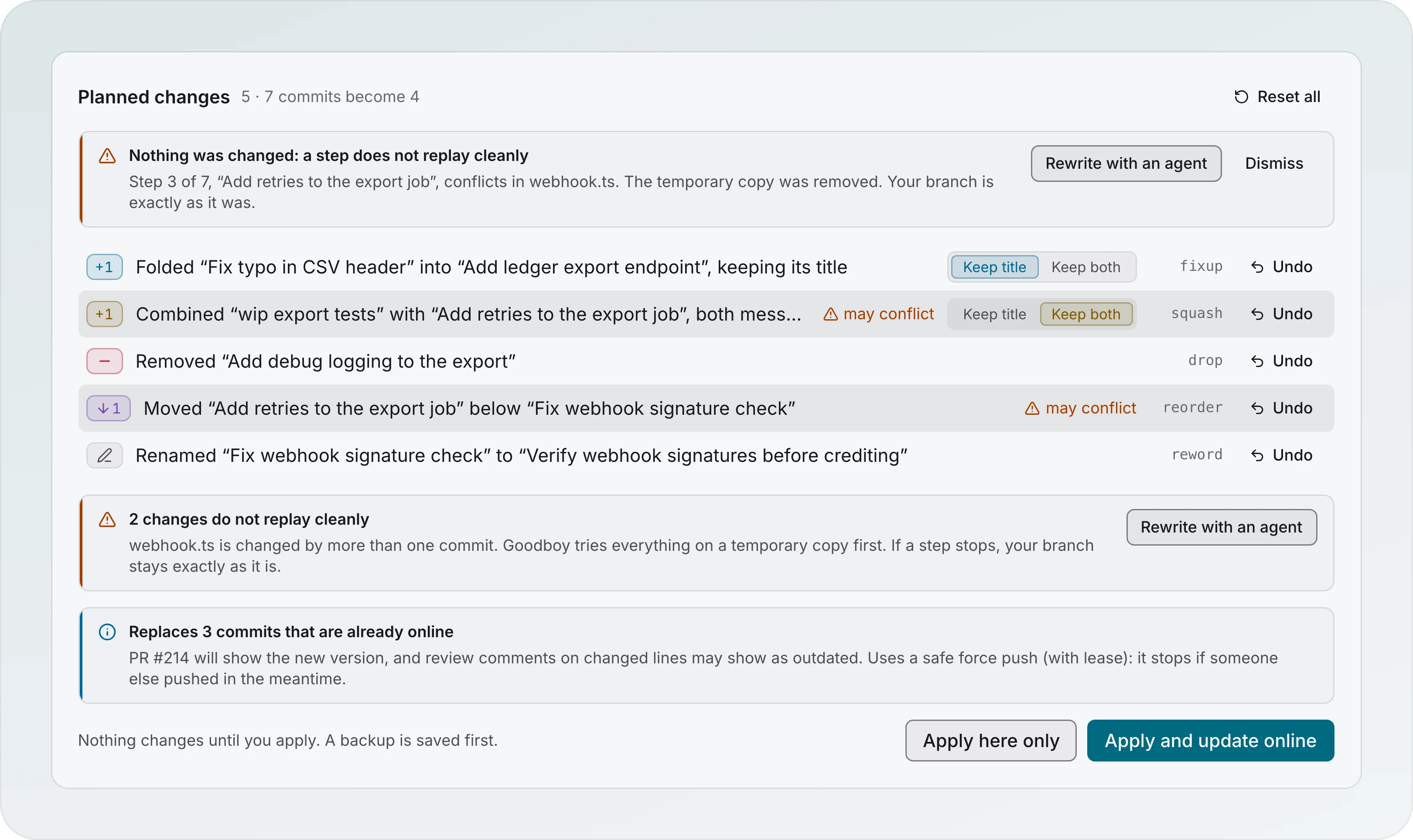
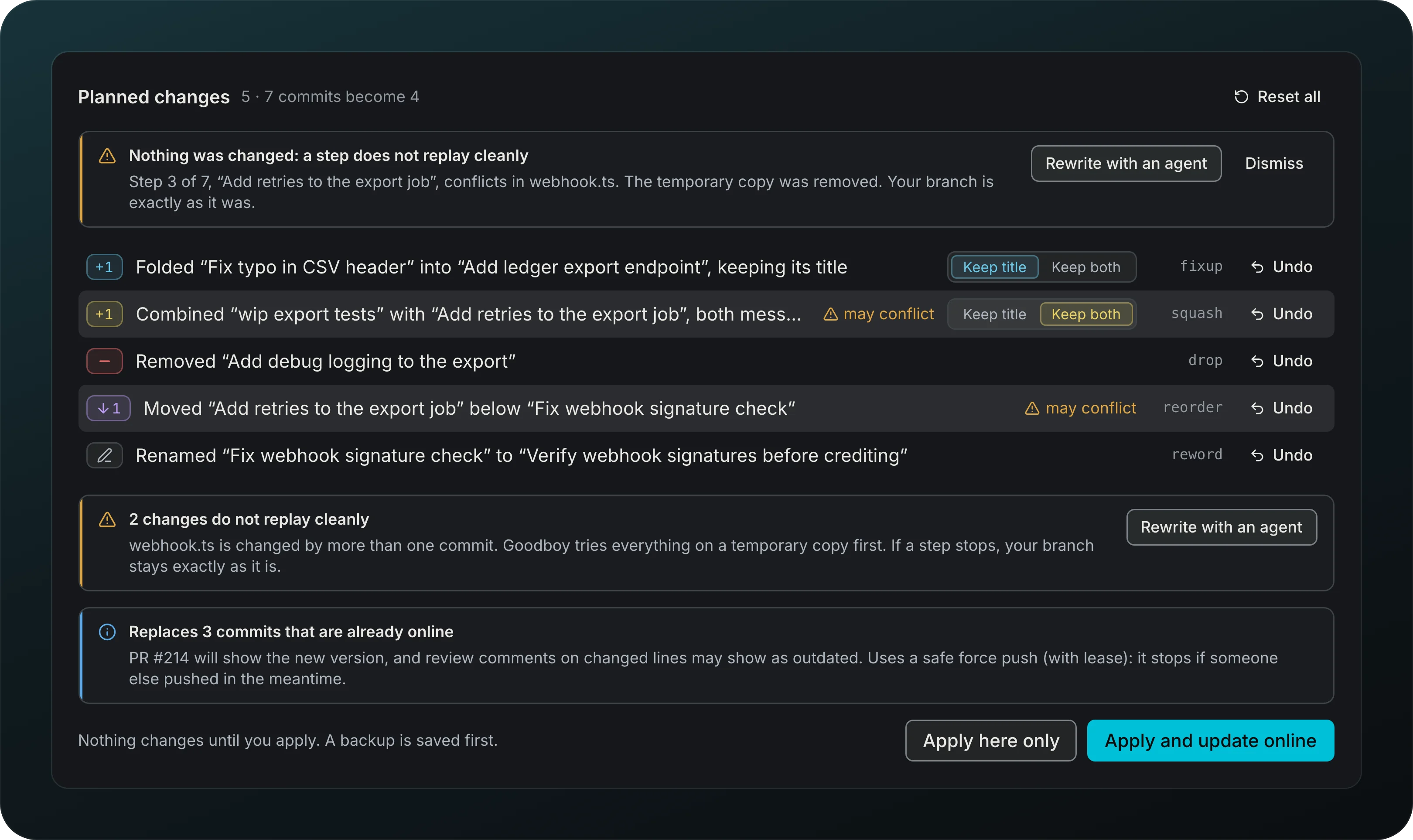
Screenshot from Goodboy 0.13.1
When a step stops on a conflict, the notice says which step and file, and your branch is untouched. Click Rewrite with an agent to let the History rewriter merge the conflict in a copy. Goodboy checks the result before anything moves.
Push with lease and restore
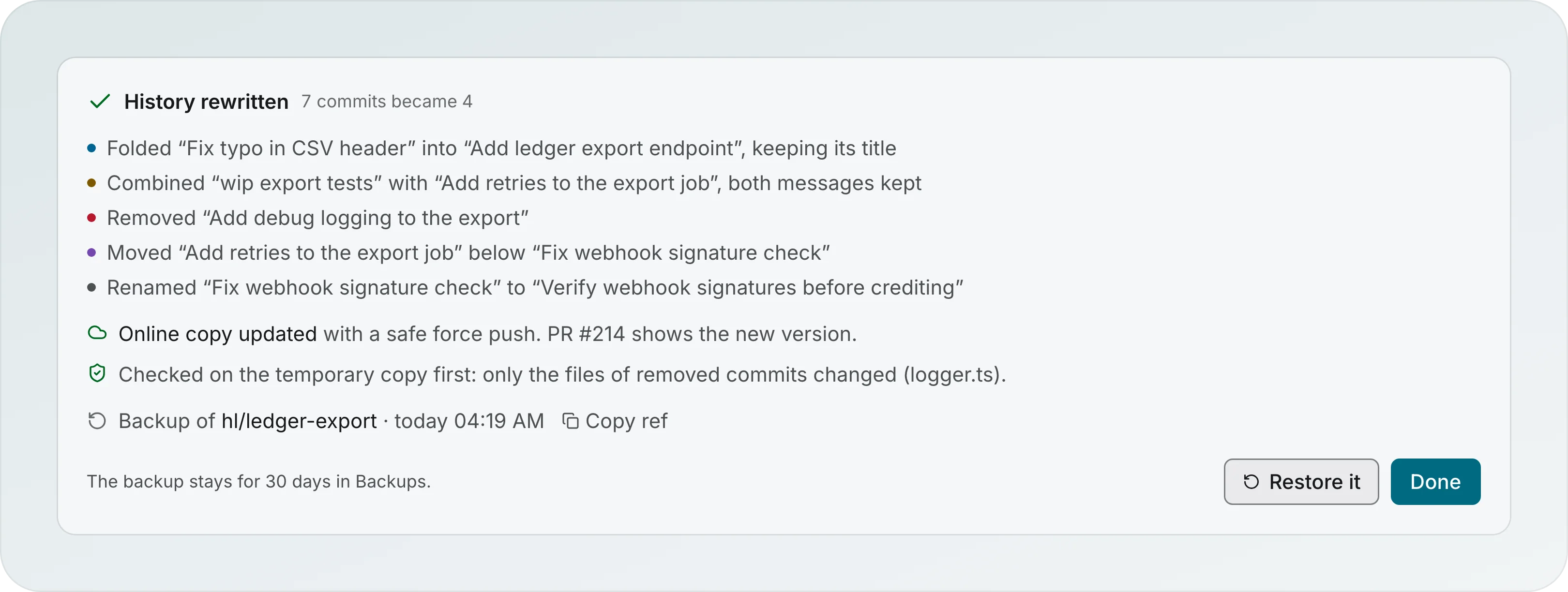
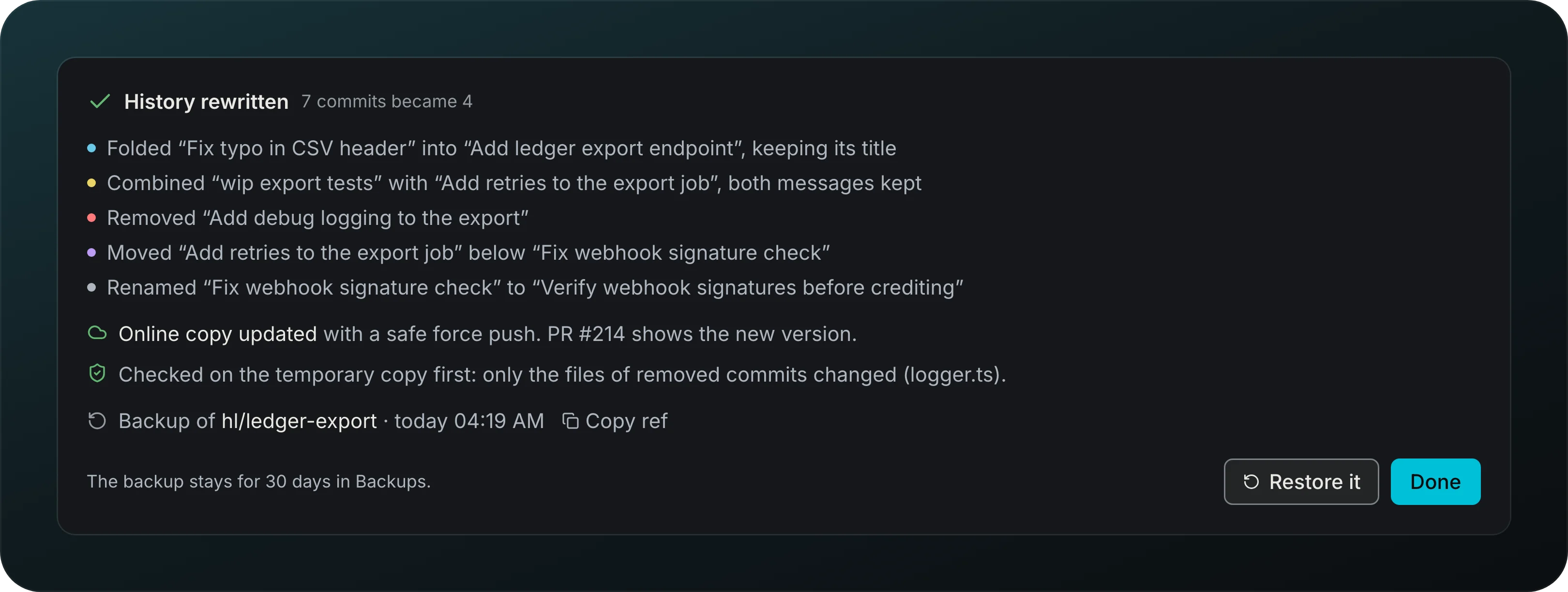
Screenshot from Goodboy 0.13.1
Apply and update online replaces the online branch only when nothing newer is there, so a teammate's push is never overwritten. The result says how many commits became how many, counts each kind of change in colored chips ("25 folded · 1 renamed") and confirms the online copy. Up to five changes are listed one per line; past five, the new commit shows Absorbed 25 commits, which opens into groups by type (feat, refactor, test, fix) and each group into its titles. The graph ends at the last row. Branches up to 200 commits stay smooth: moving rows animate only up to 60. Restore it takes the old history back, and the backup stays for 30 days.
Backups
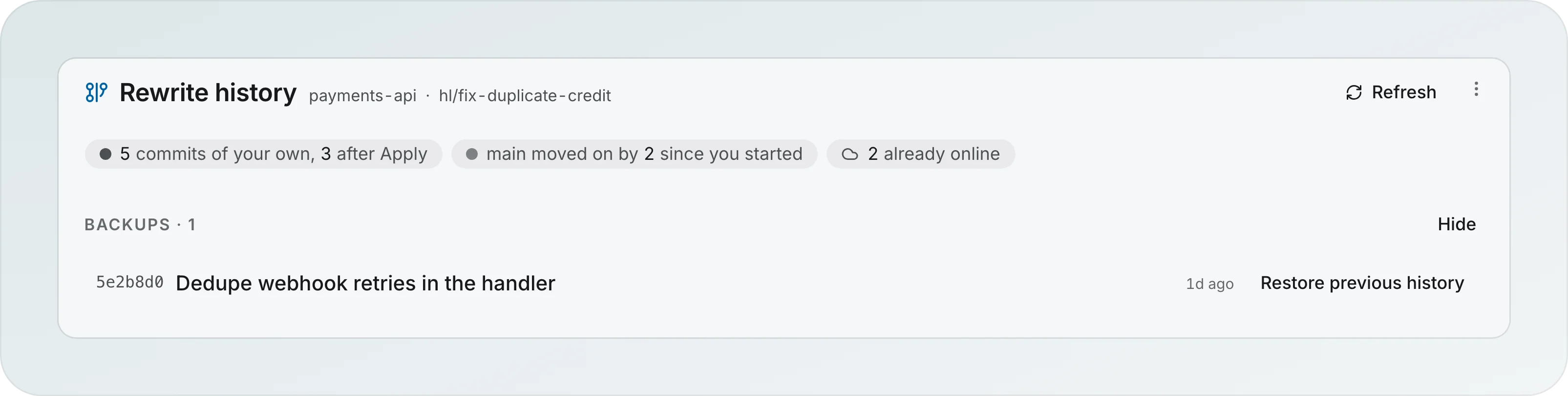
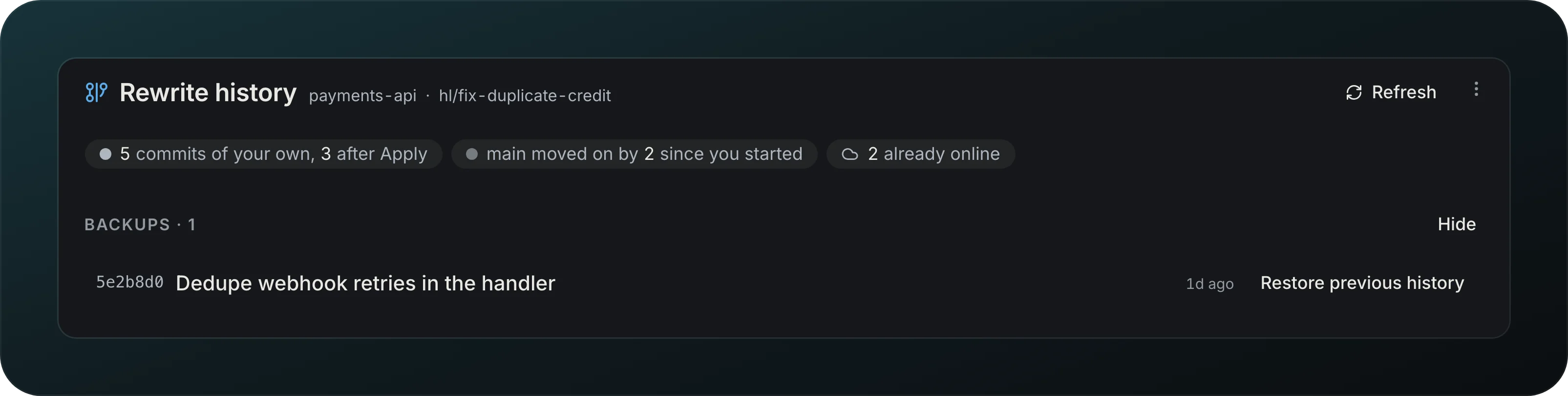
Screenshot from Goodboy 0.13.1
Open the ⋯ menu and choose Backups to see the older histories of this branch. Restore previous history puts one back, and Hide closes the list.
Suggest a message
Get a commit message drafted for a squash or a reword. Scribe writes it in place, and you can edit it before you apply.
Bring them into the plan
Someone pushed after you applied? Goodboy lists their new commits and offers to add them to the plan and push again.
Rebase on main
Rebase on main with the same engine, and bring in an agent only when there is a conflict.
After a pull request merges
Decide what happens to a merged branch, Ask first, Delete on this Mac or Also on origin, per workspace or project, with 14 days to restore it. A branch with later commits, uncommitted changes, or one Goodboy did not create is left alone.
Unread commits show loading rows. An empty branch says it has no commits yet; a failed read offers Retry and Details. Refreshes keep the last known commits.