Security, backup and updates
Keep tokens out of what you save, move your setup between machines, and update without losing data.
Security findings
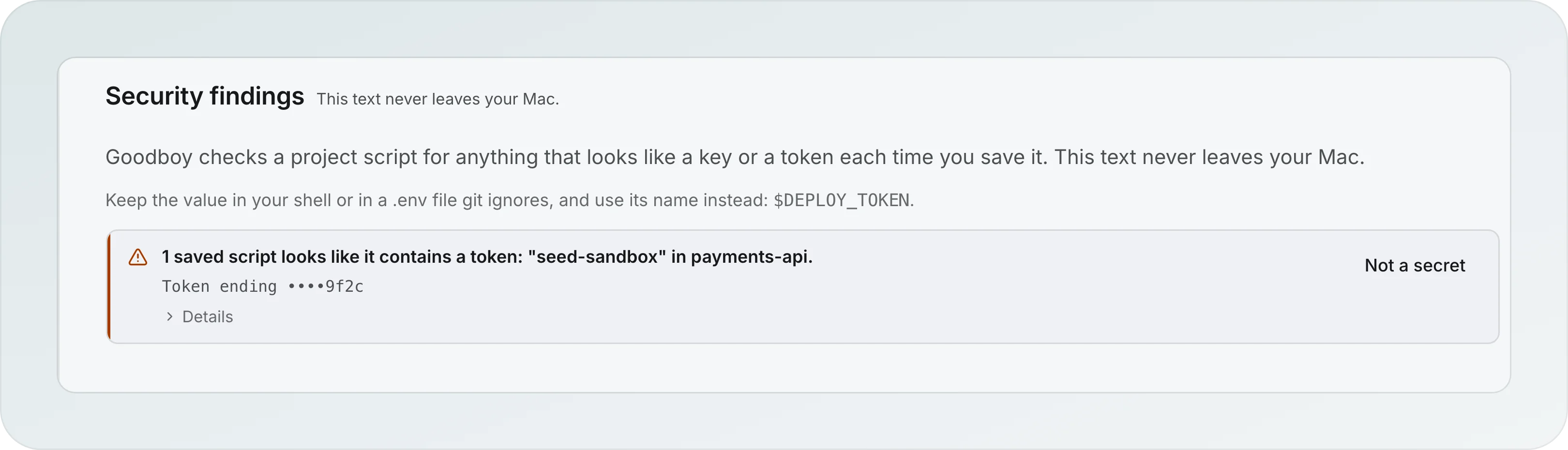
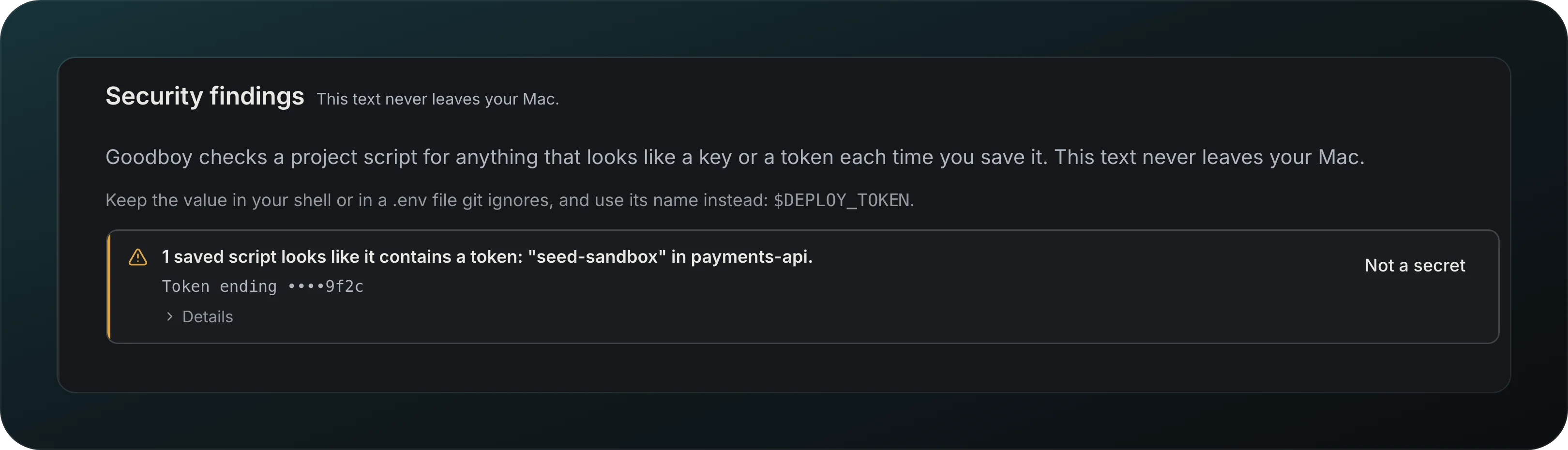
Screenshot from Goodboy 0.13.1
Catch a token pasted into a saved script before it travels. Each time you save a project script, Goodboy checks it for keys and tokens on your Mac, and findings show in Settings, App, Security findings, as in the picture. Not a secret dismisses one and Flag again brings it back. The page suggests keeping the value in your shell or a .env file that git ignores, and using its name instead, like $DEPLOY_TOKEN.
Findings kept out of the export
Move your setup to a new machine without carrying a flagged token: an export leaves out the script that holds it, unless you include it on purpose.
Export and import your setup
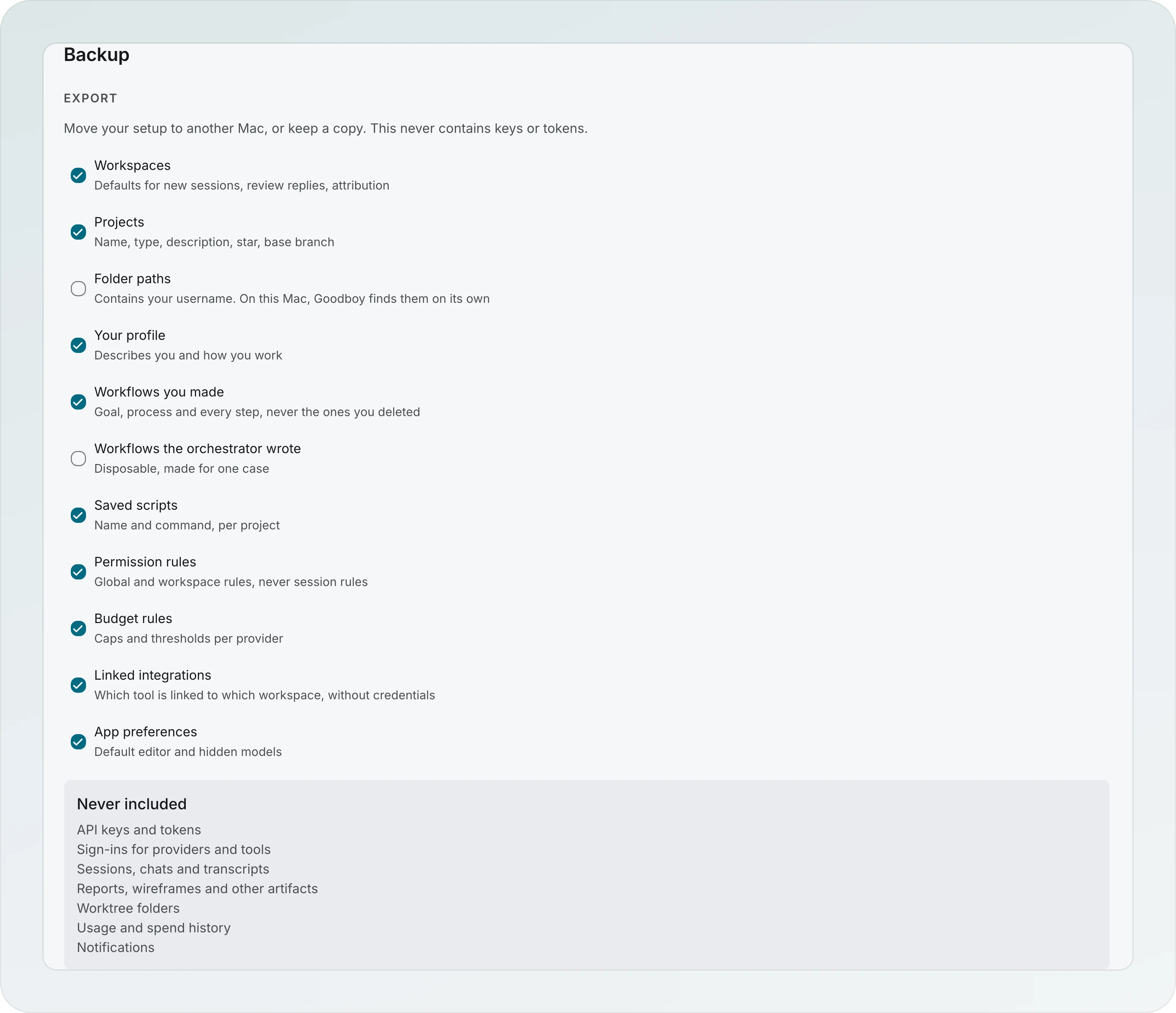
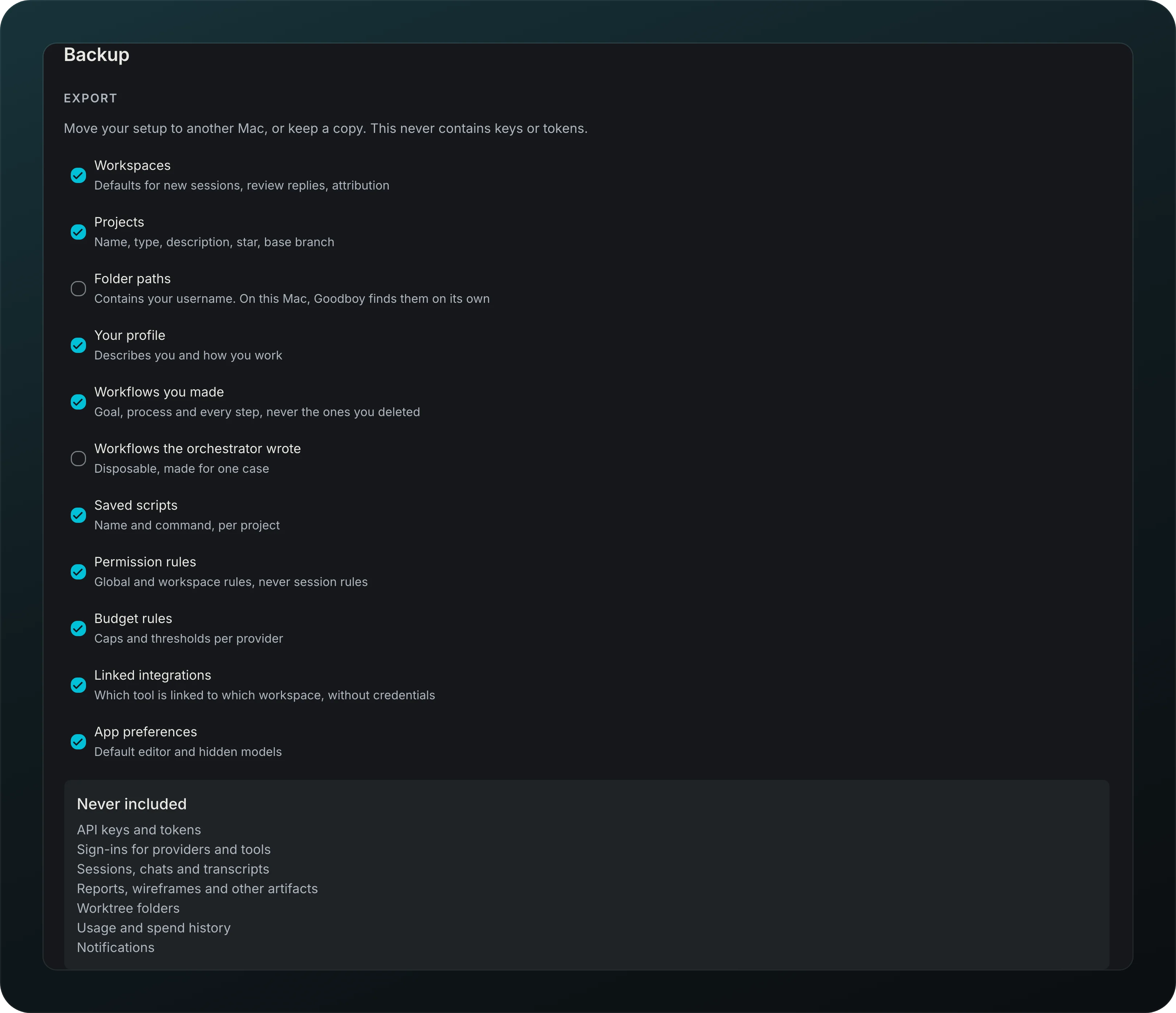
Screenshot from Goodboy 0.13.1
Move your setup to another Mac, or keep a copy. Backup exports in groups: workspaces, projects, your profile, workflows you made, saved scripts, permission rules, spend caps, linked integrations and app preferences. Folder paths start off because they contain your username, and Never included lists what always stays behind, keys and sign-ins first. Import shows what it adds before writing, adds and updates but never deletes, and imported integrations ask you to sign in again.
Backup before a data update
Screenshot from Goodboy 0.13.1
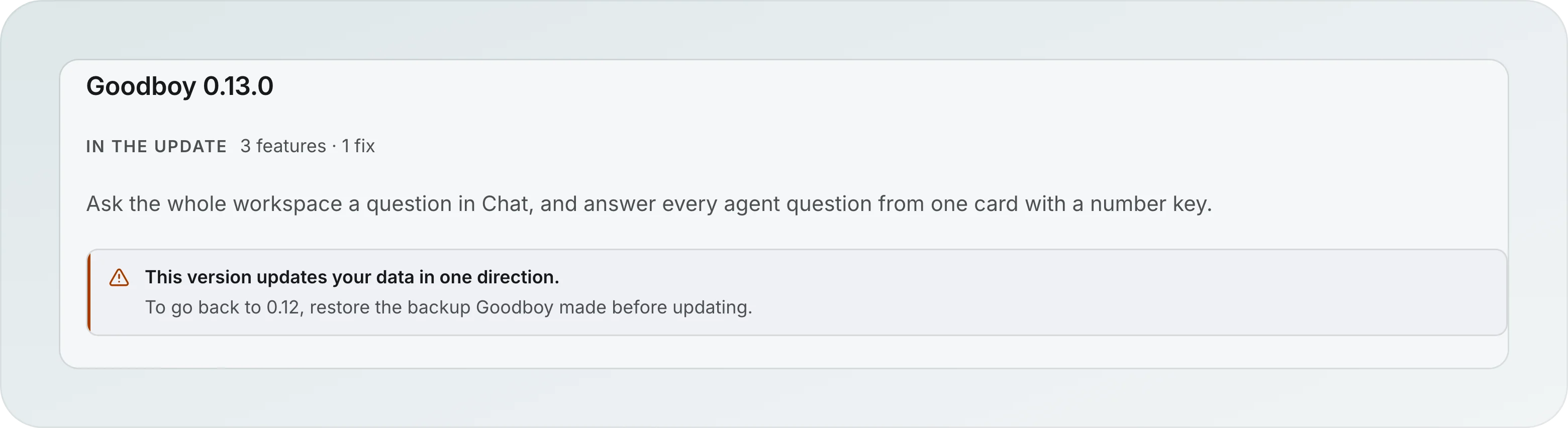
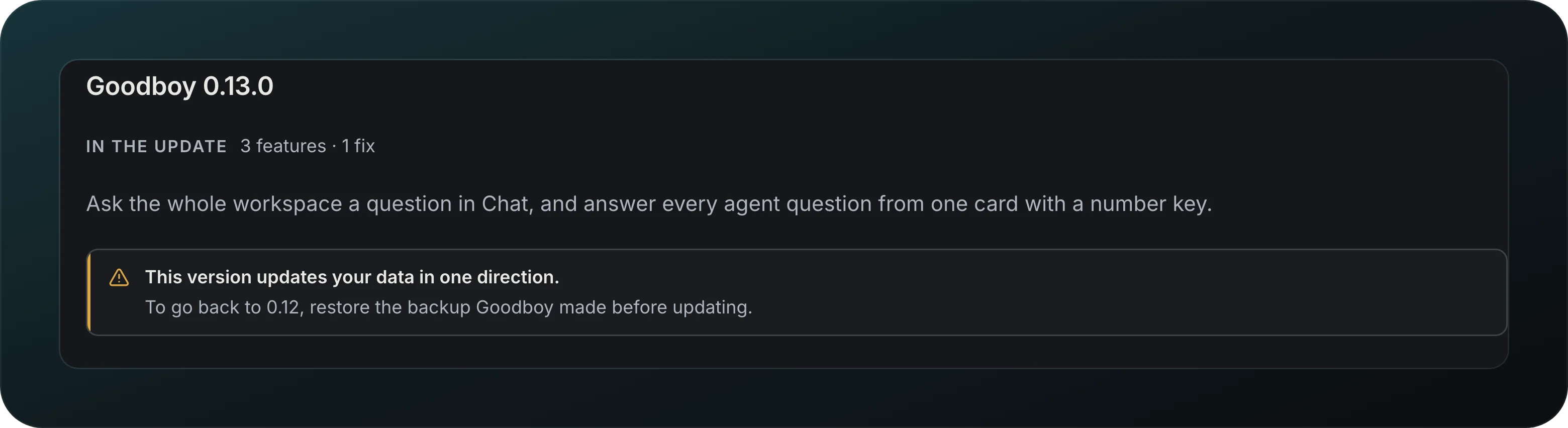
Update without worrying about your data. Before an update changes it, Goodboy makes a full copy and keeps the last two, and if the copy fails, the update does not start. A release that changes your data in one direction says so in its changelog entry, as in the picture, and points you to that backup to go back.
Newer data guard
Screenshot from Goodboy 0.13.1
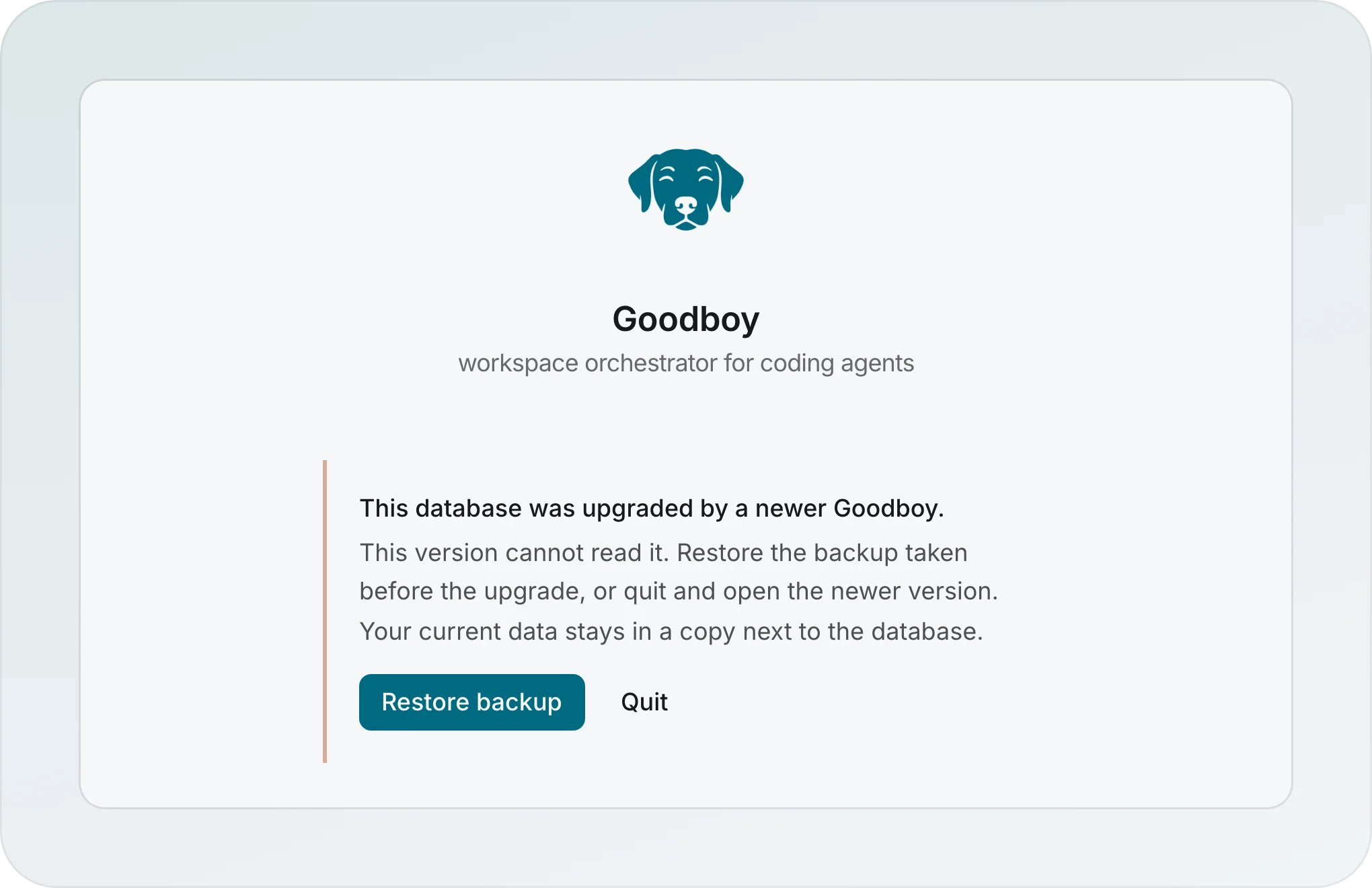
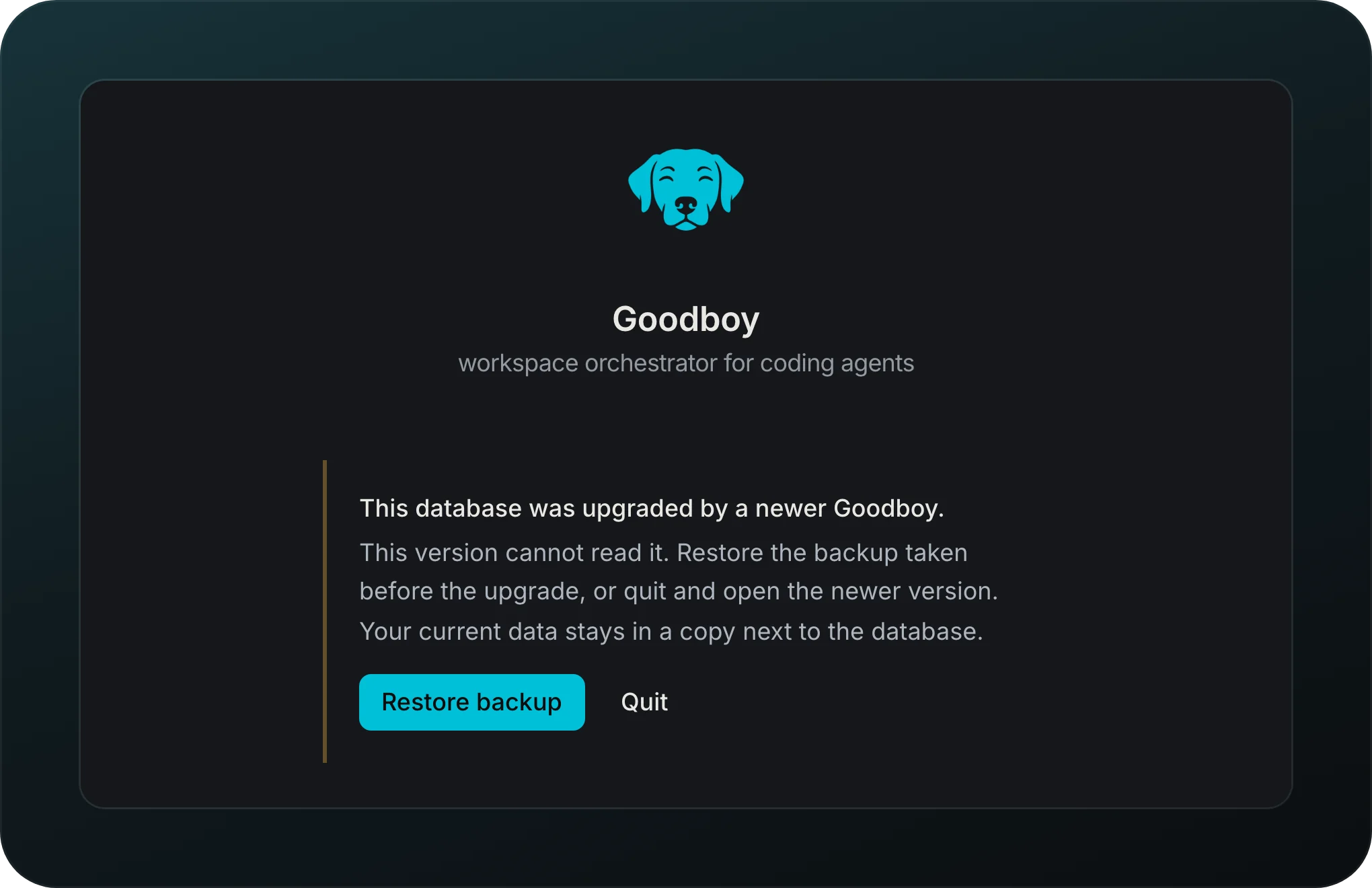
Open an older Goodboy on newer data without damage. It stops before touching anything and offers Restore backup or Quit, and your current data stays in a copy next to the database.
Updates
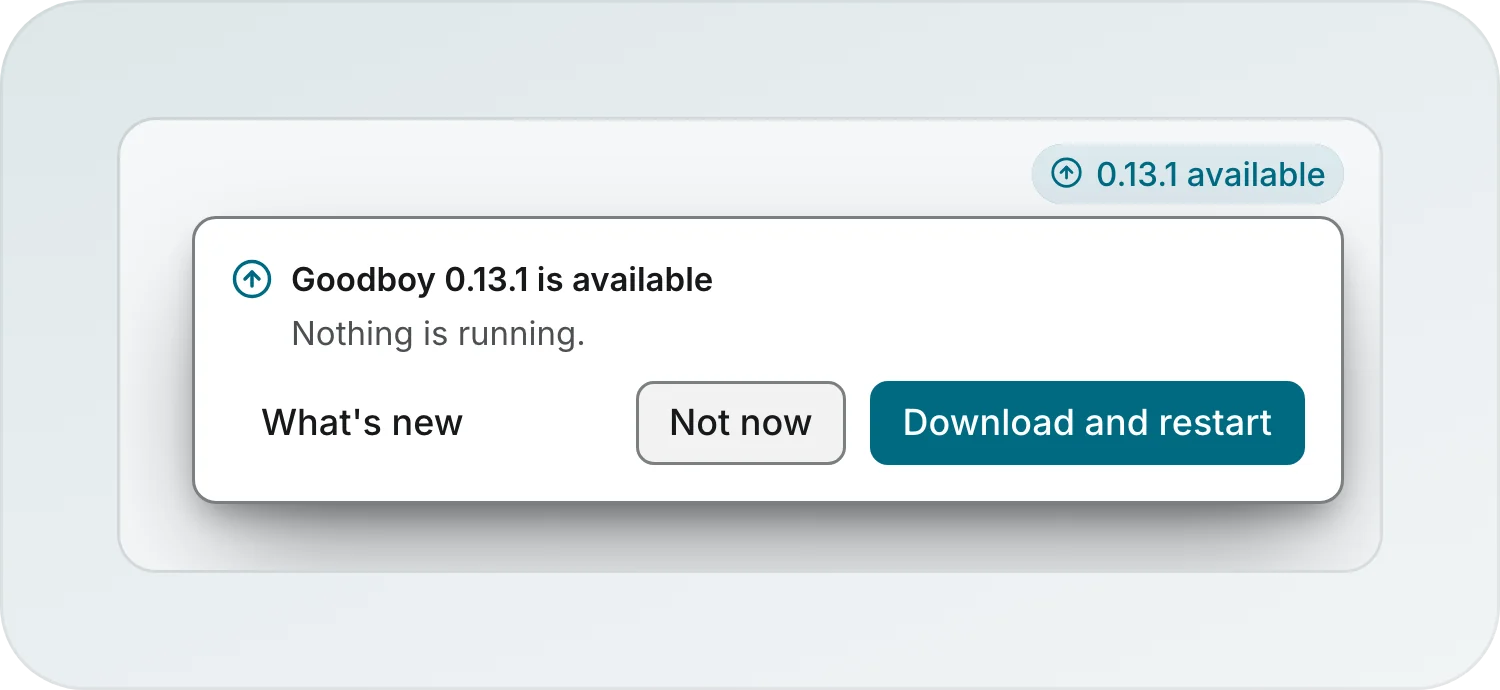
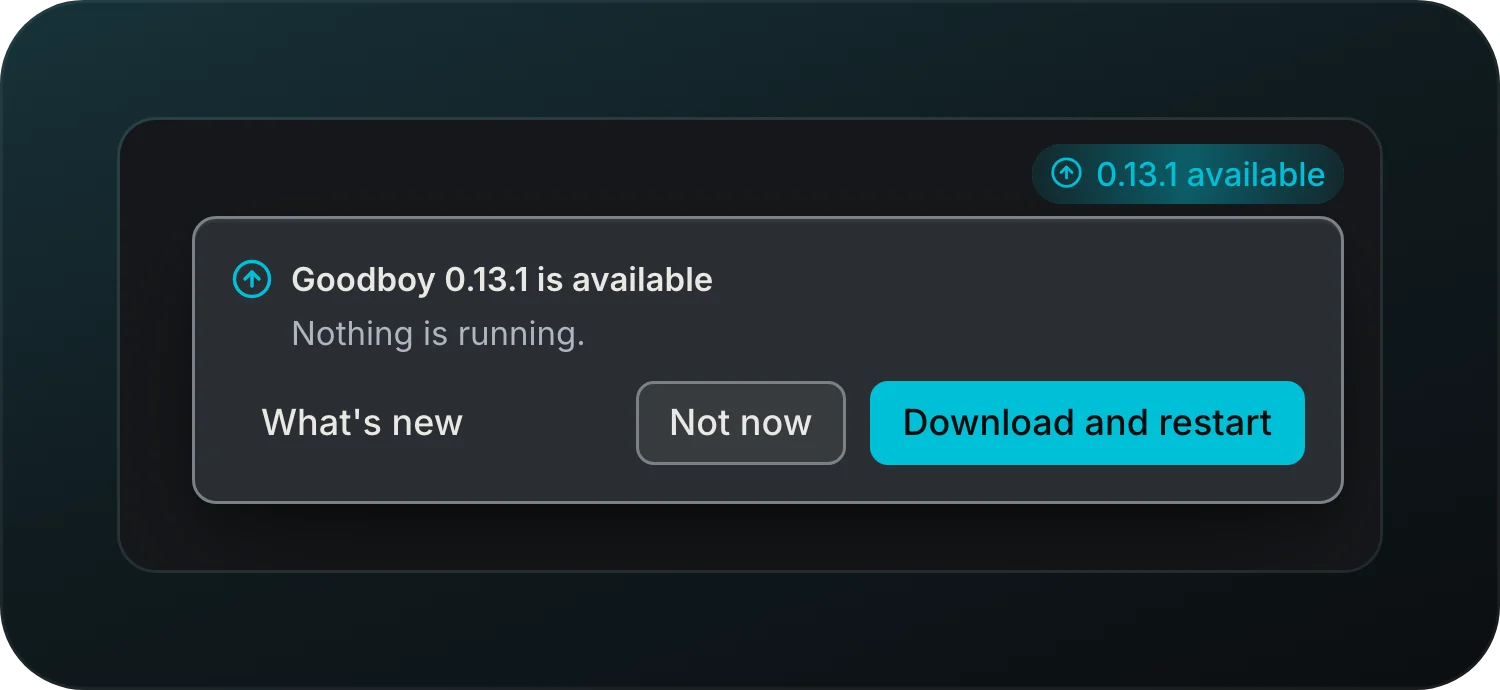
Screenshot from Goodboy 0.13.1
Get updates in the background, then see what is new. A pill in the top bar, 0.13.1 available here, opens a confirm with Download and restart, Not now and What's new, and it says whether agents are running. With agents running, Restart when they finish waits for them.
Changelog in the app
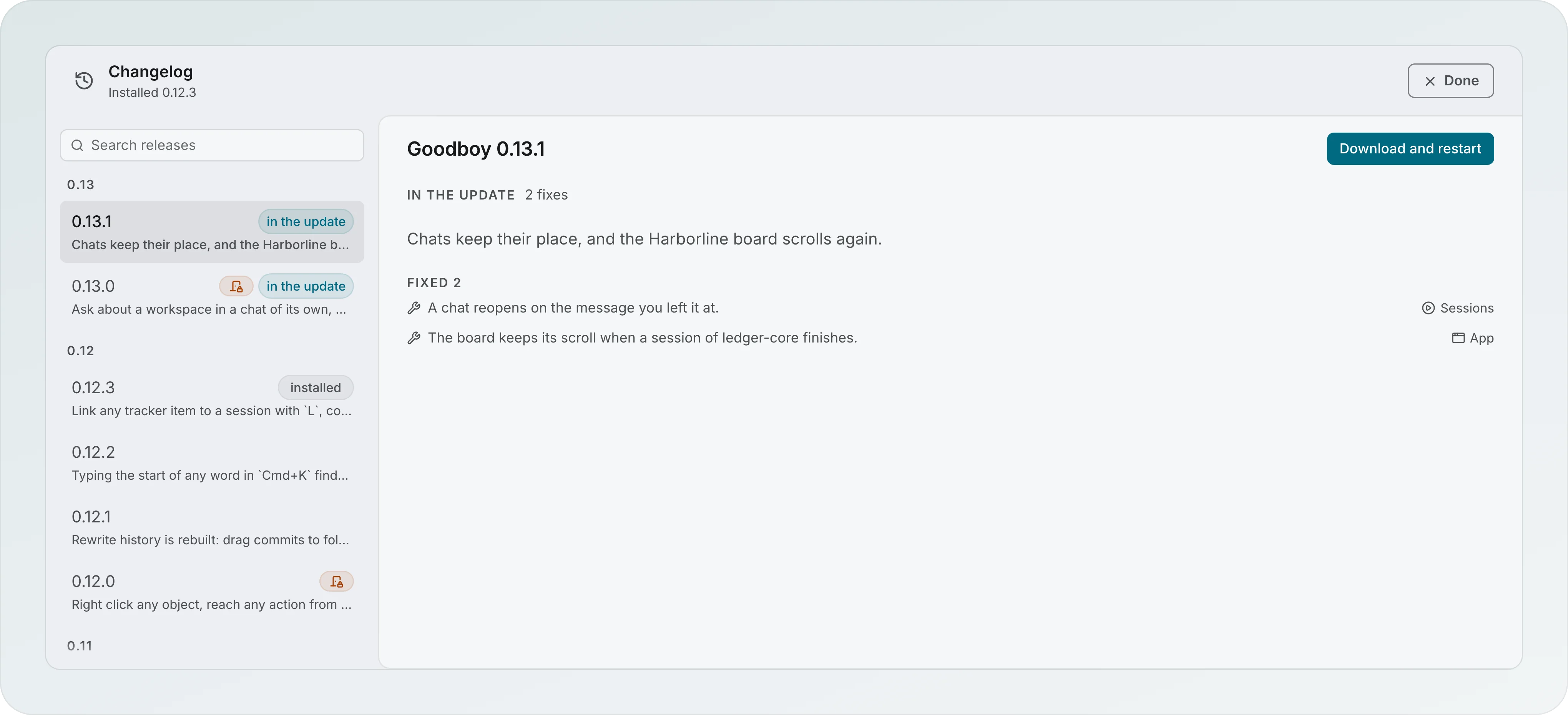
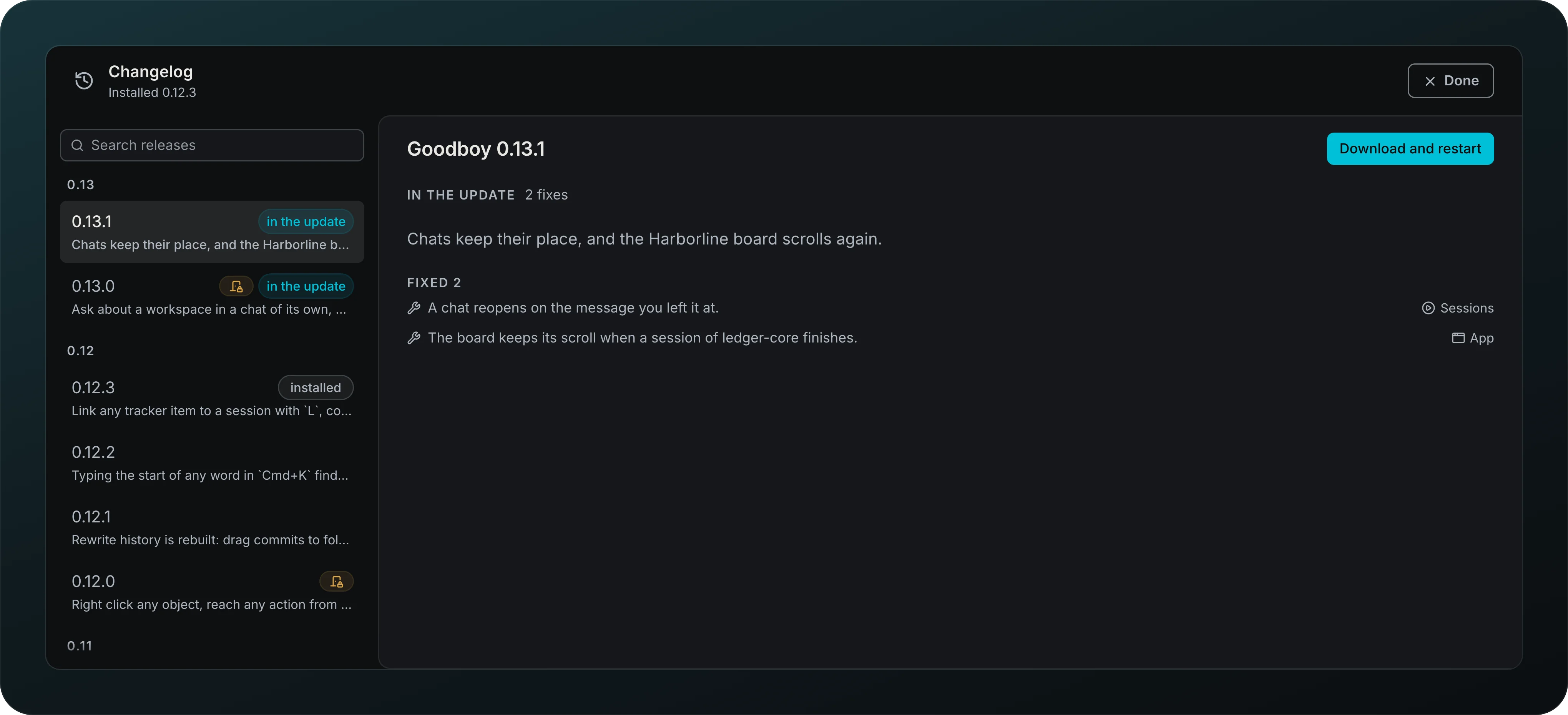
Screenshot from Goodboy 0.13.1
Read release notes inside the app, searchable, with links into the screen each change touched, like Sessions and App beside each fix. Before an update, "What's new" shows every release it brings, marked in the update, and the installed one is marked installed. After an update, "What's new since" covers the releases you skipped. In the list, only releases that update your data in one direction carry a mark.
Before and after pictures
See a change instead of reading about it. Release notes can show Before and After pictures, with a lightbox, in light and dark.
Guide
Learn how Goodboy works in 18 short chapters that follow a task, with search and links that open each screen. Open Guide from the palette.
Also in this area
| Feature | What it does for you |
|---|---|
| Update pill | A quiet pill that enters once when an update is ready |