Search and navigation
Find any session, message, plan or action, and reach it from the keyboard.
Sidebar
Every place you go sits in one sidebar on the left, on the board, in a session and beside every studio: New session on top, then Board, Tasks, Chat and Workflows, your sessions, and Settings with the Goodboy row and a bug button at the bottom. ⌘B folds it into a slim bar of icons that keeps every door, and resting the pointer at the left edge brings the full sidebar back over the page. Settings takes over the sidebar with Back to app, a search field and its pages, and Esc brings the doors back. Spend in the top bar opens Impact, and a click on a limits bar opens the providers menu. Legacy layout in Settings > App > General brings back the top bar buttons and footer of 0.20.0.
Go anywhere
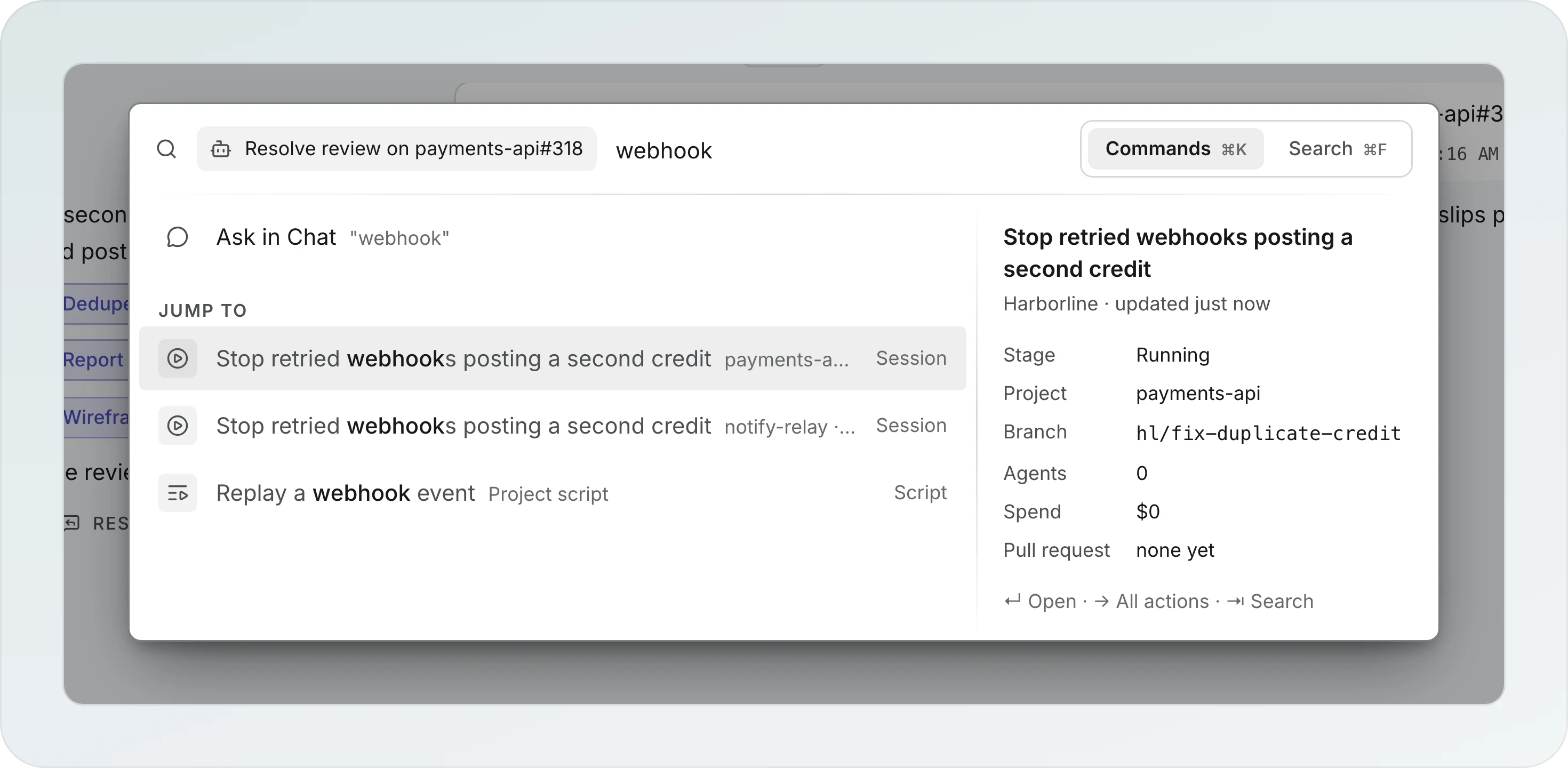
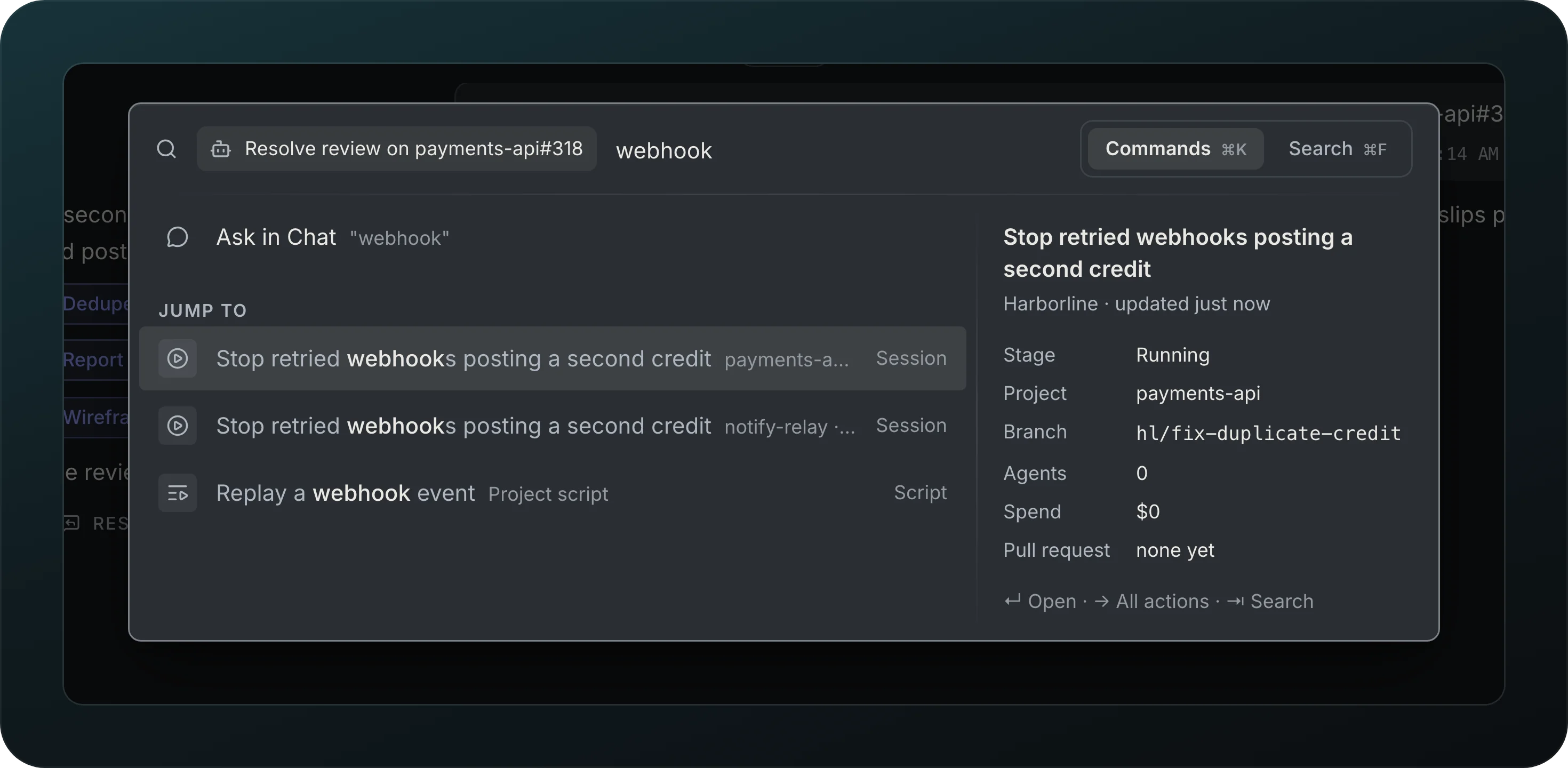
Screenshot from Goodboy 0.13.1
Reach any screen without the mouse. ⌘K opens on what you are looking at, and a few letters find any session of any workspace, an agent, a plan, a page or a script. The row you highlight shows its stage, project, branch and pull request on the right, and Enter opens it. ⌘F switches the same window to search.
Command palette
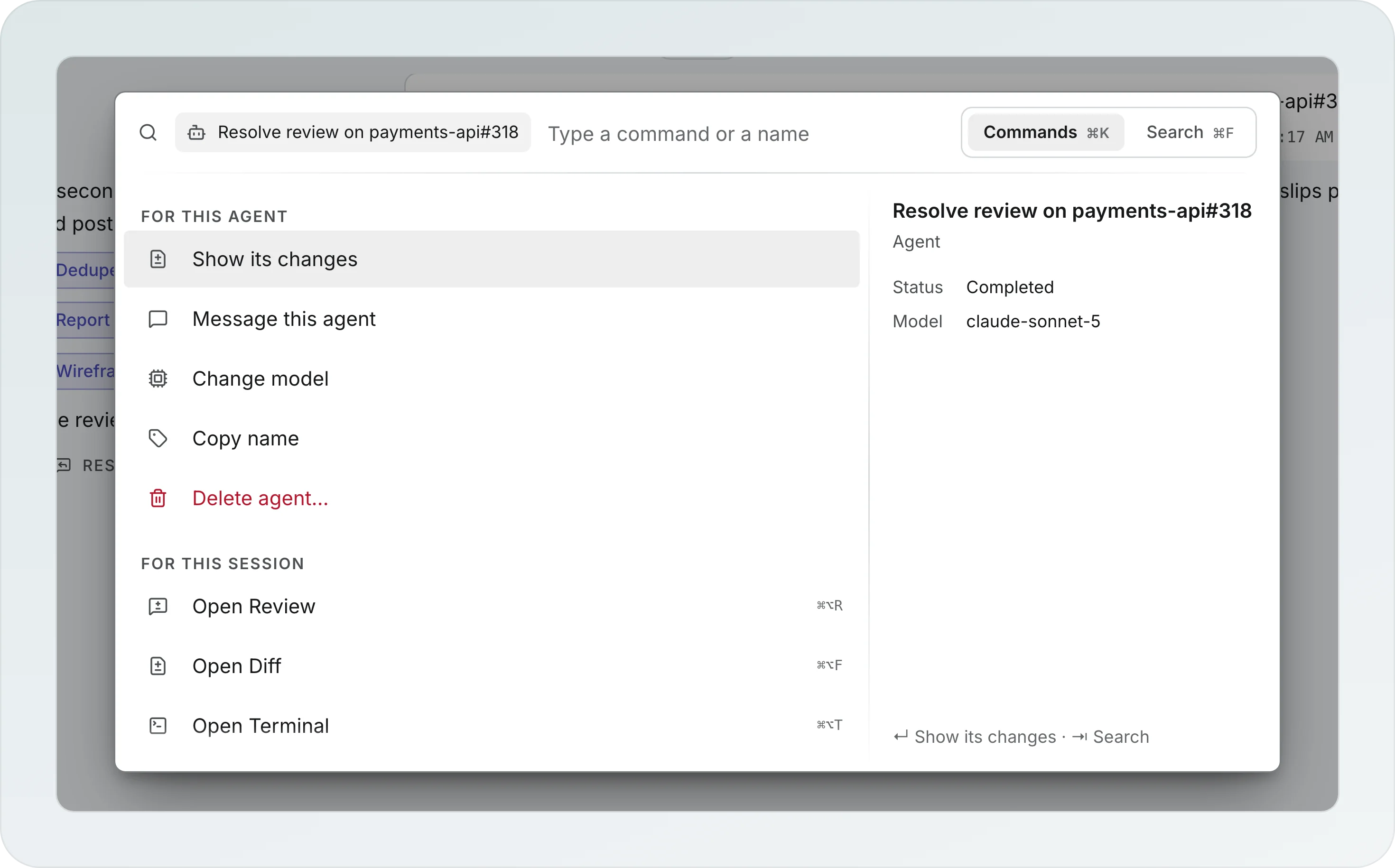
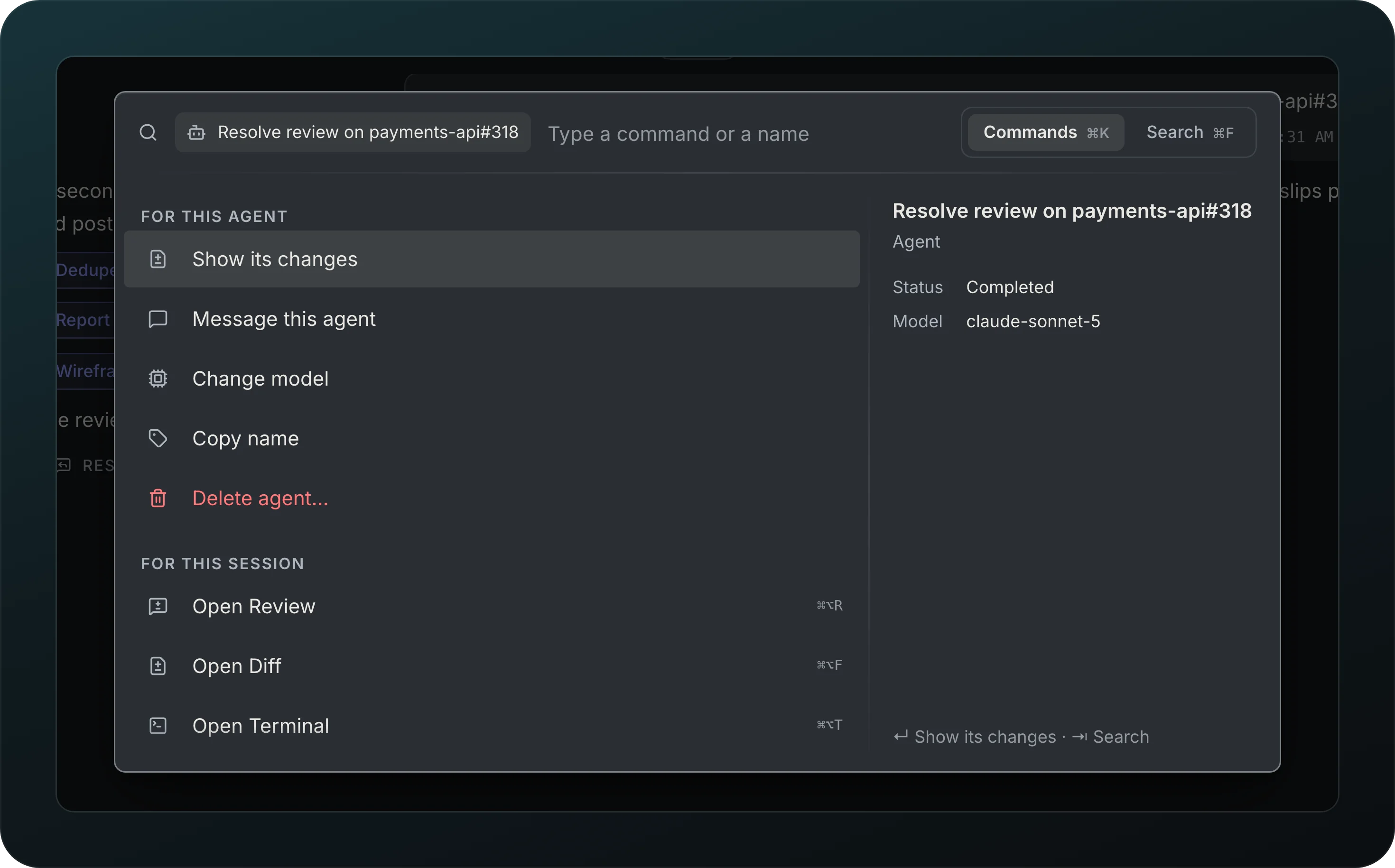
Screenshot from Goodboy 0.13.1
Press ⌘K to act on what you are looking at. The window keeps one height while you type, and the preview on the right hides when the highlighted row has nothing to show, so the list never jumps. In a session, the first row is the session's own action, ahead of messaging a running agent. Inside a session it opens on Next, the steps Goodboy would take now, such as answering a question or pushing commits, then For this session, the actions that fit what the session is doing (a running agent first, a finished one last), and Runs with the verbs of the session’s runs. → shows every action of any row. Results are ranked by how well they match and how often you use them, and the composer's prefixes work here too. Any search with text starts with Ask in Chat, which opens a new chat with what you typed as its first message.
Search
Screenshot from Goodboy 0.13.1
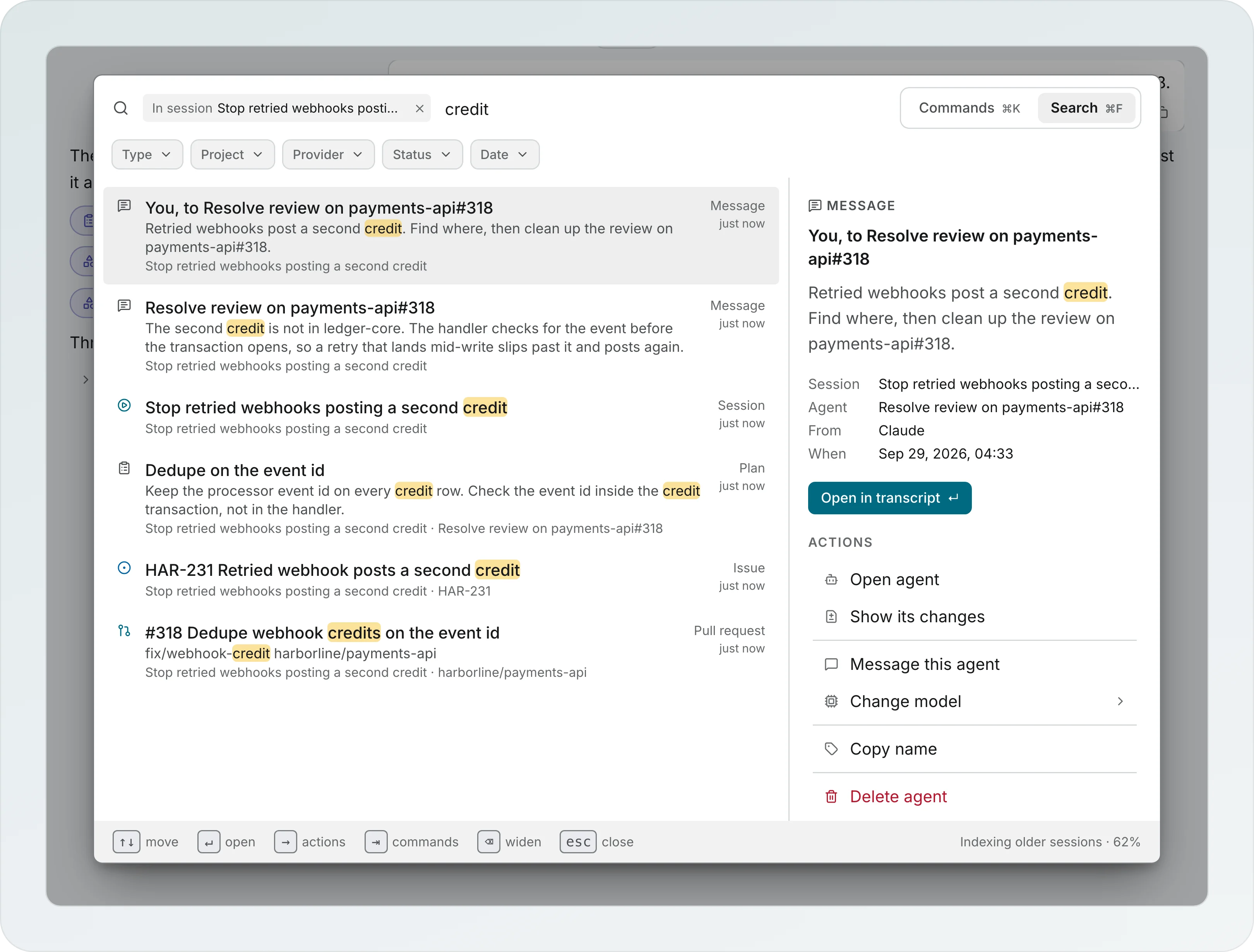
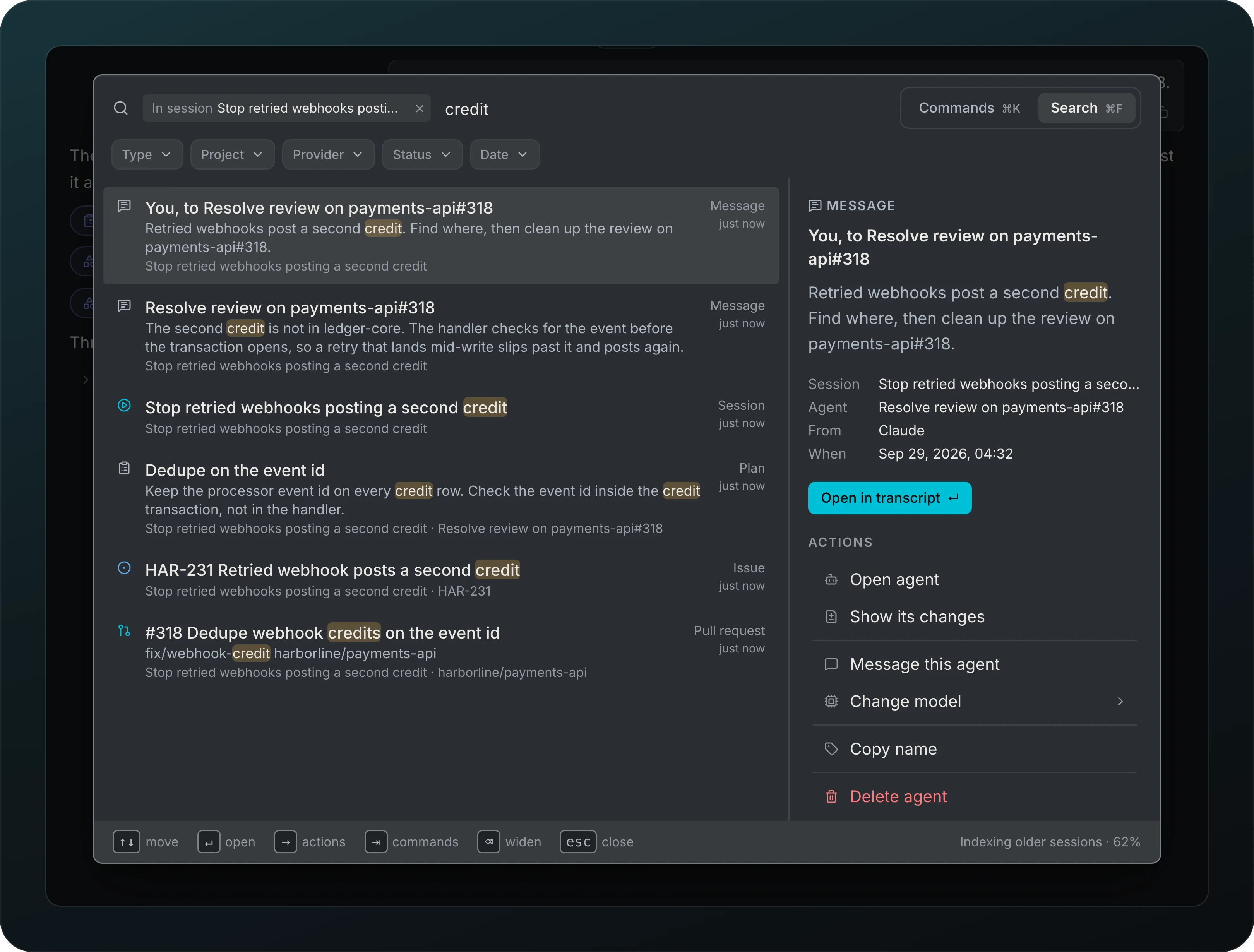
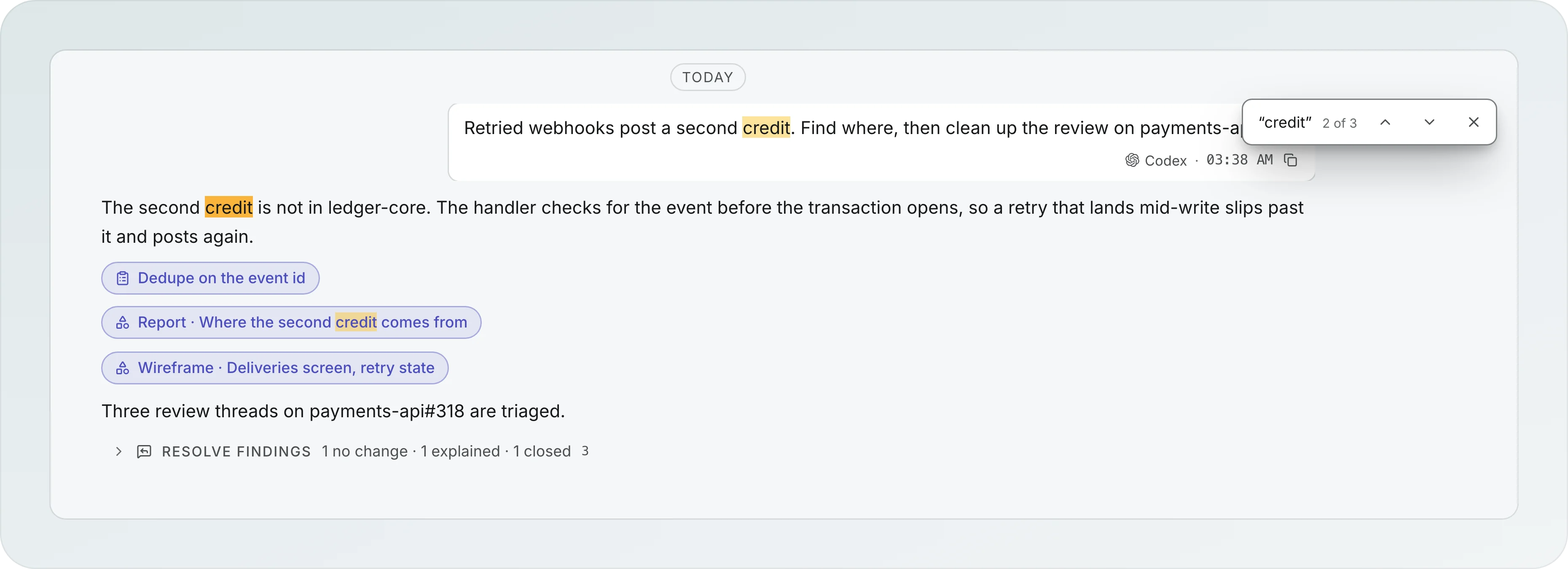
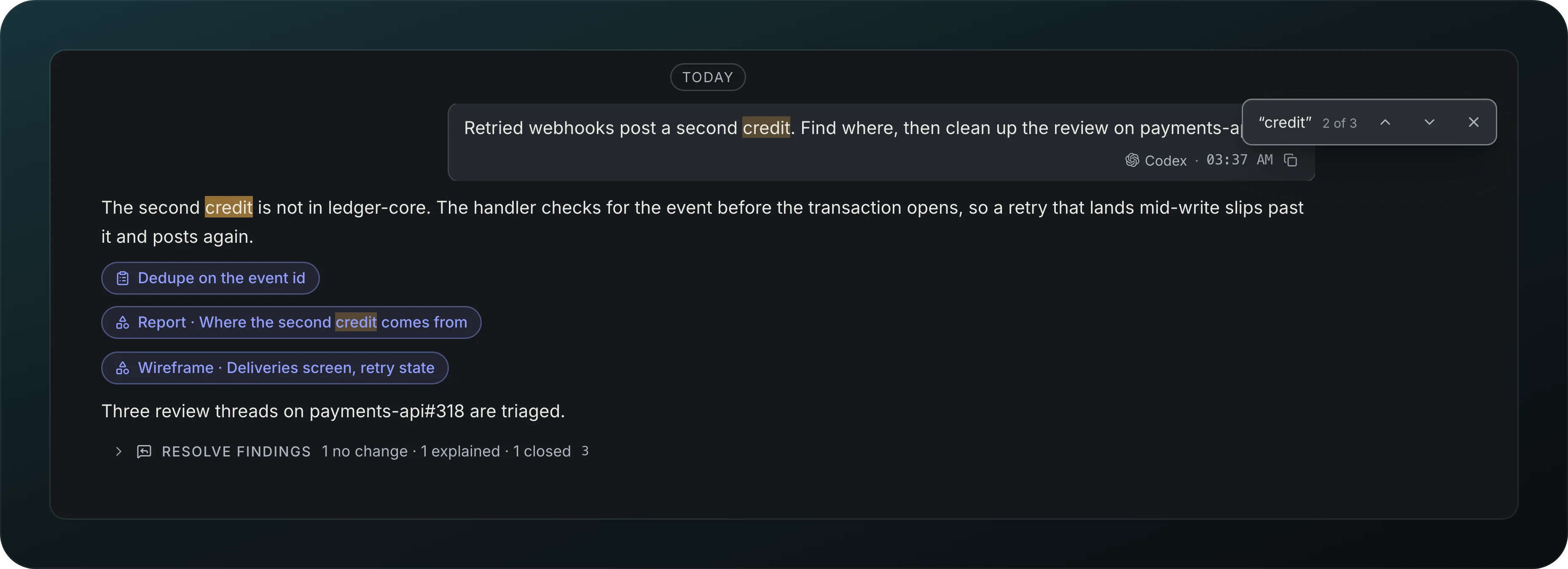
Find a message, a plan, a decision, an issue or a branch with ⌘F. Search starts in the open session and ⌫ widens it to the workspace, then to everything. Narrow the results with Type, Project, Provider, Status and Date, and pick a hit to see its details and actions. Open in transcript lands on it in context. The index stays on your computer.
Screenshot from Goodboy 0.13.1
Once you land on a hit, walk the other matches in that view with ⌘G.
Right click menus
Right click a session, agent, run, artifact, pull request, worktree row, diff file or message to see every action it has, at the pointer. The ⋯ menu and the palette list the same actions, the palette in the order that fits what the session is doing, and one that cannot run says why. Shift+F10 opens the menu on the focused row.