The board
The board shows every session of a workspace by stage. Workflows chain agents into one run you can steer.
Stage board
Screenshot from Goodboy 0.13.1
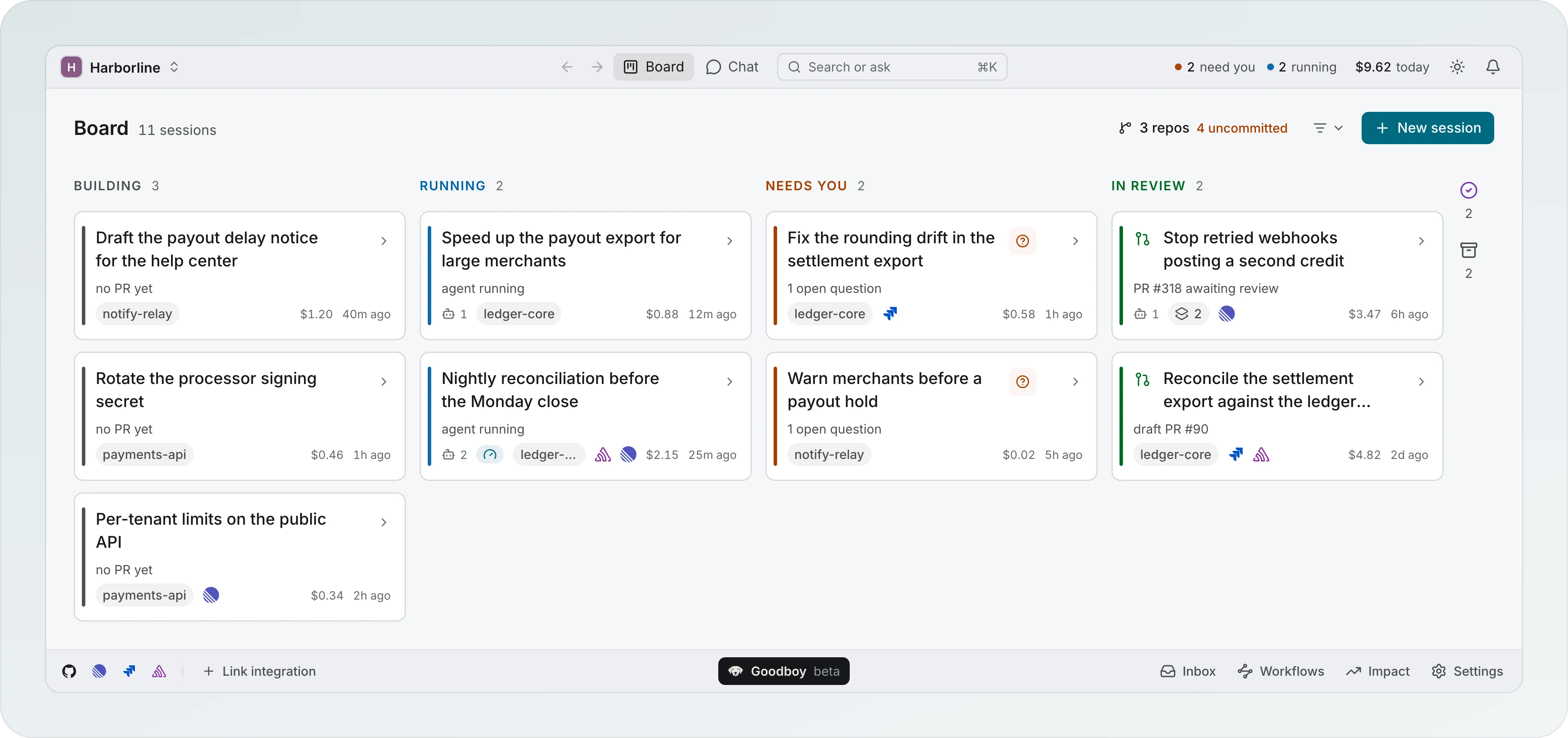
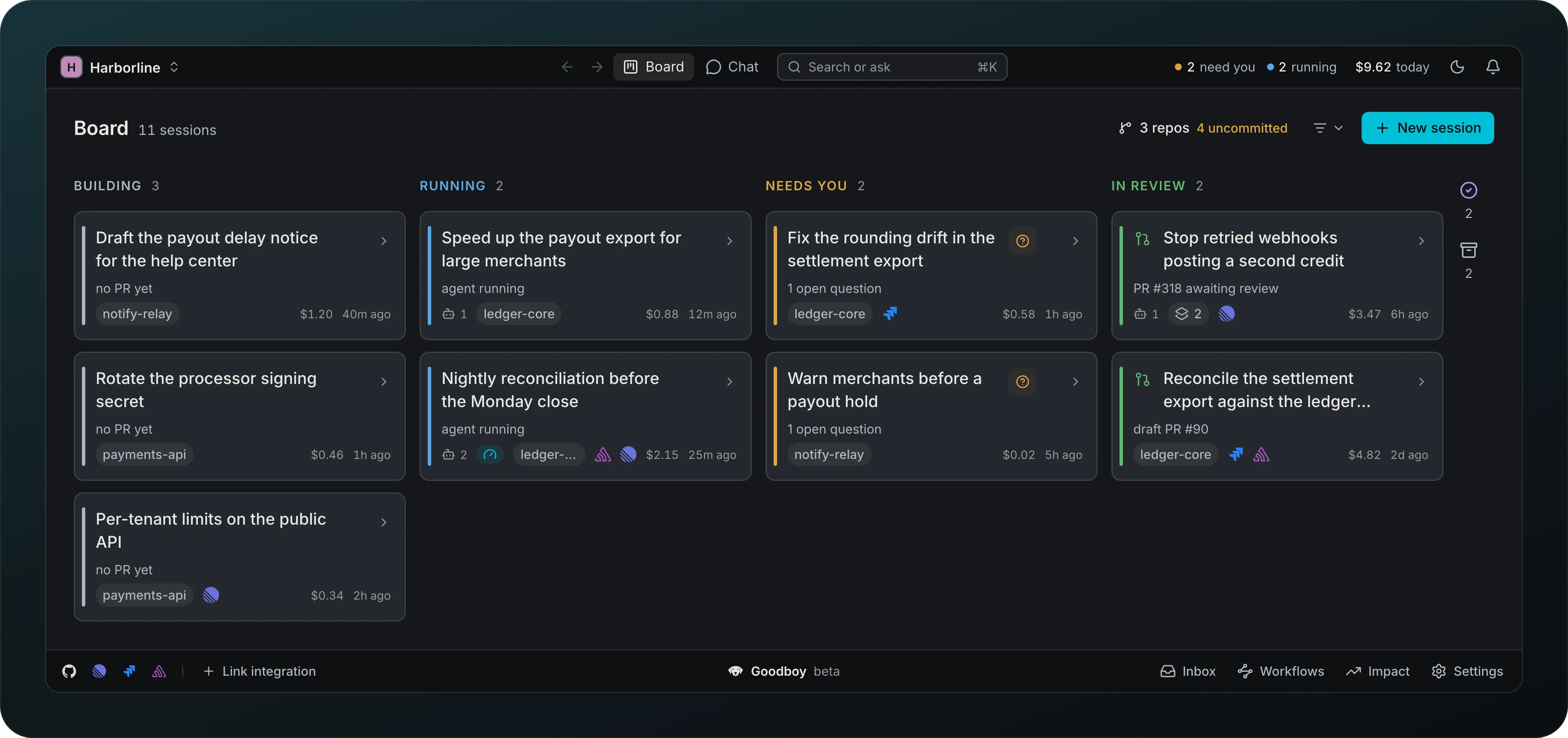
See where each task stands without moving cards around. The board has six lanes, always in the same order: building, running, needs you, in review, done and archived. Each session sits in the lane that matches what is happening in it, and a running session that is waiting on a question for you sits in needs you, not in running. The order is the pipeline, left to right, from work starting to work finished, so a lane never changes place. Lists elsewhere, such as the session list in the sidebar, put what needs you first instead.
The title, the lanes and the buttons share one frame, centred in the window: the title starts where the first lane starts and the buttons end where the last lane ends. A summary of your repositories, such as 3 repos and 4 uncommitted, reads as quiet text next to the title, and the project filter and New session sit at the right. Tasks linked to the whole workspace sit in one quiet row under the title, Ongoing: click a task to show only the sessions that link it, click it again or Clear to see them all, and its x stops tracking it.
Every lane always shows its header with its name and its count, and a lane with no sessions says so in one line, such as Nothing needs you or Nothing done yet. A count of zero is hidden. Lanes keep their full height, so an empty one still takes its place on the board.
Done and Archived lanes
Finished work stays in view. Done and archived are lanes like the others, never folded away and never hidden behind an icon, and they show every card. Archived lists the same sessions the sidebar shows under Show archived, and Restore on a card puts it back in the lane it belongs to. While the archived list is still loading, its lane says Loading instead of claiming it is empty.
On a wide window the six lanes sit side by side, up to 320 pixels each, and extra width becomes empty margin on both sides. When six lanes of at least 208 pixels do not fit, done and archived share the last lane, done above archived. Each half keeps its own header, count, empty line and scroll, and they split the lane evenly; a half with no cards shrinks to its header and its line so the other one takes the rest. On a narrow window the lanes scroll sideways from the left, while the title row stays where it is.
Session card
Screenshot from Goodboy 0.13.1
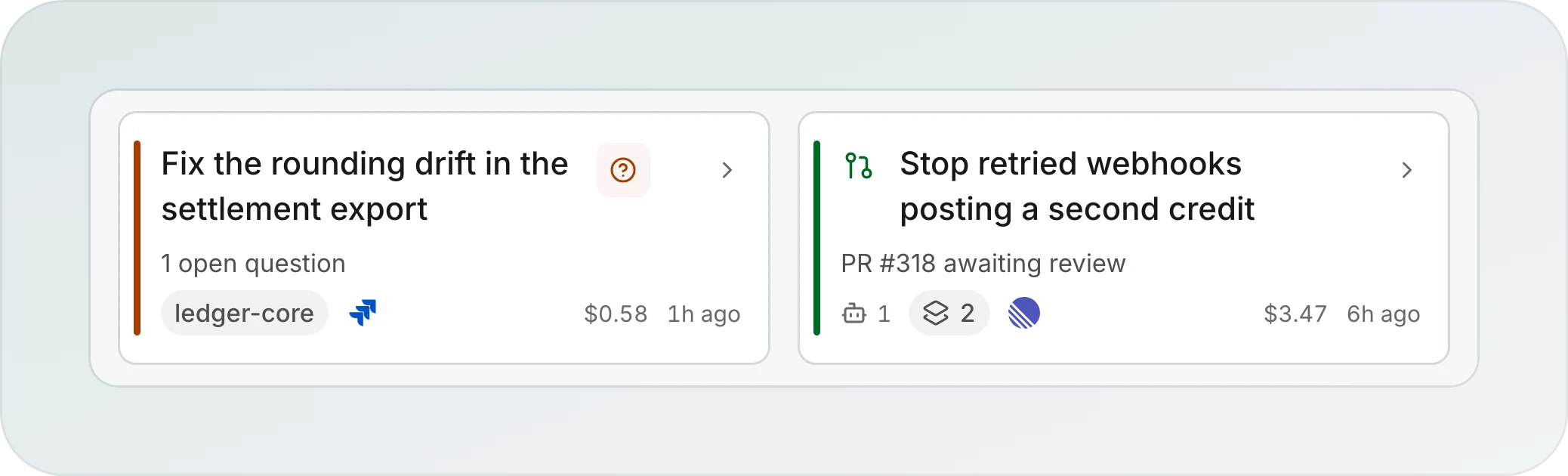
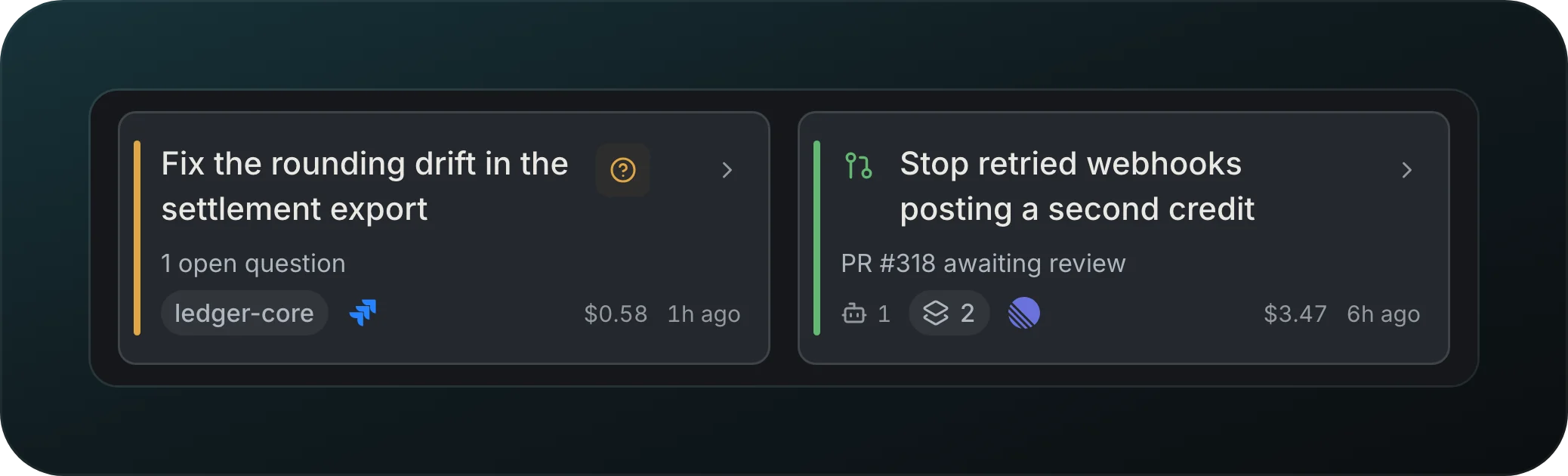
Read a task at a glance: the pull request or status line, the agent count, project and issue chips, cost and age. A colored bar on the left shows the stage. When one action is waiting, a round button opens it, like 1 open question on the first card.
Bulk select
Tidy many sessions at once. Tick the checkbox that appears at the top left of a card when you point at it or focus it, above its colored edge and without moving the title, or lasso and modifier-click cards across lanes. Once one card is picked, every card shows its checkbox, and one bar floats at the bottom of the board with Clear, the count, Select all and the verbs: Archive acts on the picked sessions that are not archived and Restore on the archived ones. Both run at once and can be undone. Delete asks first, above the bar, and says what goes and what stays. X picks the card under the pointer, ⌘A picks every card on the board in lane order, Done and Archived included, Shift-click extends a range through the lanes in that same order, Esc clears and Delete opens the confirmation.