Plans, reports and wireframes
Plans, reports and wireframes live next to the task, not inside a chat.
Artifacts
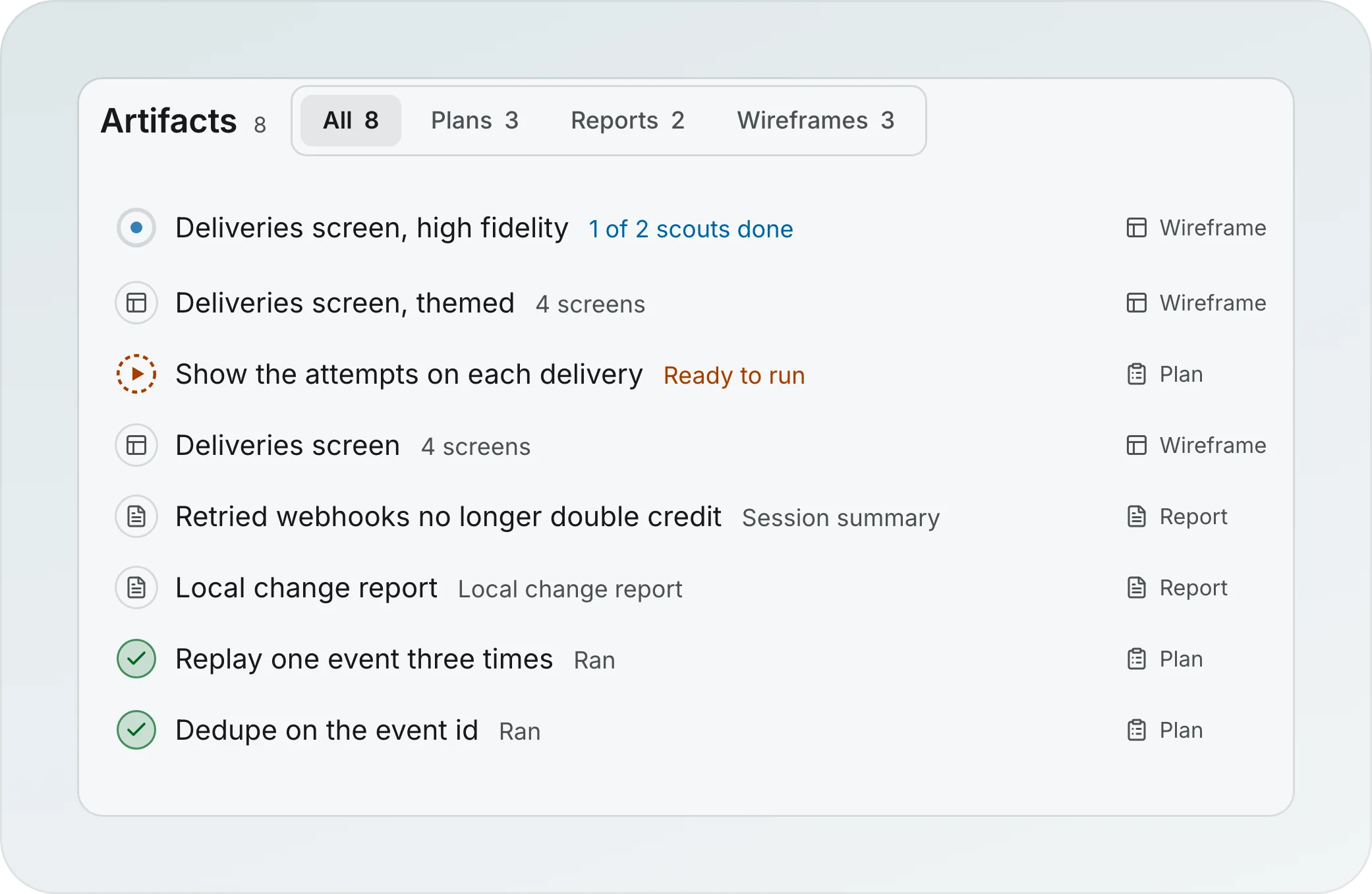
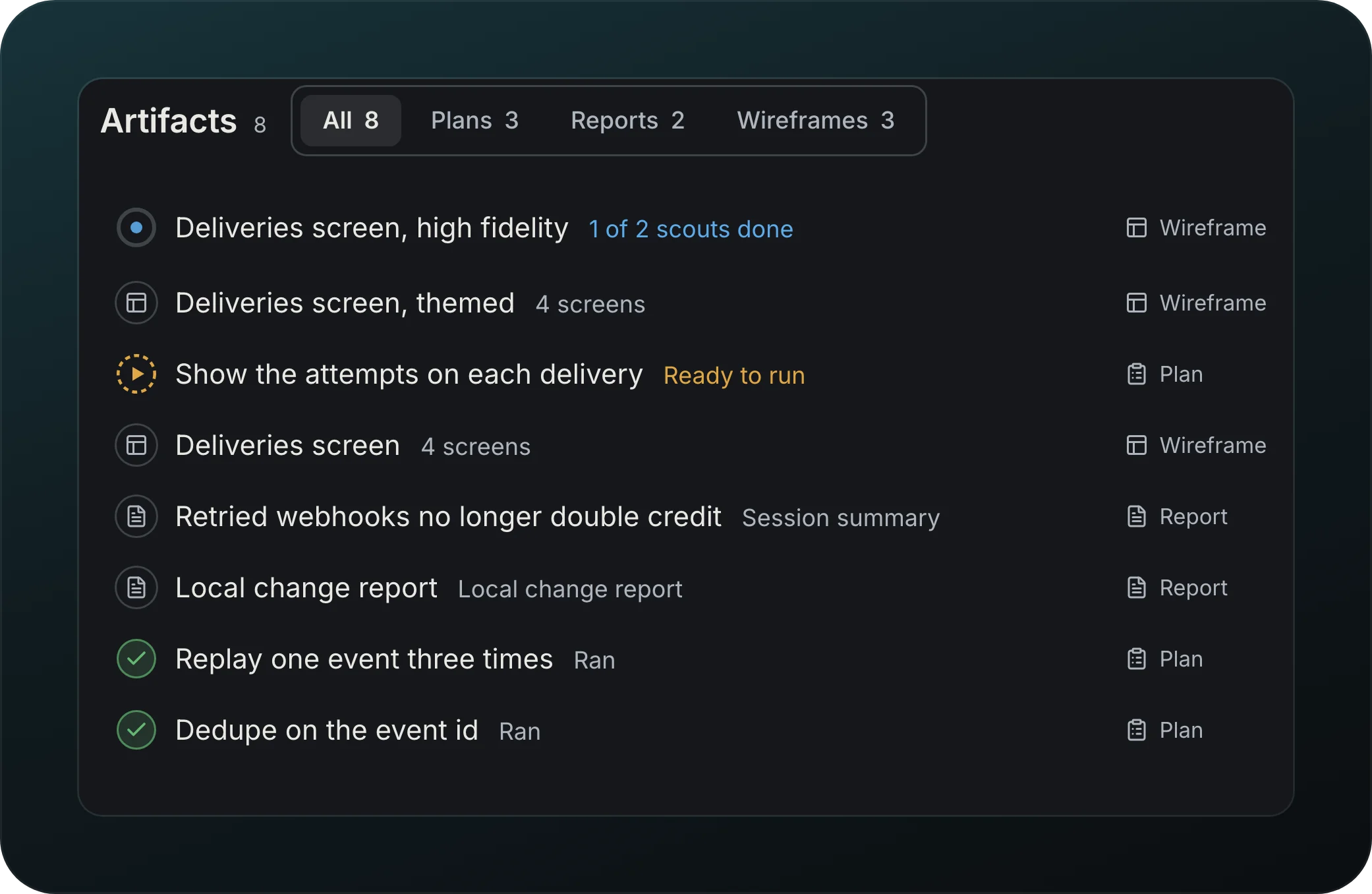
Screenshot from Goodboy 0.13.1
Keep plans, reports and wireframes next to the task. The tabs All, Plans, Reports and Wireframes filter the list, and the rows sit in groups: Needs you, Ready and Running on top, then Ran and Recently deleted, both closed until you open them. Each row shows the title, the kind in its own column, a state (Needs you, Ready to run, Running, Ran, Partly ran, Replaced, Ready for a report or wireframe at rest, or New for one made in the last day that you have not opened) with its progress under it, such as part 2 of 3, and when it was made. The same word heads the artifact when you open it. A plan with parts opens in the list to show them.
Each row shows one action: Run plan, Approve or Answer, Stop while it generates, Retry when it produced nothing, and the ... menu. Edit, Copy and Open in browser show when you point at the row. Delete and Rename are in the ... menu. Delete works on every kind in every state except a generation in progress. It acts at once, shows Undo, and moves the artifact to Recently deleted, where Restore brings it back. Delete permanently exists only there; it asks first and says the Run by history goes with it.
Plan parts and Run plan
Check a plan before it runs. A plan can give each part done-when checks and the files it expects to touch, and Run plan turns each part into a sub-agent.
On a plan a run came from or waits for, the main action reads Approve, not Run plan. Approve lifts the wait for your approval and, when the run does not run on its own, starts its next step; a toast says Plan approved and offers Follow the run. A plan that came from a workflow continues that workflow. Run plan from the Artifacts page, the palette, the menu or the suggestion above the composer starts the next step of the run, the same as pressing it in the workflow. When the workflow cannot take the plan, nothing starts and the toast says why, with Open the run: "The next step (Review) does not run plans", "Step 3 already started", "The workflow has no step left for this plan", or "The planner stopped before finishing, so this plan cannot run yet". Only a plan whose run was discarded starts an implementer outside the workflow, and the toast says so: "Started outside the workflow, its run was discarded".
Plan beside the planner
Read the plan without leaving the planner. In the planner's chat and in its Brief the plan is one row as wide as the page: Plan · title, its version, its state and its one primary, Approve or Run plan. Press it to open the plan in a drawer on the right, 560px wide, which sits beside the page while there is room and lies over it when there is not, with the agent still where you were; a plan row in Activity opens it the same way. Its header has two rows, the title and Close, then the state, the version, the one primary, Edit and a menu. Expand in the menu gives it the whole pane and brings it back, Open in Artifacts in the menu is the only control that moves you to the Artifacts page, and Esc closes it. Reports and wireframes read the same way: a report or wireframe row in Activity, or its chip in a transcript, opens it in the drawer beside the work, a wireframe as its stage, and the Artifacts page stays the library of everything the session made.
While the planner reworks the plan the row and the drawer say Revising to v2, the plan is dimmed and the one primary is off with the reason "The planner is revising this plan". A plan that already ran stays Ran and says Writing a new version. When the new version lands, the earlier row in the chat turns into a slim line, Plan v1 · replaced by v2, and pressing it reads v1 in the drawer.
Comment on a plan
Point at a part, a heading, a paragraph or a few selected words of a plan and leave a comment, on the Artifacts page and in the drawer beside the planner. Each one sits under what it points at and stays a draft, kept across a restart, until you send it. Send to planner posts one message to the planner that wrote the plan: your comments in the order of the plan, each with the text it points at, and a request for the full updated plan. When the new version lands, a comment reads Addressed if the text it pointed at changed, or Not changed in v2 if it did not. Send is off, with the reason beside it, when the planner is gone, when it is revising the plan, when the plan already ran or when the next step of the workflow has already started. A run that waits for your approval of the plan still takes comments, and there is one Approve, in the drawer header beside Edit and next to Send to planner on the Artifacts page, asking first when comments are unsent. While the planner has a question open, Approve is off with "The planner asked a question. Answer it first." and the state says "waiting for your answer". The planner's answer shows in the drawer: the new version with who wrote it, "The planner answered without changing the plan" with Open the reply, or the planner's question with Answer. Edit changes the plan by hand in place, in the drawer and on the Artifacts page.
Report as a document
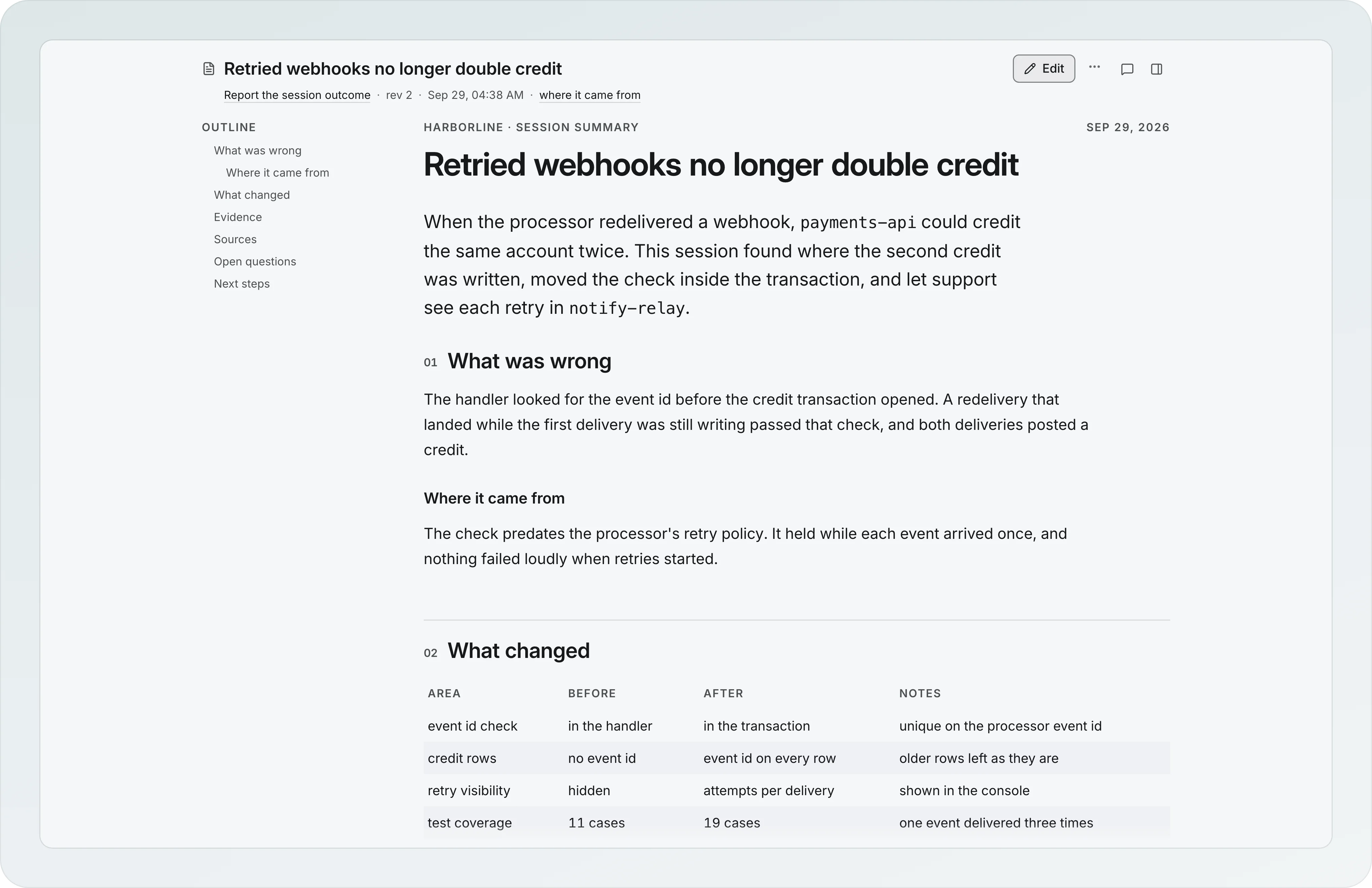
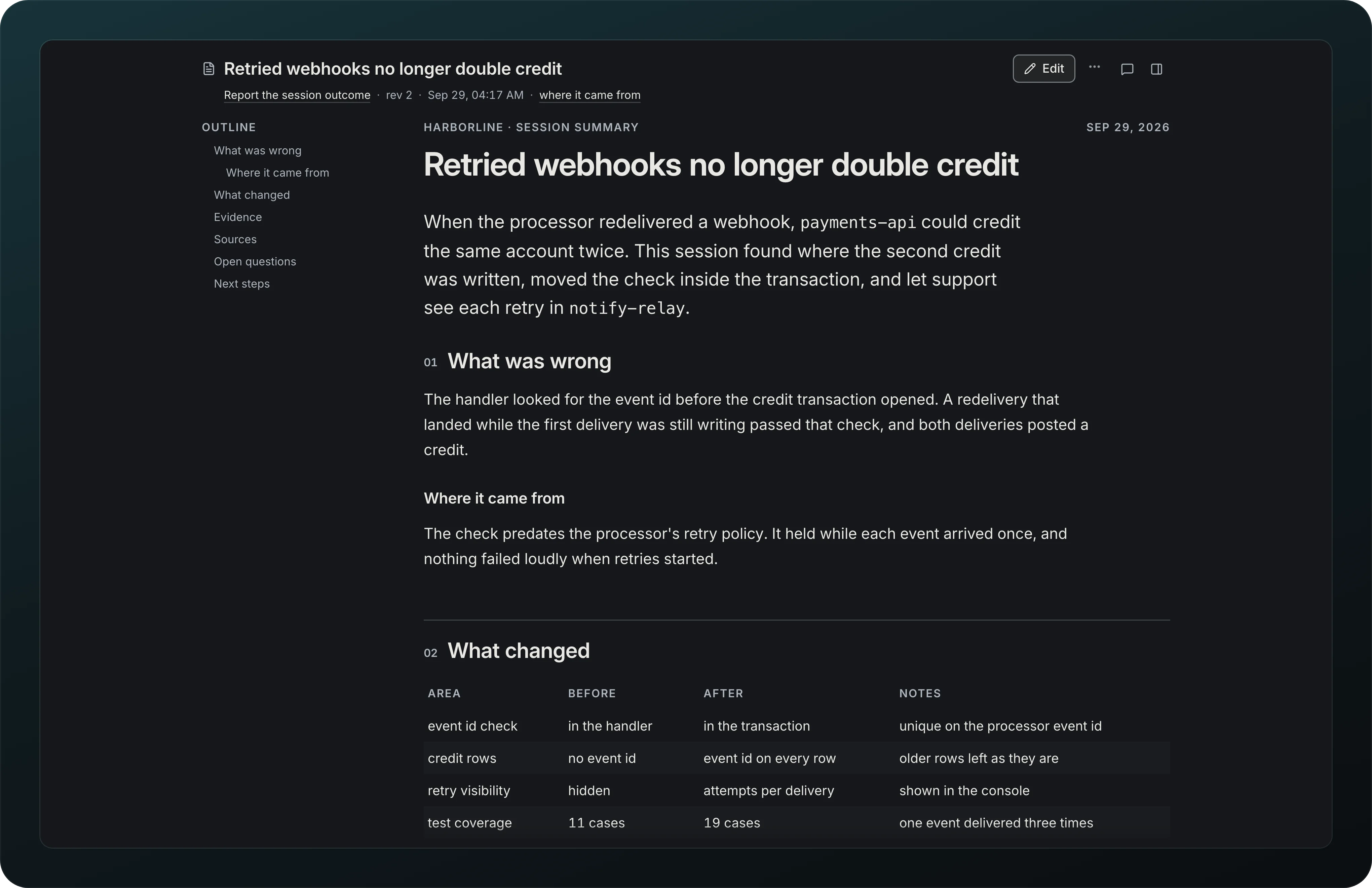
Screenshot from Goodboy 0.13.1
Read a report as one document. The Outline on the left jumps to each section, and Edit changes the text in place. The same file opens in a browser on another machine.
Files on disk
Open any artifact as a folder, in your browser or your file manager. The folder is rewritten on each revision and follows renames.
Create a wireframe
Screenshot from Goodboy 0.13.1
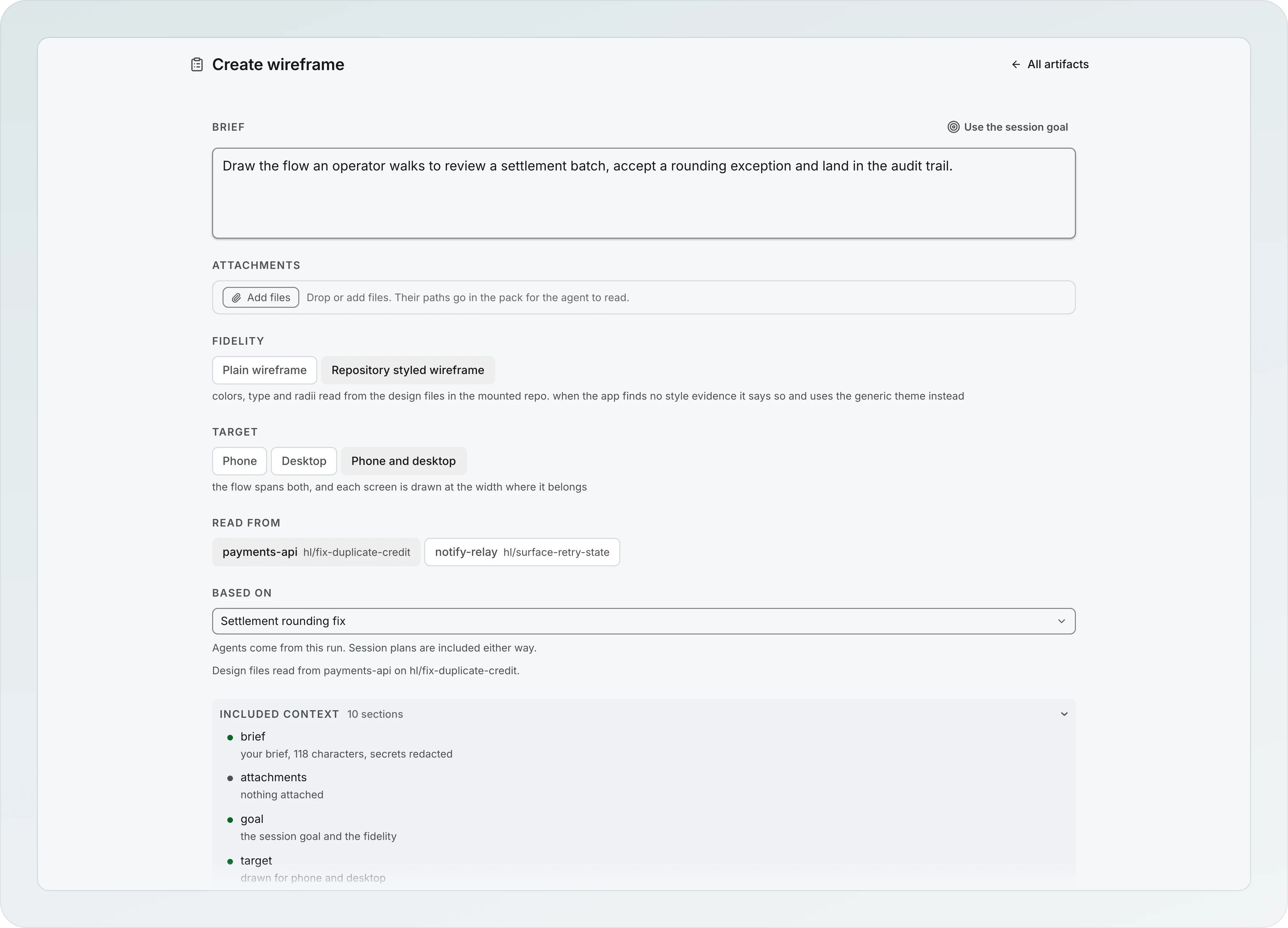
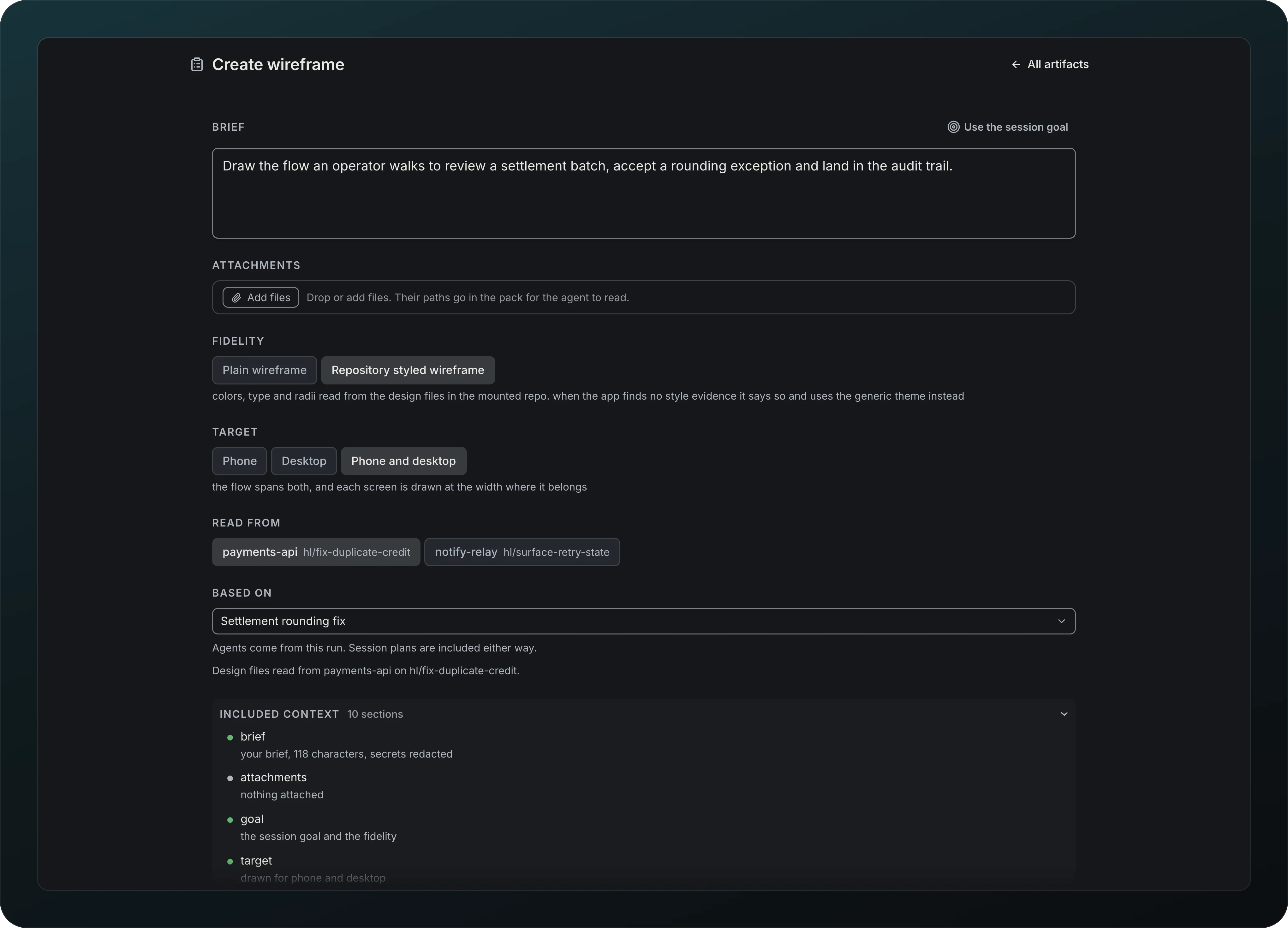
Describe the screen in a Brief, add Attachments, and choose the Fidelity (Plain wireframe or Repository styled wireframe) and the Target (Phone, Desktop or Phone and desktop). When the pages cannot be drawn, the viewer says "Couldn't show the pages", keeps the raw message behind Details and offers Retry; the wireframe itself is saved. Read from picks the project branches the agent looks at, and Included context lists exactly what goes in the pack.
Wireframes scouted first
Screenshot from Goodboy 0.13.1
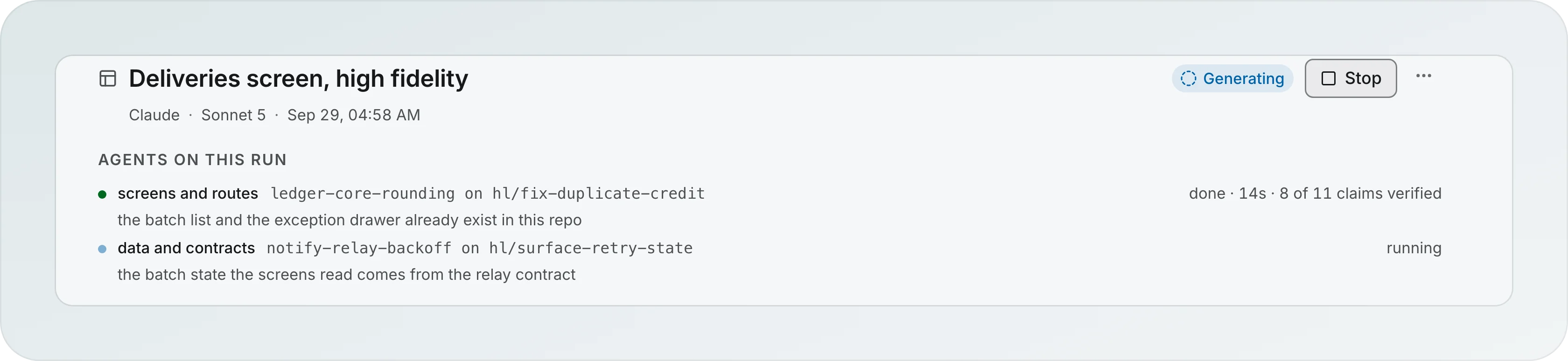
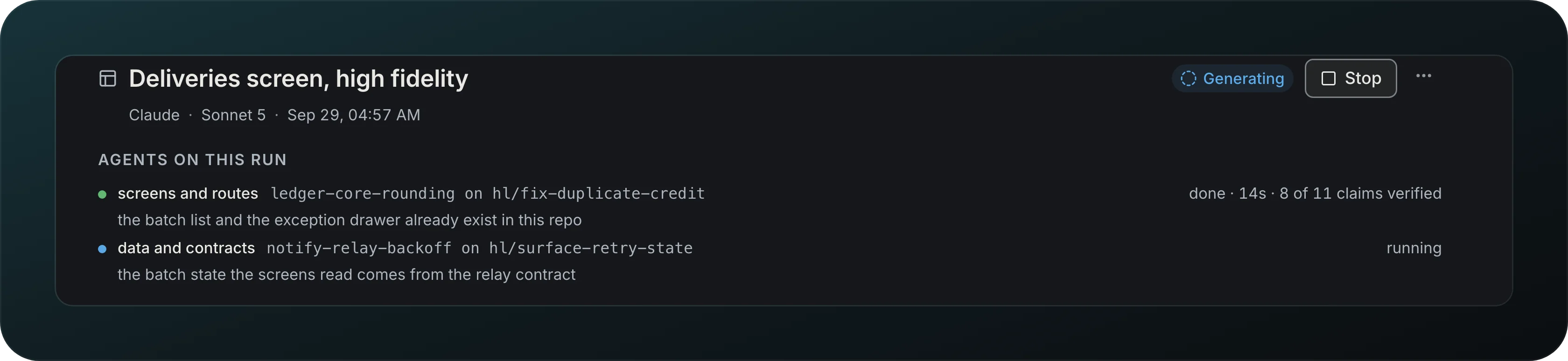
Get wireframes that start from your code. Before drawing, two scouts read the repo, one for screens and routes and one for data and contracts. Each claim they make has to cite a file that exists, and the run shows how many were verified. Stop ends the run.
Wireframe versions
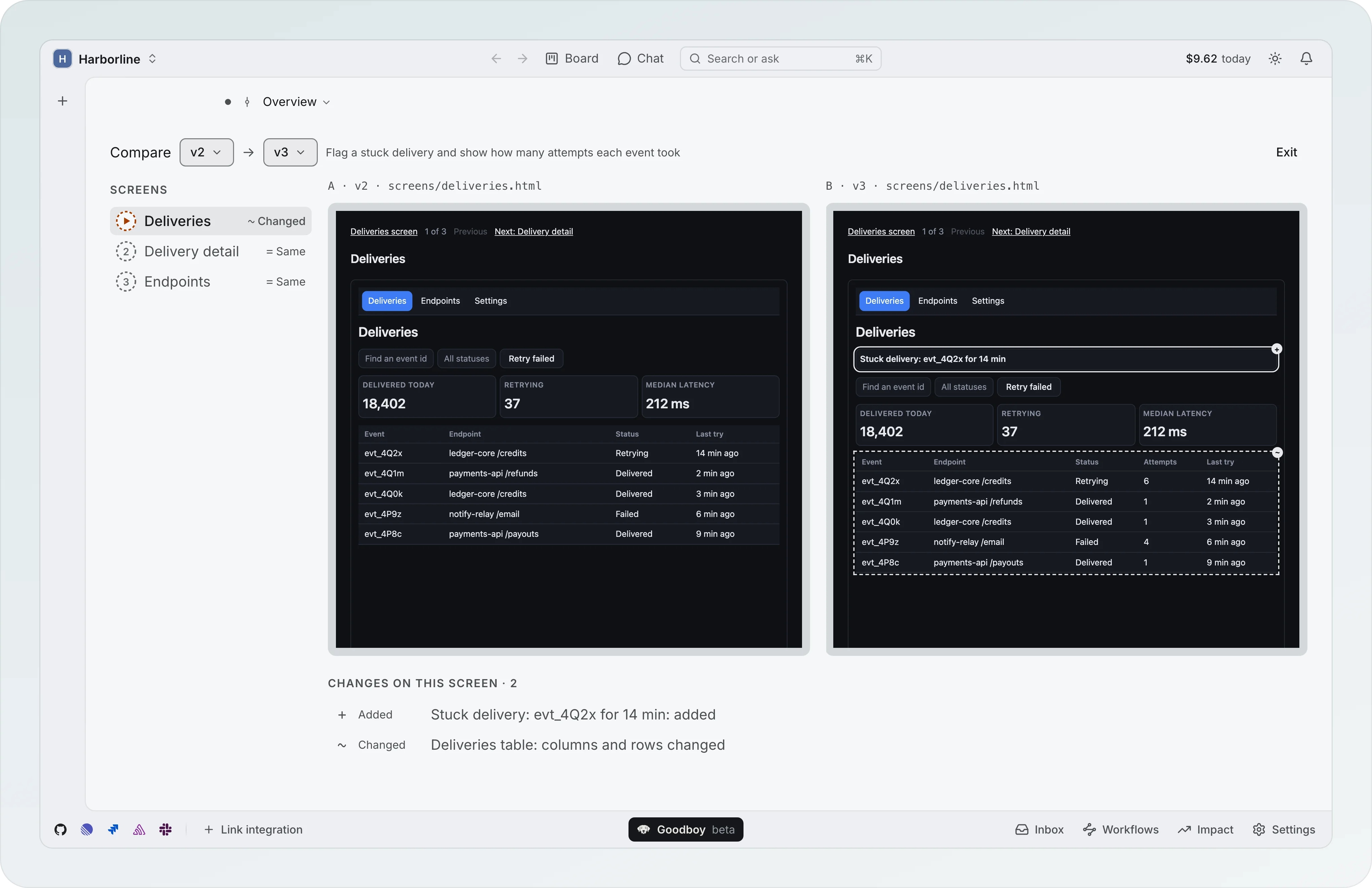
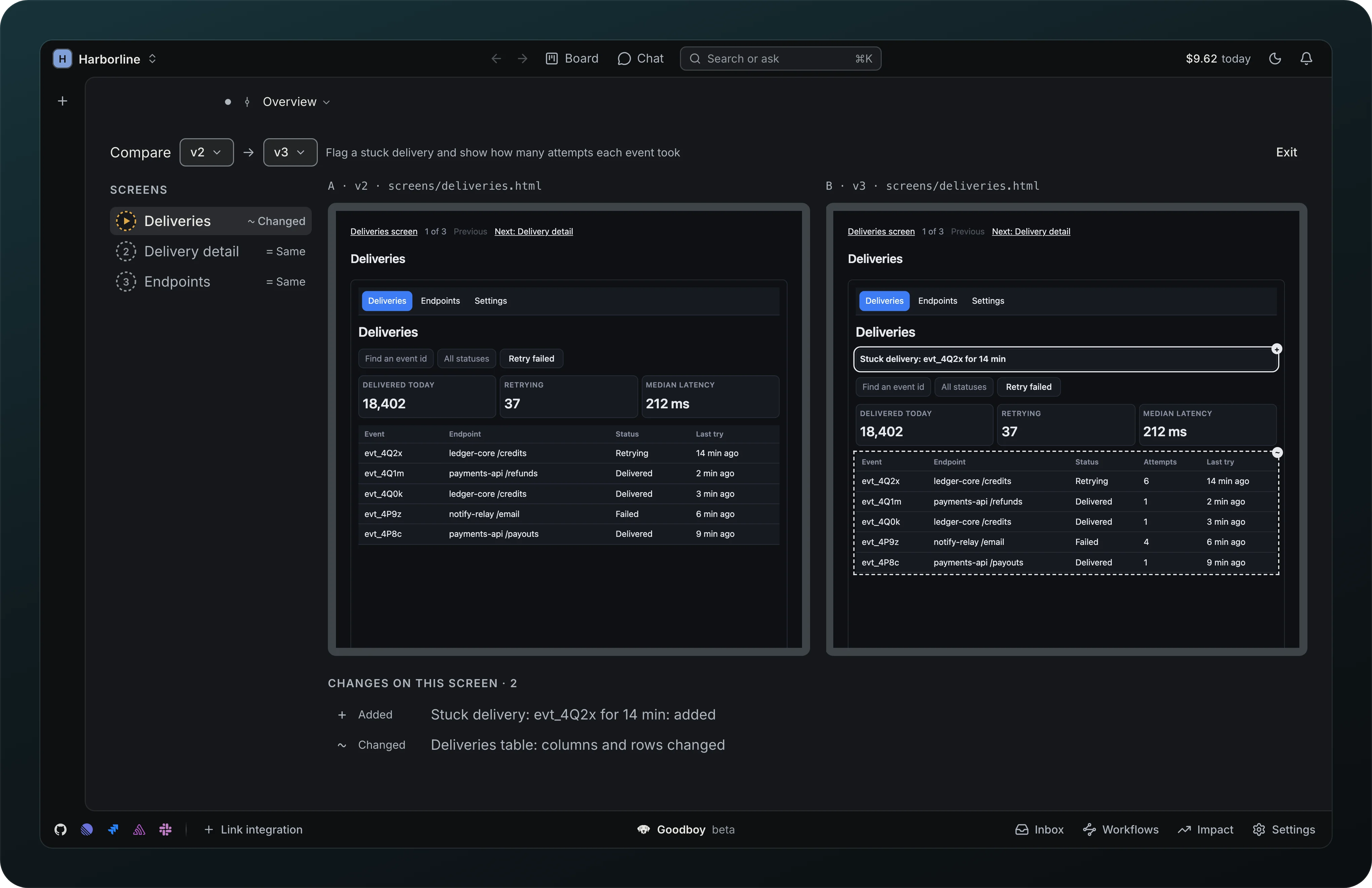
Go back to any wireframe version with View, Compare and Restore.
Compare
Screenshot from Goodboy 0.13.1
See what changed between two wireframe versions side by side. Pick the versions at the top, pick a screen on the left, and read the change list underneath. The added banner and the changed table are outlined in the right frame.
Ask for a change
Point at what you want changed: pick elements on the wireframe, choose this screen or all screens, and ask.
Import wireframe JSON
Bring in a wireframe made elsewhere, with a preview of any fixes before it lands.
Revisions and Restore
Bring back an earlier plan, report or wireframe as a new revision, with its author, without losing the later ones.
Save a copy and New variant
Export a wireframe as a folder of pages, or redraw it at the other fidelity.
An unread Artifacts list shows loading rows under its heading. A failed initial read offers Retry and Details. Refreshing keeps the last loaded artifacts.